
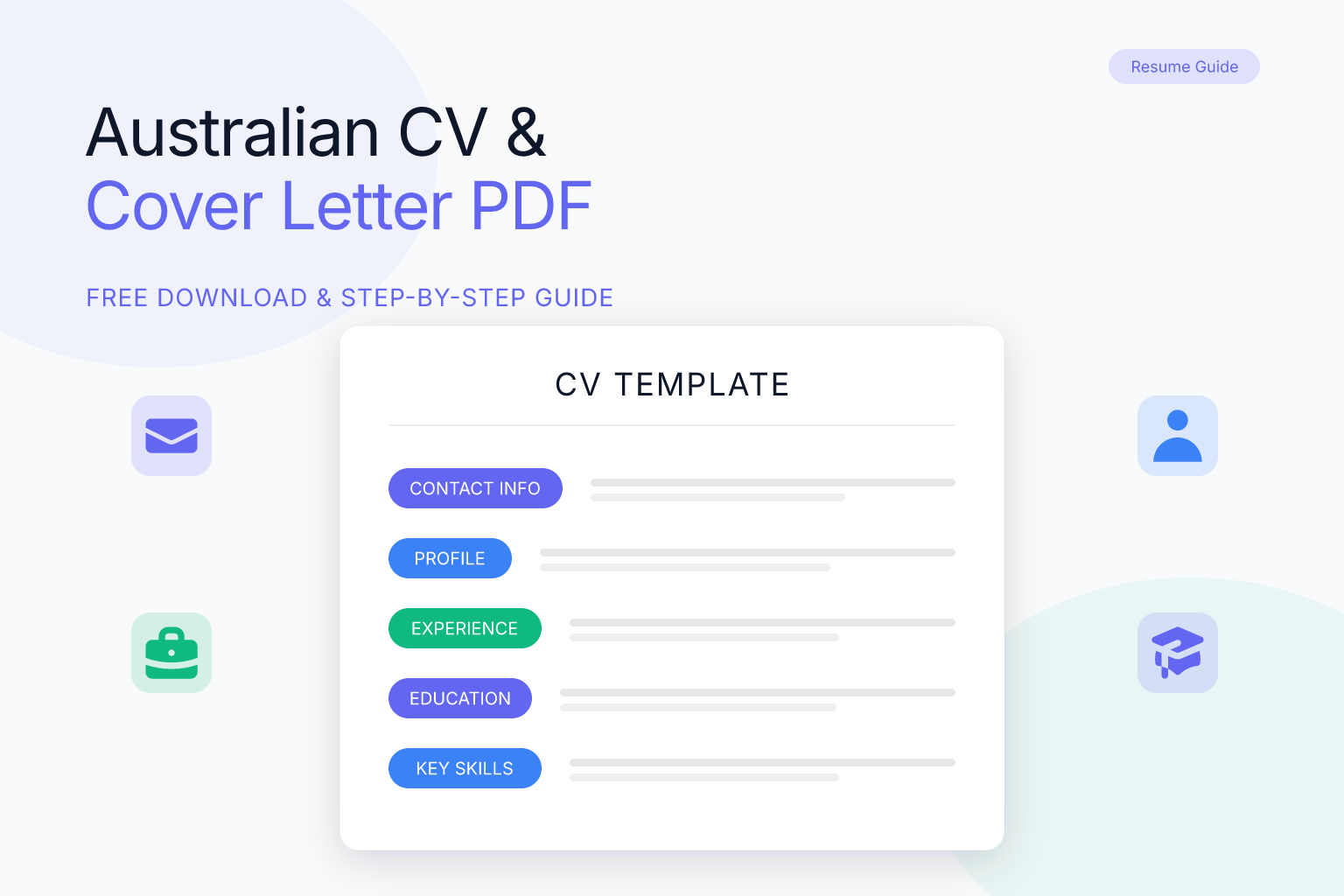
Australian Format CV and Cover Letter PDF: Free Download & Writing Guide
If you’re applying for jobs in Australia, you need a CV and cover letter in the Australian format — and most employers expect them as a clean, professional PDF. The Australian job market has its own conventions, from the length of your CV to the way you address selection criteria. This guide breaks down exactly how to structure both documents, how to combine them into a single PDF, and where to find free templates you can download and customise right now.
Key Takeaways
- An Australian CV is typically 2–3 pages, uses reverse-chronological order, and includes a professional summary, work history, education, and skills — no photo, no date of birth.
- A cover letter should be one page, tailored to the role, and address the key selection criteria from the job ad.
- You can combine your CV and cover letter into a single PDF for easy submission, but always check the employer’s instructions first.
- Free tools like ResumeMate let you build an ATS-friendly CV and cover letter, then download them as a single PDF — no design skills needed.
- Always name your PDF file professionally (e.g.,
John_Doe_CV_Cover_Letter.pdf) and avoid scanned or image-based PDFs that confuse applicant tracking systems.
Summary Table
| What to Do | Why It Matters | Time |
|---|---|---|
| Use a clean, single-column layout | Modern ATS parse text-based PDFs reliably; single-column avoids parsing errors | 5 minutes |
| Tailor your CV and cover letter to each job | Generic applications are rejected by most recruiters | 20–30 minutes per role |
| Combine CV and cover letter into one PDF | Prevents file mix-ups and shows you can follow instructions | 2 minutes |
| Check your CV’s ATS score before sending | Identifies formatting issues that could block your application | 2 minutes with a free checker |
| Include a professional email and phone number | Missing contact details mean you’ll never hear back | 1 minute |
What Makes an Australian CV Different?
An Australian CV is not the same as a US resume or a UK CV. While the terms “CV” and “resume” are used interchangeably in Australia, the document itself follows distinct local conventions. Here’s what sets it apart:
- Length: 2–3 pages is standard for most professionals. Graduates or early-career applicants can stick to 2 pages; senior roles may extend to 4, but never more than 5.
- Personal details: Include your name, phone number, email, and LinkedIn profile. Do not add a photo, date of birth, marital status, or religion — anti-discrimination laws make these irrelevant and potentially harmful.
- Professional summary: A 3–4 line paragraph at the top that summarises your experience, key skills, and career goals. Think of it as your elevator pitch.
- Work history: Reverse-chronological order (most recent job first). For each role, list your job title, employer, dates, and 3–5 bullet points of achievements — not just duties.
- Education: List qualifications with institution, degree, and year completed. Only include high school if you have no tertiary education.
- Skills: A short bullet list of hard and soft skills relevant to the role. Avoid generic filler like “Microsoft Word”.
- Referees: Optional. You can write “Referees available upon request” or list two professional referees with their contact details (after getting their permission).
Australian employers also value local experience, so if you’ve worked or volunteered in Australia, highlight it. If you’re an international applicant, mention your visa status and work rights clearly — this is one of the few personal details that is expected.
Australian CV Format: Section-by-Section Breakdown
Here’s exactly how to structure each section of your Australian CV, with examples you can adapt.
1. Contact Details
Place your name in bold at the top, followed by your phone number, professional email address, and LinkedIn URL. If you’re in Australia, include your city and state (e.g., “Melbourne, VIC”). If applying from overseas, you can add your country and note your eligibility to work.
2. Professional Summary
Write 3–4 lines that answer: Who are you? What have you achieved? What can you do for this employer? For example:
“Results-driven marketing manager with 7 years of experience in digital campaign strategy and team leadership. Increased organic traffic by 140% for a national retail brand. Seeking to leverage data-driven marketing skills at XYZ Company to drive customer acquisition.”
3. Work Experience
List each role with:
- Job title
- Company name and location
- Dates (month and year)
- 3–5 bullet points starting with action verbs and quantifying results where possible
Example:
Digital Marketing Manager | ABC Retail, Sydney NSW | March 2021 – Present
- Led a team of 4 to execute multi-channel campaigns, boosting online sales by 32% year-on-year.
- Reduced cost-per-acquisition by 18% through A/B testing and audience segmentation.
- Implemented a CRM migration that improved lead nurturing efficiency by 25%.
4. Education
List your highest qualification first. Include the degree name, institution, and year of completion. You can add relevant coursework or academic achievements if you’re a recent graduate.
5. Skills
Create a concise list of 6–10 skills that match the job description. Separate hard skills (e.g., “Python, SQL, Adobe Creative Suite”) from soft skills (e.g., “stakeholder management, cross-functional collaboration”).
6. Additional Sections (Optional)
- Volunteer work: Highly valued in Australia; shows community engagement.
- Professional memberships: e.g., CPA Australia, Engineers Australia.
- Languages: Only if relevant to the role.
How to Write an Australian Cover Letter
An Australian cover letter is a one-page document that introduces you, explains why you’re a fit, and addresses the selection criteria. It should never repeat your CV — instead, it tells the story behind your achievements.
Structure of an Australian Cover Letter
- Your contact details at the top (same as your CV).
- Date and employer’s details: Include the hiring manager’s name, title, company, and address if known. If you don’t have a name, use “Hiring Manager”.
- Salutation: “Dear [Name]” or “Dear Hiring Manager”.
- Opening paragraph: State the role you’re applying for, where you saw it, and a hook that summarises your fit.
- Body paragraphs (2–3): Address the key selection criteria. Use the STAR method (Situation, Task, Action, Result) to give concrete examples. For instance, if the ad asks for “strong project management skills”, describe a project you led, the challenges, your actions, and the outcome.
- Closing paragraph: Reiterate your interest, mention your attached CV, and thank the reader.
- Sign-off: “Yours sincerely” if you used a name, “Yours faithfully” if not. Then your name and phone number.
Example Opening
Dear Ms. Chen,
I am writing to apply for the Senior Accountant position at XYZ Financial Services, as advertised on Seek. With over 8 years of experience in tax compliance and financial reporting within mid-tier firms, I have consistently delivered accurate, timely results for clients across the property and healthcare sectors. I am confident I can bring the same rigour and client focus to your team.
For more detailed examples, check out our cover letter templates by role.
Should You Combine CV and Cover Letter into One PDF?
Many Australian employers ask for a single PDF containing both your CV and cover letter. Even when they don’t explicitly request it, combining them can be a smart move. Here’s why:
- It prevents file mix-ups. Recruiters receive hundreds of applications. A single file ensures your cover letter isn’t separated from your CV.
- It looks professional. A merged PDF shows you’ve paid attention to detail and can follow instructions.
- It’s easier for ATS. Some applicant tracking systems handle one file better than multiple uploads, though this varies.
However, always read the job ad carefully. If the employer says “attach your CV and cover letter as separate documents”, do exactly that. When in doubt, a single PDF is the safer default in Australia.
If you’re using ResumeMate’s free resume builder, you can create your CV and cover letter, then download them as a single, ATS-optimised PDF. The tool handles formatting so you don’t have to worry about inconsistent fonts or broken layouts.
How to Attach a Cover Letter to a CV
This is one of the most common questions from job seekers: “How do I attach my cover letter to my CV?” The answer depends on whether you’re submitting online or via email.
For Online Applications (Seek, LinkedIn, Company Portals)
Most platforms let you upload multiple files. If the portal has separate fields for “Resume/CV” and “Cover Letter”, upload them individually. If there’s only one upload field, combine them into a single PDF first.
To combine files:
- Create your CV and cover letter as separate documents (Word, Google Docs, or directly in a builder).
- Convert both to PDF.
- Use a free tool like Adobe Acrobat online, Smallpdf, or your browser’s print function to merge them. Place the cover letter first, then the CV.
- Save the merged file with a clear name:
Firstname_Lastname_CV_Cover_Letter.pdf.
For Email Applications
If you’re emailing your application, you have two options:
- Attach a single PDF containing both documents, and write a brief, professional email body (not a full cover letter).
- Attach the CV as a PDF and paste the cover letter into the email body. This is common when the employer asks for the cover letter in the email itself.
Never send a Word document unless specifically requested. PDFs preserve your formatting and are universally accessible. For more on this, read our guide on cover letter email body vs. attached.
Free Australian CV and Cover Letter Templates
You don’t need to start from a blank page. Several free resources offer Australian-format templates you can download and customise.
1. ResumeMate Free Resume Builder
ResumeMate’s AI-powered builder creates a professional, ATS-friendly CV in minutes. You choose a template (most are single-column, the safest for ATS), fill in your details, and the tool formats everything. You can also write a matching cover letter and download both as a single PDF — completely free. No design skills required, and no watermarks.
Build your free Australian CV now →
2. Government and University Resources
- Australian Government’s Job Jumpstart website offers free CV and cover letter templates aligned with local expectations.
- Many Australian universities (e.g., University of Melbourne, UNSW) provide downloadable templates for students and alumni — these are often publicly accessible.
3. Microsoft Word and Google Docs
Both have built-in resume templates. Search for “Australian CV” or “resume” in the template gallery. Be cautious: some templates use tables or columns that can confuse ATS. Stick to simple, single-column designs. After editing, always export as PDF.
Before you send any template-based CV, run it through a free ATS checker. ResumeMate’s resume score checker scans your PDF and gives you a section-by-section report on what’s working and what might block parsing.
Common Mistakes to Avoid
Even a well-written CV can fail if you make these common mistakes. Australian recruiters are quick to dismiss applications that don’t follow local conventions, so it’s worth double-checking your documents before you hit send.
- Using a US-style resume: One-page resumes are not the norm in Australia. You’ll look underqualified if you cram everything onto one page. Instead, use 2–3 pages to give a full picture of your experience.
- Including a photo or personal details: This can lead to unconscious bias and is strongly discouraged. Australian anti-discrimination laws mean employers don’t expect or want to see your photo, age, or marital status.
- Writing a generic cover letter: Australian hiring managers can spot a copy-paste job instantly. Always address the selection criteria with specific examples from your work history.
- Saving as a Word document: Unless the employer asks for it, always send a PDF. Word files can shift formatting and look unprofessional, especially when opened on different devices.
- Ignoring keywords: Many Australian companies use ATS. If your CV doesn’t contain the right keywords from the job ad, it may never be seen by a human. Tailor your CV for each application.
- Forgetting to update your contact details: An old phone number or unprofessional email address (e.g., partyguy@email.com) will cost you interviews. Use a simple firstname.lastname@email.com format.
Taking a few extra minutes to avoid these errors can dramatically improve your chances of landing an interview.
How to Tailor Your CV and Cover Letter for Australian Employers
Tailoring is the single most effective way to increase your interview rate. Here’s a step-by-step process:
- Print the job ad and highlight every skill, qualification, and experience mentioned.
- Match your CV’s professional summary to the role’s top requirement. If the ad emphasises “team leadership”, make sure your summary mentions it.
- Reorder your bullet points so the most relevant achievements appear first under each role.
- Incorporate exact phrases from the ad into your skills section and work history. If they ask for “stakeholder engagement”, use that phrase — not “client communication”.
- For the cover letter, pick 2–3 key selection criteria and address each with a STAR example. Don’t try to cover everything; depth beats breadth.
- Check your ATS score after tailoring. A free tool like ResumeMate’s score checker will tell you if your PDF is readable and if you’ve included enough relevant keywords.
If you’re applying for a role with no public job posting, the approach is slightly different. Read our guide on what to put in a cover letter when there is no job posting for a full walkthrough.
Frequently Asked Questions
Q: What is the standard Australian CV format?
A: The standard Australian CV is 2–3 pages, reverse-chronological, and includes contact details, a professional summary, work experience, education, and skills. It does not include a photo, date of birth, or marital status. A single-column layout is safest for ATS compatibility.
Q: How long should an Australian CV be?
A: For most professionals, 2–3 pages is ideal. Graduates can use 2 pages; senior executives may extend to 4 pages. One-page resumes are not the norm in Australia and can make you appear underqualified.
Q: Should I include a photo on my Australian CV?
A: No. Including a photo is not standard practice in Australia and can introduce unconscious bias. The same applies to date of birth, marital status, and religion. The only personal detail beyond contact information that is sometimes expected is your visa or work rights status if you’re not a citizen.
Q: How do I attach a cover letter to a CV in PDF?
A: Create both documents, convert them to PDF, then use a free online tool or your browser’s print function to merge them into a single file. Place the cover letter first, then the CV. Save the file as Firstname_Lastname_CV_Cover_Letter.pdf and upload it where the application portal asks for your resume.
Q: Can I use a US resume format in Australia?
A: It’s not recommended. US resumes are typically one page, omit a professional summary, and often include a photo (though that’s changing). Australian employers expect a 2–3 page CV with a summary and no photo. Using a US format can signal that you haven’t researched local norms.
Q: What is the difference between a CV and a resume in Australia?
A: In Australia, the terms are used interchangeably. Both refer to the same document: a summary of your work history, education, and skills. Unlike in the US, where a CV is a long academic document, an Australian CV is what Americans would call a resume.
Q: Should a cover letter be attached to a CV or written in the email body?
A: It depends on the employer’s instructions. If the job ad says to include a cover letter as an attachment, combine it with your CV into one PDF or attach it separately. If no instruction is given, you can either attach a combined PDF or paste the cover letter into the email body and attach only the CV. When in doubt, a single PDF with both documents is a safe, professional choice.
Track Every Application While You Job Hunt
Stop losing track of where you’ve applied. The ResumeMate Job Tracker is a free Chrome extension that tracks every application, deadline, and follow-up in one place — right from your browser.
