
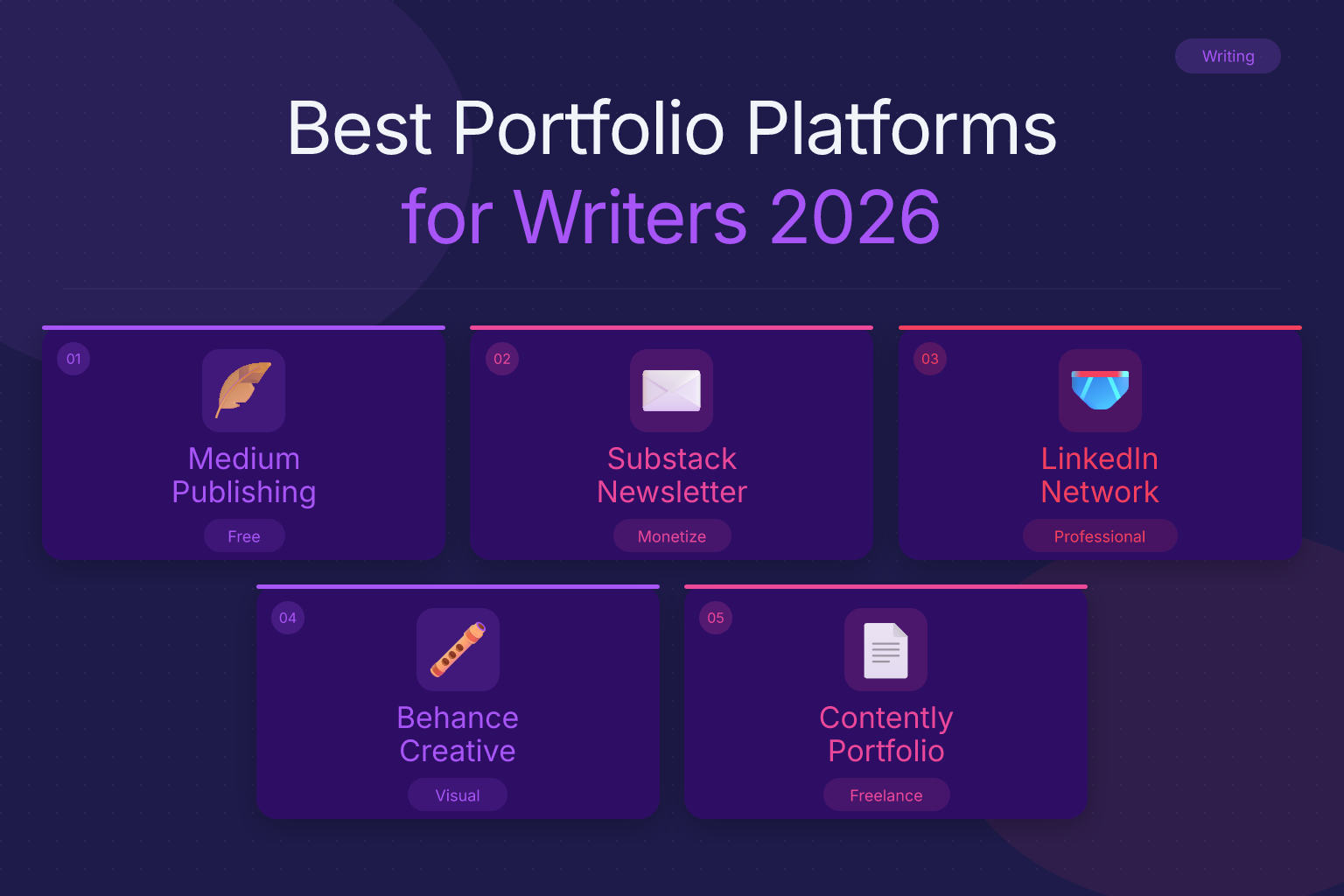
Best Portfolio Platforms for Writers Besides Websites
The best portfolio platforms for writers besides websites let you showcase your work without building a custom site from scratch. You can publish clips, organize samples, and share a professional link in minutes — no coding, hosting, or domain fees required. Whether you’re a freelance journalist, copywriter, content marketer, or fiction author, these platforms give you a polished home for your writing that editors and clients can browse instantly.
Key Takeaways
- Medium, Substack, LinkedIn, Clippings.me, and Journo Portfolio are the most practical portfolio platforms for writers who don’t want to build a website.
- Free tiers on most platforms are enough to start; upgrade only when you need custom domains, analytics, or unlimited samples.
- Choose a platform based on your niche: journalists benefit from Muck Rack, copywriters from Contently, and generalists from Clippings.me or Journo Portfolio.
- Always include a direct link to your portfolio on your resume and in every job application — hiring managers rarely search for it on their own.
- Curate 5–10 of your best pieces with clear context for each, rather than dumping every article you’ve ever written.
| What to Do | Why It Matters | Time |
|---|---|---|
| Pick a platform that matches your writing niche | Editors see relevant work immediately | 30 minutes |
| Curate 5–10 strongest samples with short descriptions | Quality over quantity builds trust | 1–2 hours |
| Write a short, specific bio with your expertise | Shows personality and authority | 30 minutes |
| Add your portfolio link to your resume and LinkedIn | Makes it one click for hiring managers | 10 minutes |
| Update your portfolio every 3–6 months | Keeps your work current and relevant | Ongoing |
What Are the Best Portfolio Platforms for Writers Besides Websites?
When writers say they need a portfolio “besides websites,” they usually mean they want a hosted platform that does the heavy lifting — no domain registration, no theme tweaking, no maintenance. The best options fall into a few categories:
- Publishing platforms with built-in audiences (Medium, Substack) — you publish directly and readers can find you.
- Portfolio builders designed for writers (Clippings.me, Journo Portfolio, Contently) — you upload links or PDFs and get a clean, organized page.
- Professional networks that double as portfolios (LinkedIn, Muck Rack) — your profile itself showcases your work.
Each has trade-offs in customization, discoverability, and cost. Below, I break down the top free and paid choices so you can pick the one that fits your goals.
Why Use a Dedicated Portfolio Platform Instead of a Personal Website?
Building a personal website gives you full control, but it also demands time, money, and ongoing upkeep. A dedicated portfolio platform removes those barriers:
- Setup takes minutes, not days. You can have a live portfolio link within an hour of signing up.
- No technical skills needed. You won’t touch HTML, CSS, or hosting panels.
- Built-in credibility. Many platforms are known to editors and recruiters, so a link to your Clippings.me or Muck Rack profile signals professionalism.
- Free or low-cost. Most platforms have a free tier that’s more than enough for early-career writers.
- Automatic updates. When you publish on Medium or Substack, your portfolio updates itself — no manual uploading.
That said, a personal website still has value if you want complete branding control or plan to sell services directly. For most writers, though, a platform is the faster, cheaper route to a professional online presence. If you later decide to build a site, you can always link it from your platform profile.
Top Free Portfolio Platforms for Writers
These platforms let you create a professional writing portfolio without spending a dime.
1. Medium
Medium is a publishing platform where you can write articles and build a following. Your profile page automatically collects everything you publish, making it a de facto portfolio. You can also import stories from other sites using Medium’s import tool, so your external clips appear alongside your Medium posts.
Best for: Essayists, thought leaders, and writers who want to build an audience while showcasing work. Limitations: Limited design customization; your portfolio looks like every other Medium profile. You also don’t control the domain.
2. Substack
Substack is primarily a newsletter platform, but your publication page doubles as a portfolio. Every post you publish lives on a clean, readable page with your byline and bio. You can also add a “About” page and link to external work.
Best for: Writers who want to grow an email list and demonstrate consistent output. Limitations: The focus is on newsletters, not a curated clip library. You’ll need to manually link to non-Substack work.
3. LinkedIn
LinkedIn’s “Featured” section on your profile lets you pin links to articles, blog posts, or external portfolio pages. You can also publish articles directly on LinkedIn, which then appear on your profile. For many hiring managers, your LinkedIn profile is the first place they look — so treat it as a portfolio.
Best for: Corporate writers, content marketers, and anyone applying to in-house roles. Limitations: Not designed as a visual portfolio; you’re limited to a few featured links and LinkedIn’s own publishing format.
4. Clippings.me (Free Tier)
Clippings.me is built specifically for journalists and writers. The free plan lets you add up to 10 clips, write a bio, and get a clean, mobile-friendly page at clippings.me/yourname. You can link to published articles or upload PDFs of print work.
Best for: Freelance journalists and writers who need a simple, professional clip page. Limitations: Free tier caps at 10 clips and shows Clippings.me branding.
5. Journo Portfolio (Free Trial)
Journo Portfolio offers a 7-day free trial, after which plans start at $5/month. It’s one of the most customizable portfolio builders for writers, with multiple themes, custom domains, and the ability to add text, images, and PDFs. If you want a website-like experience without building a website, this is the closest thing.
Best for: Writers who want design control and are willing to pay a small monthly fee. Limitations: Not free long-term; the trial is short.
6. Contently (Free Portfolio)
Contently is a platform that connects freelance writers with brands, but it also offers a free portfolio builder. You can add clips, write a bio, and get a contently.com/yourname URL. The portfolio is clean and professional, and Contently’s network can surface your profile to potential clients.
Best for: Freelance copywriters and content marketers looking for paid work. Limitations: Less customizable than dedicated portfolio builders; the platform’s job-matching features are limited unless you’re invited to projects.
Paid Portfolio Platforms Worth the Investment
If you’re serious about landing high-paying writing gigs, a paid platform can give you a more polished, branded presence.
Clippings.me Pro ($9.99/month)
The Pro plan removes branding, unlocks unlimited clips, lets you use a custom domain, and adds analytics so you can see who’s viewing your portfolio. For freelance journalists who pitch regularly, the custom domain alone is worth the cost — it makes you look established.
Journo Portfolio Pro ($5–$10/month)
Journo Portfolio’s paid plans start at $5/month for a custom domain and more themes, going up to $10/month for advanced features like password protection and Google Analytics integration. It’s the best option if you want a website-like portfolio without the hassle of a website builder.
Muck Rack (Free for Journalists, Paid for PR)
Muck Rack is a database that PR professionals use to find journalists, but journalists can claim a free profile that acts as a portfolio. You can add articles, social profiles, and contact info. It’s not a traditional portfolio builder, but it’s where many editors and PR people look first.
Best for: Journalists and media professionals who want to be discoverable. Limitations: Limited design control; the free profile is basic.
How to Choose the Right Platform for Your Writing Niche
Not every platform suits every writer. Match your choice to the type of writing you do:
- Journalists and reporters: Clippings.me or Muck Rack. Both are recognized by editors and make it easy to share clips.
- Copywriters and content marketers: Contently or LinkedIn. Contently’s portfolio is clean and client-focused; LinkedIn shows your professional background alongside samples.
- Essayists and thought leaders: Medium or Substack. These platforms help you build an audience while showcasing your voice.
- Fiction and creative writers: A simple Clippings.me or Journo Portfolio page works well, since you can link to published stories or upload excerpts.
- Generalists who write across niches: Journo Portfolio or Clippings.me Pro, because you can organize clips by category and customize the layout.
If you’re unsure, start with a free Clippings.me account. It takes 15 minutes to set up, and you can always migrate to a paid platform later.
Step-by-Step: Setting Up Your Writing Portfolio on Any Platform
Follow these steps to create a portfolio that actually gets you hired.
- Gather your best 5–10 pieces. Choose work that reflects the type of writing you want to do more of. If you’re pivoting from blog posts to white papers, prioritize white papers.
- Write a one-sentence description for each clip. Explain the context: who it was for, what the goal was, and any results (e.g., “Increased email signups by 20%”).
- Write a bio that’s specific, not generic. Instead of “I’m a writer who loves words,” say “I’m a B2B SaaS copywriter specializing in case studies and landing pages for fintech startups.”
- Choose a clean, readable layout. Avoid clutter. Most portfolio platforms offer a simple list or grid view — pick the one that makes your clips easiest to scan.
- Add a professional headshot and contact info. Editors want to know you’re a real person. Include an email address or a contact form.
- Publish and test the link. Open your portfolio in an incognito window to make sure everything loads correctly and links work.
Once your portfolio is live, add the URL to your resume, email signature, and LinkedIn profile. If you’re using ResumeMate’s free AI resume builder, you can include the link in your contact section or as a hyperlink in your summary.
Common Mistakes to Avoid on Your Writing Portfolio
Even a great platform won’t save a sloppy portfolio. Avoid these errors:
- Including every article you’ve ever written. Editors don’t have time to scroll through 50 clips. Curate ruthlessly.
- No context for each piece. A bare link tells the reader nothing. Always add a one-line description.
- Broken or outdated links. Check your portfolio monthly. If a publication removes your article, replace it with a PDF or a new clip.
- A generic bio. Your bio is your pitch. Make it specific to the work you want.
- Ignoring mobile view. Most editors open portfolios on their phones. Test yours on a small screen.
- Forgetting to update after new publications. Add your best new work within a week of publication.
How to Link Your Portfolio to Your Resume and Job Applications
Your portfolio only works if people see it. Here’s how to make it impossible to miss:
- On your resume: Add the portfolio URL under your name or in the contact section. If you’re using a resume builder, most templates let you include a clickable link. For more on this, read our guide on creating a portfolio website for resume links.
- In your email signature: Add a line like “Portfolio: clippings.me/yourname” below your name.
- On LinkedIn: Use the “Featured” section to pin your portfolio link, and mention it in your About section.
- In cover letters and pitches: Include the link in the first paragraph. Don’t make editors hunt for it.
- On job applications: Many application forms have a field for “Website” or “Portfolio.” Always fill it in, even if it’s optional.
If you’re applying to remote writing jobs, check out our list of the 100 best remote job websites to find openings that match your niche.
FAQ
Q: What is the best free portfolio platform for writers?
A: Clippings.me’s free tier is the best starting point for most writers. It gives you a clean, professional page with up to 10 clips and a custom URL, and it’s designed specifically for writers. Medium and LinkedIn are also strong free options if you want built-in discoverability.
Q: Can I use Medium as a writing portfolio?
A: Yes, Medium works well as a portfolio if you publish regularly on the platform. Your profile page automatically collects your articles, and you can import external clips. However, you have limited design control, and your portfolio looks similar to every other Medium user’s page.
Q: Is Substack a good portfolio platform for writers?
A: Substack is excellent if you want to build an email list while showcasing your writing. Your publication page serves as a portfolio, but it’s optimized for newsletters, not a curated clip library. You’ll need to manually link to external work in your About page or individual posts.
Q: How do I create a writing portfolio without a website?
A: Sign up for a free platform like Clippings.me, Contently, or Journo Portfolio (trial). Upload links or PDFs of your best 5–10 pieces, write a short bio, and you’ll have a shareable portfolio URL within an hour. No coding or hosting required.
Q: What do editors look for in a writing portfolio?
A: Editors want to see relevant, recent work that matches the publication’s style and topic. They look for clean formatting, clear context for each clip, and a professional bio. Quality matters more than quantity — 5 strong samples beat 20 mediocre ones.
Q: Should I use LinkedIn as a writing portfolio?
A: LinkedIn is a useful supplement to a dedicated portfolio, especially for corporate and in-house writing roles. Use the Featured section to pin your best clips and publish articles directly on LinkedIn. However, it’s not a replacement for a dedicated portfolio platform if you freelance or pitch publications.
Q: How much does a writing portfolio platform cost?
A: Most platforms have a free tier that’s sufficient for early-career writers. Paid plans range from $5 to $10 per month and typically unlock custom domains, unlimited clips, and analytics. Clippings.me Pro is $9.99/month, and Journo Portfolio starts at $5/month.
Track Every Application While You Job Hunt
Stop losing track of where you’ve applied. The ResumeMate Job Tracker is a free Chrome extension that tracks every application, deadline, and follow-up in one place — right from your browser.
