
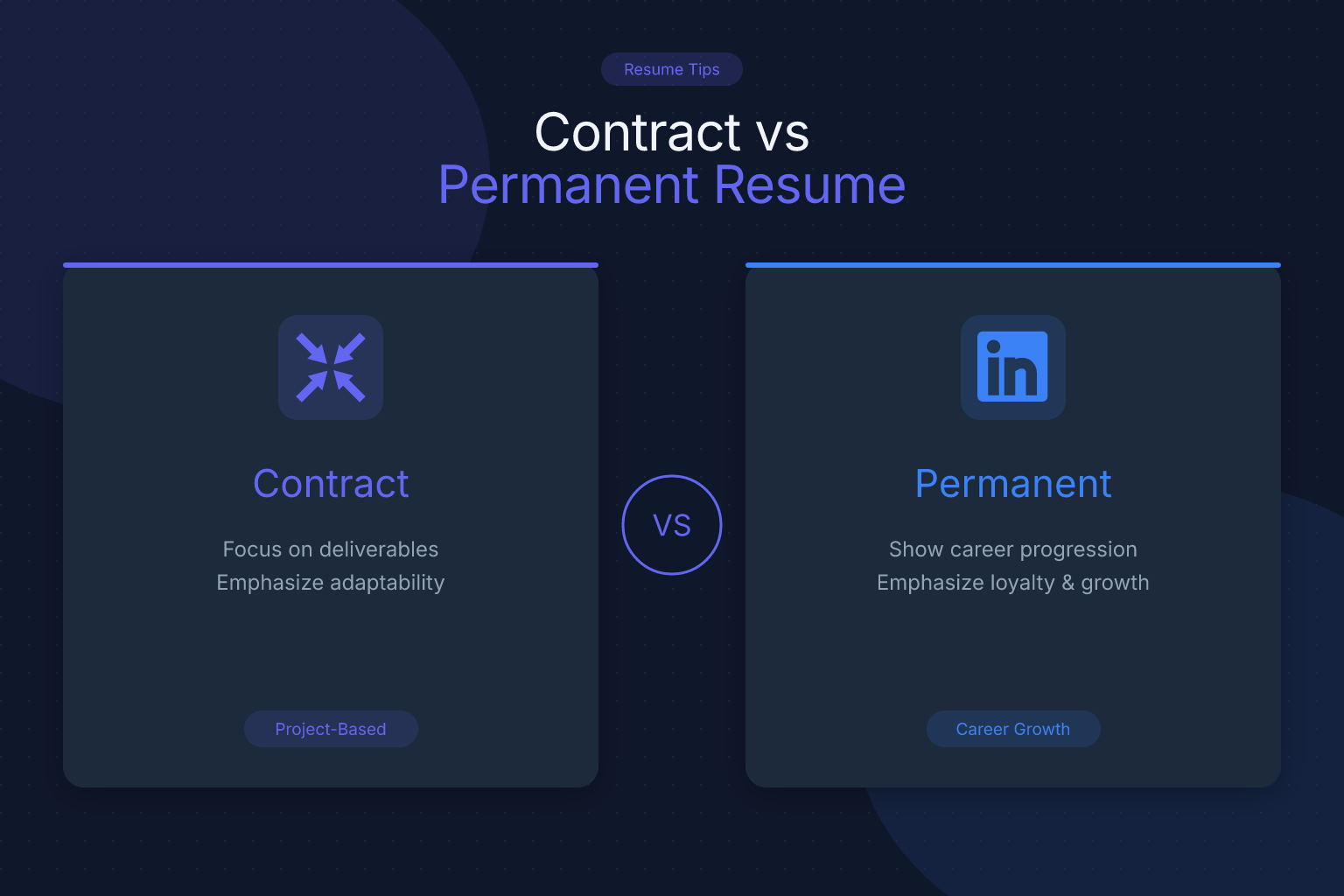
Contract vs Permanent Resume: How to Tailor Your CV
Understanding the contract vs permanent resume differences is crucial if you’ve worked both types of roles — your resume must reflect the distinct expectations of each. Recruiters look for distinct signals depending on the type of role they’re filling, and a one-size-fits-all resume can make you look like a poor fit for both. This guide breaks down exactly how to tailor your resume for contract versus permanent positions, with examples, formatting tips, and ATS advice you can use today.
Key Takeaways
- Contract resumes should emphasize project-based achievements, specific deliverables, and the ability to hit the ground running, while permanent resumes highlight long-term impact, growth, and cultural fit.
- Structure matters: contract resumes often use a project-based or hybrid format; permanent resumes stick to a traditional reverse-chronological layout.
- Keywords differ — contract roles need niche, tool-specific terms; permanent roles need broader industry and soft-skill keywords.
- Always be honest about employment type, but frame contract work as intentional and valuable, not as a gap filler.
- Use a free ATS resume checker to ensure your tailored resume parses correctly for each type of role.
| What to Do | Why It Matters | Time to Implement |
|---|---|---|
| Choose the right resume structure (chronological vs. project-based) | Contract recruiters scan for recent, relevant projects; permanent recruiters look for career progression | 10 minutes |
| Write a targeted summary that matches the role type | A contract summary should state availability and niche expertise; a permanent summary should show career goals and cultural alignment | 15 minutes |
| List contract roles under a consolidated “Consulting” or “Contract” section if you have many short stints | Prevents the job-hopper label and highlights breadth of experience | 5 minutes |
| Adjust keywords for each application | Contract roles need specific tools/methodologies; permanent roles need leadership, collaboration, and long-term impact terms | 20 minutes per application |
| Include a “Projects” section for contract work | Demonstrates deliverables and results without cluttering the employment timeline | 15 minutes |
Understanding the Two Career Paths: Contract vs Permanent
Before you change a single bullet point, you need to understand what hiring managers look for in contract vs permanent resume differences. The mindset is completely different.
Permanent roles are about long-term investment. Companies want to see that you’ll grow with the organization, contribute to team culture, and deliver consistent results over years. Your resume should tell a story of progression — how you moved from junior to senior, how you mentored others, how you improved processes that outlasted your tenure.
Contract roles are about immediate impact. A company brings you in to solve a specific problem, fill a temporary skills gap, or deliver a defined project. They don’t care as much about your five-year plan. They want to know: can you do this exact thing, starting day one, with minimal hand-holding?
This fundamental difference shapes everything from your resume format to the verbs you choose. A permanent resume might say, “Led a team of five engineers over three years to reduce system downtime by 40%.” A contract resume might say, “Deployed Kubernetes cluster for microservices migration, completing the project 2 weeks ahead of schedule.” Same person, different framing.
Resume Structure: Chronological vs. Project-Based Formats
The most visible contract vs permanent resume difference is the structure. Permanent roles almost always call for a traditional reverse-chronological resume. Contract roles give you more flexibility — and using the wrong format can hurt you.
Permanent Resume Structure
- Reverse-chronological order with clear dates, job titles, and company names.
- Focus on career progression: show promotions, increasing responsibility, and long-term impact.
- Each role gets 3–5 bullet points highlighting achievements, not just duties.
- Education and certifications appear near the top if relevant to the industry.
Contract Resume Structure
- Hybrid or project-based format often works better. You can group multiple short-term contracts under a “Consulting & Contract Engagements” section, then list individual projects with client names and dates.
- Alternatively, use a functional resume that organizes experience by skill area — but be cautious: many ATS systems and recruiters dislike pure functional formats because they obscure employment gaps. A hybrid approach (skills summary followed by a concise chronological list) is safer.
- Include a “Key Projects” section to showcase deliverables, technologies used, and measurable outcomes.
- If you’re targeting another contract role, lead with your most recent, relevant project — even if it’s not the most recent job chronologically.
For more on choosing the right resume format, see our guide on resume objective vs summary: key differences and when to use each. The same principle applies: your opening section must match the role type.
How to Present Your Work History for Each Type
Recruiters spend an average of 6–7 seconds on an initial resume scan. How you present your work history determines whether they see “reliable long-term employee” or “agile problem-solver.”
For Permanent Roles
- Stability is key. If you have a mix of permanent and contract roles, lead with permanent positions. If you’ve been contracting for a while, consider adding a brief note: “Completed 2-year contract engagement” to show you weren’t fired after three months.
- Show growth within each role. Use bullet points that demonstrate increasing responsibility: “Promoted from Analyst to Senior Analyst within 18 months.”
- Highlight retention and team contributions. Mention mentoring junior staff, leading initiatives, or improving processes that are still in use.
For Contract Roles
- Lead with results, not tenure. Instead of “Worked as a contractor from Jan–Mar 2025,” write “Migrated 500+ users to Salesforce CRM in a 3-month contract, achieving 99% data integrity.”
- Group short contracts. If you’ve done five 2-month gigs, don’t list them as separate entries that make you look like a job hopper. Consolidate under “Independent Consultant” or “Contract Software Developer” with a summary of the types of projects you delivered.
- Be transparent. Never try to hide contract work as permanent. Background checks will reveal the truth, and it damages trust. Instead, frame it positively: “Selected for a 6-month contract to lead the ERP implementation.”
Skills and Keywords: What to Emphasize
ATS software scans for keywords that match the job description. The contract vs permanent resume differences extend to which keywords you should prioritize.
Contract Role Keywords
- Niche technical skills: specific programming languages, certifications (PMP, CISSP, AWS), tools (JIRA, Tableau, SAP).
- Methodologies: Agile, Scrum, Lean, Six Sigma.
- Action verbs: delivered, deployed, configured, migrated, integrated, troubleshot.
- Availability signals: “Available for immediate start,” “Open to 3–6 month contracts,” “Willing to travel 50%.”
Permanent Role Keywords
- Soft skills: leadership, collaboration, mentorship, stakeholder management, strategic planning.
- Long-term impact: “reduced costs by 20% over 2 years,” “improved employee retention by 15%.”
- Cultural fit terms: look at the company’s values page and mirror their language (e.g., “customer-obsessed,” “innovation-driven”).
- Career progression: promoted, advanced, selected for, entrusted with.
Run your resume through a free ATS resume score checker to see if you’re hitting the right keywords for each application. It gives section-by-section feedback so you can adjust before submitting.
The Objective or Summary Statement
Your summary is the first thing a recruiter reads. It must immediately signal which path you’re on.
Permanent Role Summary Example
“Results-driven marketing manager with 8+ years of experience building brands in the SaaS industry. Proven track record of leading cross-functional teams, launching products that generated $12M in annual revenue, and mentoring junior marketers. Seeking a permanent role where I can contribute to long-term growth and strategy.”
Contract Role Summary Example
“Senior DevOps engineer specializing in cloud migration and CI/CD pipeline automation. Available for contract engagements starting March 2026. Recent projects include migrating a 200-server infrastructure to AWS in 4 months and reducing deployment times by 70%. Open to remote or on-site contracts nationwide.”
Notice the differences: the permanent summary emphasizes career arc and team leadership; the contract summary emphasizes immediate availability, specific technical skills, and project-based results. For more on crafting summaries, read our breakdown of resume objective vs summary.
Handling Employment Gaps and Overlapping Roles
Contract work often creates gaps between gigs or overlapping dates if you juggle multiple clients. Permanent resumes rarely have this issue, so how you handle it is a key contract vs permanent resume difference.
For Contract Resumes
- Use months, not just years. “March 2025 – June 2025” looks intentional; “2025” looks like you’re hiding something.
- Explain gaps briefly. A one-line note like “Completed contract; took 2 months for professional development and certification” removes doubt.
- Overlapping roles are fine if you were consulting for two clients simultaneously. List them separately and note “concurrent contract” if needed.
- Include a “Career Break” section if you took time off for family, travel, or study. Frame it as a deliberate choice that added skills.
For Permanent Resumes
- Gaps are scrutinized more heavily. If you have a gap longer than 3 months, address it proactively in your cover letter or summary. Don’t leave the recruiter guessing.
- Avoid listing contract work as permanent to fill gaps. Instead, show how contract work kept your skills sharp: “Completed 3 contract assignments in data analytics while seeking the right permanent opportunity.”
If you’re worried about gaps, our guide on how to list volunteer work on a resume with no experience offers strategies for filling space with meaningful activities that demonstrate skills.
ATS Optimization for Contract vs Permanent Resumes
Both resume types need to pass ATS screens, but the optimization tactics differ slightly.
Universal ATS Rules
- Use a single-column layout. Most ResumeMate templates are single-column, which is the safest choice for ATS parsing. Multi-column formats can confuse older systems, though modern ATS often handle them. When in doubt, go single-column.
- Stick to standard fonts like Arial, Calibri, or Helvetica. Read our tested guide on the best resume fonts for ATS for specifics.
- Save as a text-based PDF. ResumeMate exports clean, ATS-safe PDFs. Avoid scanned or image-based PDFs, which are unreadable. DOCX is only necessary if a specific portal explicitly requests it.
Contract-Specific ATS Tips
- Front-load technical keywords in a “Core Competencies” or “Technical Skills” section. Recruiters searching for “Kubernetes contractor” need to see that term immediately.
- Use standard job titles. If your contract was for a “Cloud Ninja” role, list it as “Cloud Engineer (Contract)” with the official title in parentheses if needed.
- Include contract duration in the job title or first bullet. ATS may not parse a separate “Contract” label, so “Salesforce Administrator (6-Month Contract)” helps both the system and the human.
Permanent-Specific ATS Tips
- Mirror the job description’s language. If the posting says “cross-functional collaboration,” use that exact phrase, not “worked with other teams.”
- Don’t overstuff keywords. ATS algorithms are sophisticated enough to detect keyword stuffing. Use terms naturally in context.
- Include a “Professional Development” section with relevant courses, certifications, and conferences. This signals long-term commitment to growth.
For a deeper dive into what ATS actually do and don’t do, check out our ATS myths vs facts article with recruiter quotes.
Common Mistakes to Avoid
Even experienced professionals make these errors when toggling between contract and permanent resumes.
- Using the same resume for both. A contract recruiter doesn’t care about your 10-year plan; a permanent employer might see a project-based resume as lacking commitment. Tailor every time.
- Hiding contract work. Labeling a 3-month contract as a permanent role is a red flag when discovered. Be upfront and frame it as a strategic choice.
- Neglecting soft skills on a contract resume. Contractors still need to communicate, collaborate, and fit into a team. Include one or two bullets about stakeholder management or client relationships.
- Overemphasizing job duties on a permanent resume. Focus on achievements and impact, not a laundry list of responsibilities.
- Ignoring the ATS. Even if you’re a perfect fit, a poorly formatted resume will never be seen. Use the ResumeMate score checker to catch issues before you apply.
- Forgetting to update your LinkedIn profile. Recruiters will cross-reference. Ensure your LinkedIn summary and experience align with the resume version you’re using for that application.
FAQ
Q: Can I use a functional resume for contract roles?
A: You can, but it’s risky. Many ATS systems and recruiters dislike functional resumes because they obscure employment gaps and make it hard to verify your timeline. A hybrid format — with a skills summary followed by a concise chronological work history — is safer and still highlights your project-based expertise.
Q: Should I list contract roles separately or group them?
A: If you have more than three short-term contracts in a row, group them under a single “Consulting” or “Contract Engagements” heading. Then list each project with client name, dates, and key achievements. This prevents the job-hopper label and shows a cohesive consulting career. For just one or two contracts, list them as individual roles with “(Contract)” in the title.
Q: How do I explain a contract role in a permanent job interview?
A: Frame it as a deliberate choice to build diverse experience, solve challenging problems, or gain exposure to different industries. Say something like, “I chose contracting to deepen my expertise in ERP implementations across healthcare and finance. Now I’m ready to bring that broad perspective to a long-term role where I can drive lasting change.”
Q: Do contract resumes need a different file format?
A: No, the file format is the same: a text-based PDF is the standard for both. ResumeMate exports clean PDFs that parse correctly in modern ATS. Avoid scanned PDFs or Word docs unless a specific application portal requires DOCX. The difference is in the content and structure, not the file type.
Q: How do I handle overlapping contract dates on my resume?
A: List each contract separately with accurate dates. If you worked two part-time contracts simultaneously, you can add “(Concurrent with [other role])” in parentheses. Be prepared to explain your time management in an interview. Overlapping dates are common in consulting and won’t raise red flags if you’re transparent.
Q: Should I include a career objective on a contract resume?
A: A professional summary is better than an objective for both types. For contract resumes, the summary should state your niche expertise, years of experience, and immediate availability. Avoid outdated objective statements like “Seeking a challenging position that utilizes my skills.”
Q: Is it harder to get a permanent job if I have mostly contract experience?
A: Not necessarily. Many employers value the adaptability and broad skill set that contractors bring. The key is to frame your contract history as an asset: you’ve delivered results under pressure, adapted to different cultures quickly, and stayed current with in-demand skills. Use your cover letter and interview to explain why you’re now seeking permanence.
Track Every Application While You Job Hunt
Stop losing track of where you’ve applied. The ResumeMate Job Tracker is a free Chrome extension that tracks every application, deadline, and follow-up in one place — right from your browser.
