
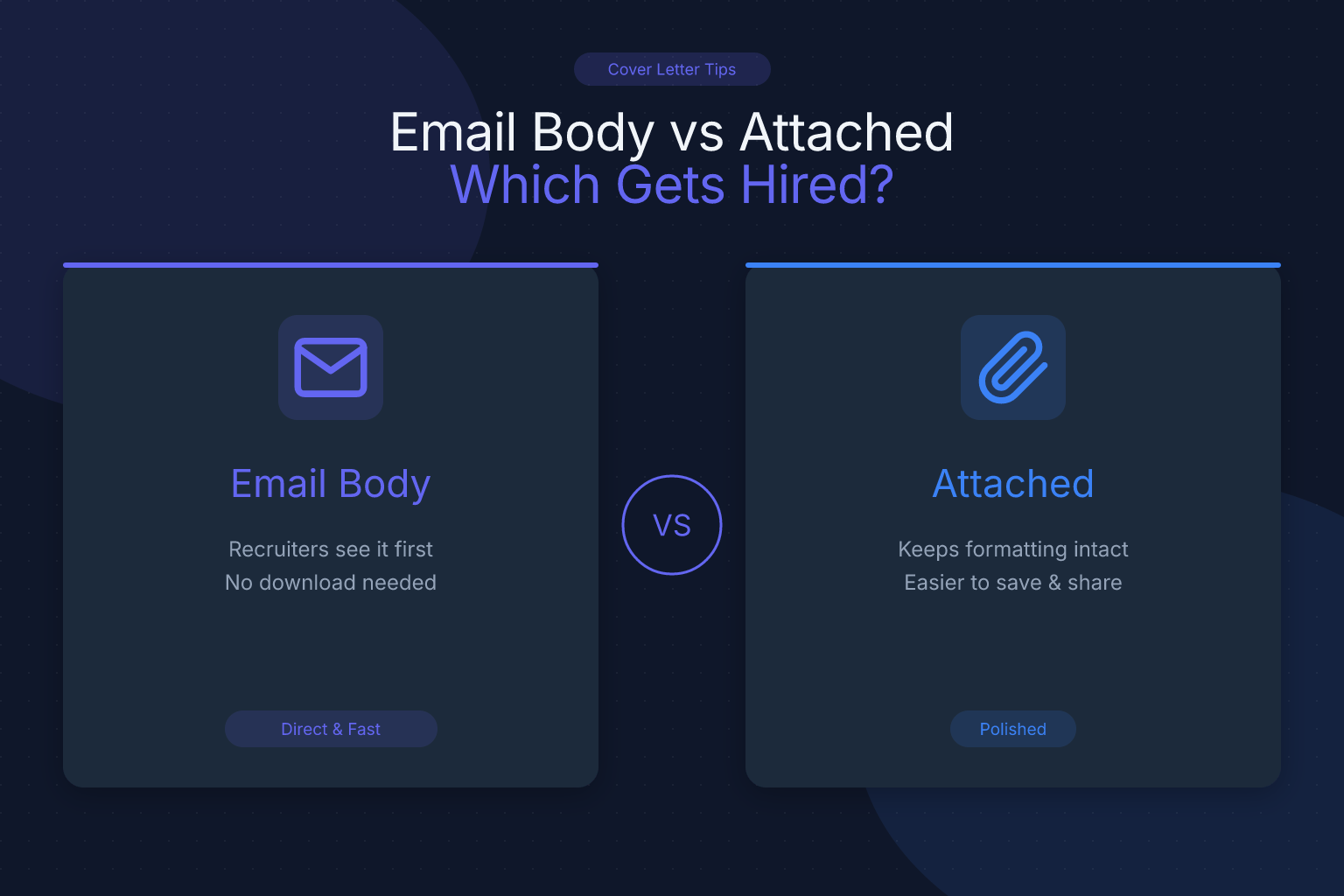
Email Body Cover Letter vs Attached Document: Which Gets You Hired?
When you apply for a job, the email body cover letter vs attached document decision can feel like a coin toss — but it’s not. The format you choose affects whether a recruiter reads your cover letter at all, how an applicant tracking system (ATS) processes it, and the impression you leave before your resume is even opened. This guide breaks down exactly when to paste your cover letter into the email, when to attach it as a separate file, and how to execute both options so your application stands out.
Key Takeaways
- Paste your cover letter in the email body when the job posting doesn’t specify a format, you’re emailing a hiring manager directly, or you want to guarantee immediate visibility — it’s the safest default for most applications.
- Attach your cover letter as a PDF when the application system requires a separate upload, the employer explicitly asks for an attachment, or you’re applying through a portal that parses cover letters alongside your resume.
- A hybrid approach — a short, punchy email note plus an attached cover letter — works best for direct outreach and networking referrals, giving you two chances to make an impression.
- Never send a blank email with just an attachment; always include at least a few lines of text in the body, even if your full cover letter is attached.
- Formatting matters more than the delivery method: use plain text in the email body, and a clean, single-column PDF for attachments to stay ATS-friendly.
| What to Do | Why It Matters | Time |
|---|---|---|
| Paste your cover letter in the email body for direct applications | Recruiters see it instantly without opening an attachment; no risk of file compatibility issues | 2 minutes to copy-paste and adjust formatting |
| Attach a PDF cover letter when the ATS or job posting requires it | Ensures your cover letter is parsed and stored with your application; preserves formatting | 5 minutes to export and name the file |
| Use a hybrid approach for networking emails | A brief, personal email body grabs attention; the attached cover letter provides full detail for forwarding | 10 minutes to tailor both |
| Always include a short email body even when attaching a cover letter | Prevents your email from looking like spam; gives the recipient context before opening the attachment | 1 minute |
Name your attachment file professionally (e.g., FirstName-LastName-Cover-Letter.pdf) | Helps recruiters find your file quickly and shows attention to detail | 30 seconds |
Email Body Cover Letter vs Attached Document: What’s the Difference?
When you apply for a job via email, you have two main ways to deliver your cover letter: paste it directly into the email body or attach it as a separate document (usually a PDF or Word file). The choice isn’t just about convenience — it shapes how your application is consumed.
An email body cover letter is the message itself. The recruiter sees it the moment they open your email. There’s no extra click, no download, no risk of a corrupted file. It’s immediate and frictionless. But it also means your cover letter lives in a plain-text environment: no bold headings, no bullet points with custom spacing, no carefully designed header. You’re limited to basic formatting.
An attached cover letter is a standalone file. It preserves your layout, fonts, and design. It can be forwarded easily, printed, or uploaded into an ATS. The downside? It requires the recipient to open it — and many recruiters won’t bother unless the email body gives them a reason to.
Neither option is universally “better.” The right choice depends on how you’re applying, what the employer expects, and what you want the recruiter to do next.
When to Use the Email Body for Your Cover Letter
Pasting your cover letter into the email body is the right move in these situations:
- You’re emailing a hiring manager or recruiter directly. If you have a person’s email address — from a networking contact, a referral, or a job posting that says “email your application to…” — put the cover letter in the body. It shows respect for their time and gets your message across in seconds.
- The job posting doesn’t specify a format. When instructions are vague (“send your resume and cover letter to…”), default to the email body. It’s the path of least resistance.
- You’re applying to a smaller company or startup. These teams often use Gmail or Outlook, not a heavyweight ATS. An email body cover letter feels personal and direct.
- You want to guarantee your cover letter is read. Attachments get skipped. A well-written email body cover letter is impossible to ignore — it’s right there.
Example of a strong email body cover letter:
Subject: Application for Senior Product Manager – Jane Doe

Dear Ms. Chen,

I’ve been following Acme Corp’s work in logistics automation since your Series B, and when I saw the Senior Product Manager opening, I knew I had to apply. In my current role at ShipFast, I led the launch of a route-optimization feature that cut delivery times by 18% and grew our enterprise customer base by 30% in six months.

I’m drawn to Acme because you’re solving the same last-mile problems I’ve been tackling — but at a global scale. My experience building cross-functional teams and shipping data-heavy products aligns directly with what you’ve outlined in the job description.

My resume is attached. I’d love to chat about how I can help Acme scale its routing engine. I’m available for a call any afternoon this week.

Best,
Jane Doe
(555) 123-4567
LinkedIn: linkedin.com/in/janedoe
Notice what this does: it’s concise, tailored, and ends with a clear call to action. It doesn’t rehash the resume — it connects the dots between the candidate’s experience and the company’s needs.
When to Attach Your Cover Letter as a Document
Attaching your cover letter as a separate file is the better choice when:
- The application system requires it. Many online portals (Workday, Greenhouse, Lever) have a dedicated “Upload Cover Letter” field. If you skip it, your application may be marked incomplete. Follow the instructions exactly.
- The employer explicitly asks for an attachment. Some job postings say “attach your cover letter and resume as PDFs.” Don’t second-guess this — they have a reason, often related to how their ATS or internal review process works.
- You’re applying through a job board that parses attachments. Sites like LinkedIn, Indeed, and ResumeMate’s job board often extract text from uploaded files. An attached cover letter ensures your words get into the system.
- You want to preserve formatting and design. If your cover letter uses a header that matches your resume, a professional font, or subtle design elements, an attachment keeps that intact. This is especially relevant for creative roles or when you’ve used a cover letter template that you want to showcase.
How to format an attached cover letter:
- File format: Use PDF. Modern ATS parse text-based PDFs reliably, and a PDF locks in your formatting so it looks the same on any device. (If a specific portal demands a Word document, follow that instruction — but PDF is the safe default. For more on this, see our guide on PDF vs DOCX for resumes.)
- File name:
FirstName-LastName-Cover-Letter.pdf(e.g.,Jane-Doe-Cover-Letter.pdf). Avoid generic names likecoverletter.pdforfinalversion3.pdf. - Layout: Stick to a single-column design. Multi-column layouts can confuse older ATS, and even modern systems sometimes jumble the reading order. A clean, single-column structure is the safest bet.
- Length: One page, max. Recruiters spend an average of 7 seconds scanning a cover letter before deciding whether to read further. Get to the point.
Sample email when attaching a cover letter (and resume):
Even when you attach your cover letter, the email body still needs a short, professional message. Here’s a template that works for most formal applications:
Subject: Application for Marketing Manager – Alex Rivera

Dear Hiring Team,

I’m writing to apply for the Marketing Manager position at BrightPath Media, as advertised on LinkedIn. Please find my resume and cover letter attached.

In my current role at NovaBrand, I’ve led campaigns that increased organic traffic by 40% year-over-year and managed a team of five content specialists. I’m excited about BrightPath’s focus on data-driven storytelling and would love to bring that same energy to your team.

Thank you for your time and consideration. I look forward to the possibility of discussing how I can contribute.

Best regards,
Alex Rivera
(555) 987-6543
LinkedIn: linkedin.com/in/alexrivera
This email body is brief but warm, references the role, and makes it clear what’s attached. It avoids the “blank email” mistake while letting the attached cover letter do the heavy lifting.
What Recruiters Prefer: Email Body or Attachment?
There’s no universal rule, but patterns emerge when you talk to recruiters and hiring managers.
For direct email applications, most recruiters prefer the cover letter in the email body. It saves them a click and lets them assess your fit in seconds. A 2023 survey by Jobvite found that 47% of recruiters said they’re more likely to read a cover letter if it’s in the email body — but even without that stat, the logic holds: friction kills attention. Another study by Beamery noted that recruiters spend an average of just 6–8 seconds on an initial email scan; if your value isn’t immediately visible, you’ve lost them.
For ATS-driven applications, recruiters often don’t see your cover letter until later in the process — if at all. In those cases, the attachment is what the system stores. The email body (if there is one) may never reach a human. So when you’re uploading files to a portal, the attachment is what matters.
A recruiter at a Fortune 500 tech company told us: “If you email me directly, put the cover letter in the body. If you apply through our careers site, attach it — I’ll find it in the ATS when I’m reviewing your profile.”
Bottom line: match the method to the medium. Direct email = body. Portal upload = attachment.
The Hybrid Approach: Short Email + Attached Cover Letter
Sometimes the best answer to “email body cover letter vs attached document” is “both.” A hybrid approach gives you the immediacy of an email body message and the depth of a formal attachment. It’s ideal for:
- Networking referrals. When a contact forwards your application to a hiring manager, a brief, warm email body introduces you, while the attached cover letter provides the full story.
- Cold outreach to recruiters. You want to grab attention fast, but also give them something to file away or forward.
- Applications where you have a lot to say. If your cover letter is detailed and you don’t want to overwhelm the email body, a short summary with an attachment strikes the right balance.
Hybrid email example:
Subject: Referral from Mark Johnson – Application for Data Analyst

Hi Sarah,

Mark Johnson suggested I reach out about the Data Analyst role on your team. I’ve attached my resume and a cover letter with more detail, but here’s the short version: I’ve spent the last three years at RetailInsight building customer segmentation models that increased repeat purchases by 22%. I’d love to bring that same analytical rigor to FinCore.

Thanks for taking a look — I’m happy to answer any questions.

Best,
Alex Kim
The email body does the heavy lifting of making a personal connection. The attachment is there for anyone who wants to dig deeper.
Common Mistakes to Avoid
Even seasoned job seekers trip up on cover letter delivery. Here are the most frequent errors — and how to sidestep them.
- Sending a blank email with just an attachment. This screams “I didn’t care enough to write two sentences.” Always include at least a short greeting, a reason for reaching out, and a sign-off.
- Pasting a formatted cover letter into the email without cleaning it up. Copying from Word or Google Docs can bring over invisible formatting that breaks in email clients. Paste as plain text, then add line breaks manually.
- Using the wrong file format for attachments. Avoid .pages, .odt, or image-based PDFs. Stick to text-based PDFs. If you’re unsure whether your PDF is text-based, try selecting the text — if you can’t, it’s an image and an ATS can’t read it.
- Forgetting to rename the attachment.
coverletter_final_FINAL.pdflooks unprofessional. Use a clean, searchable name. - Writing a novel in the email body. An email body cover letter should be 150–250 words. Anything longer, and you risk losing the reader. Save the extended version for the attachment.
- Ignoring the employer’s instructions. If the posting says “attach cover letter,” don’t paste it in the body. Following directions is the first test of your attention to detail.
How to Make Both Formats ATS-Friendly
Applicant tracking systems don’t just scan resumes — many also parse cover letters, especially when they’re attached. Whether you’re pasting into an email or uploading a file, a few tweaks keep your cover letter machine-readable.
- Use standard fonts. Arial, Calibri, Georgia, Helvetica — anything that renders cleanly on screen. Fancy script fonts may look elegant but can turn into gibberish when parsed.
- Avoid tables, columns, and graphics. These are the top culprits for ATS parsing errors. A single-column layout with clear section breaks is your safest bet. (For more on what trips up ATS, read our breakdown of ATS myths vs facts.)
- Include keywords from the job description. Just like your resume, your cover letter should mirror the language of the posting. If the job asks for “project management” and “stakeholder communication,” use those exact phrases — naturally.
- Save attached files as PDFs, not Word docs, unless instructed otherwise. PDFs preserve formatting and are universally accessible. The only exception is when an employer specifically requests a Word document.
If you’re pasting into an email body, ATS parsing isn’t a concern — the system won’t see it. But if you’re uploading to a portal, treat your cover letter with the same ATS-awareness you’d give your resume.
Final Tips for a Strong Application
Your cover letter format is just one piece of the puzzle. Here’s how to make the whole application package stronger:
- Tailor every cover letter. A generic cover letter is worse than no cover letter. Reference the company’s recent news, a specific project, or a challenge they’re facing. If you’re switching careers, our career change cover letter guide walks you through it.
- Proofread ruthlessly. Typos in an email body are glaring. Read your message aloud, use a spell-checker, and if possible, have a friend review it.
- Test your email formatting. Send yourself a test email first. Check how it looks on desktop and mobile. Are the line breaks clean? Is the attachment actually attached?
- Follow up strategically. If you haven’t heard back in a week, a brief, polite follow-up email can nudge your application to the top of the pile. Reference your original email and reiterate your interest. Once you land the interview, check out our guide on asking for a signing bonus to negotiate your offer.
- Track your applications. When you’re sending multiple applications, it’s easy to lose track of who got which version. A tool like the ResumeMate Job Tracker (free Chrome extension) logs every application, deadline, and follow-up so you never miss a beat.
- Industry-specific advice matters. If you’re targeting cloud computing roles, our deep dives on AWS jobs in 2025 and Azure developer roles in Israel offer tailored resume and cover letter tips for those competitive markets.
Frequently Asked Questions
Q: Is it better to put a cover letter in the email body or as an attachment?
A: For direct emails to a hiring manager, put the cover letter in the email body — it’s immediately visible and shows respect for their time. For online application portals that ask you to upload a cover letter, attach it as a PDF. When in doubt, follow the employer’s instructions.
Q: Do recruiters read cover letters in the email body?
A: Yes, many recruiters prefer email body cover letters because they can assess your fit without opening an attachment. A concise, well-written email body cover letter is more likely to be read than an attached one that requires an extra click.
Q: Can I send both an email body cover letter and an attached cover letter?
A: Absolutely. A hybrid approach — a short, personalized email body plus a detailed attached cover letter — works well for referrals and cold outreach. The email body grabs attention; the attachment provides depth for those who want it.
Q: What file format should I use for an attached cover letter?
A: Use a text-based PDF. It preserves your formatting and is compatible with virtually every device and ATS. Name the file professionally (e.g., FirstName-LastName-Cover-Letter.pdf). Only use a Word document if the employer specifically requests it.
Q: How long should an email body cover letter be?
A: Aim for 150–250 words. That’s enough to introduce yourself, connect your experience to the role, and include a call to action — without overwhelming the reader. If you have more to say, consider attaching a longer cover letter and keeping the email body brief.
Q: What if the job posting doesn’t mention a cover letter at all?
A: You can still include one. If you’re emailing your application, a short cover letter in the email body shows initiative. If you’re applying through a portal, check if there’s an optional upload field — if so, attach a cover letter. It can only help, as long as it’s tailored and error-free.
Q: What does “attached cover letter” mean?
A: It means you’ve included your cover letter as a separate file (usually a PDF) alongside your resume in the email or application portal. The phrase “attached is my resume and cover letter” is a common way to let the recipient know both documents are included.
Q: Can a cover letter be an email?
A: Yes, when you paste your cover letter directly into the email body, the email itself serves as the cover letter. This is often the best approach for direct applications, as it eliminates the need for an attachment and gets your message across instantly.
Q: How do I write an email body for sending a resume?
A: Keep it short and professional. Start with a clear subject line, address the recipient by name, state the role you’re applying for, mention one or two key qualifications, note that your resume (and cover letter, if attached) are included, and end with a polite call to action. The sample emails in this guide give you ready-to-use templates.
Q: How do I write an email with an attachment for a job application?
A: Use a subject line like “Application for [Job Title] – [Your Name].” In the body, briefly introduce yourself, mention the attached documents, and express enthusiasm for the role. Always double-check that the files are actually attached before hitting send. For a full template, see the sample email in the “When to Attach” section above.
Q: What is the body of a cover letter?
A: The body of a cover letter is the main content — the paragraphs where you explain why you’re a great fit for the role, highlight relevant achievements, and connect your experience to the company’s needs. In an email, the entire message becomes the body; in an attached document, it’s the text between the salutation and closing.
Q: What is the body of an email?
A: The body of an email is the main text area where you write your message. For job applications, this is where you either paste your cover letter or write a short note introducing your attached documents.
Q: Should I put my cover letter in the email body or attach it?
A: It depends on the application method. For direct emails, put it in the body. For online portals with an upload field, attach it. If you’re unsure, a hybrid approach (short email body + attached cover letter) covers both bases.
Q: What is a sample email cover letter with attached resume?
A: A sample email cover letter with attached resume is a template that shows how to write a brief email body when you’re attaching both a resume and a cover letter. The example in the “When to Attach” section above provides a ready-to-use version you can adapt.
Track Every Application While You Job Hunt
Stop losing track of where you’ve applied. The ResumeMate Job Tracker is a free Chrome extension that tracks every application, deadline, and follow-up in one place — right from your browser.
