
How to Format a CV for the New Zealand Job Market (2026 Guide)
If you’re applying for jobs in Aotearoa, knowing how to format a CV for the New Zealand job market can make the difference between landing an interview and getting overlooked. Kiwi employers have distinct expectations around CV length, content, and style that differ from what you might be used to in the US, UK, or Asia. This guide walks you through every step — from layout and must-have sections to the small details that show you’ve done your homework.
Key Takeaways
- A New Zealand CV should be 2–3 pages, use a clean single-column layout, and include a personal statement, work history, education, and skills.
- Never include a photo, date of birth, marital status, or religious affiliation — these are not standard in NZ and can introduce bias.
- Tailor your CV to each role by using keywords from the job description and quantifying your achievements with numbers and results.
- Use a PDF format for ATS compatibility and easy sharing, but keep a Word version ready if a specific portal requests it.
- Write in New Zealand English (e.g., “organise” not “organize”) and mention your visa or residency status only if it’s a clear advantage.
Summary Table
| What to Do | Why It Matters | Time |
|---|---|---|
| Use a clean, single-column layout | Ensures ATS parsing and easy reading by recruiters | 5–10 minutes |
| Write a personal statement | Grabs attention and summarises your value in 3–4 lines | 15–20 minutes |
| Quantify achievements | Demonstrates impact and results, not just duties | 10–15 minutes per role |
| Remove personal details (photo, age, etc.) | Avoids bias and aligns with NZ employment norms | 2 minutes |
| Tailor to the job description | Increases your chance of being shortlisted | 10–15 minutes per application |
What Makes a New Zealand CV Different?
Before you start formatting, it helps to understand what sets a Kiwi CV apart. In New Zealand, the terms “CV” and “resume” are used interchangeably, but the document itself leans closer to a traditional CV — longer than a one-page US resume, yet more concise than an academic CV.
Key differences from other markets:
- Length: 2–3 pages is standard for most professionals. One page is too short to show depth; four pages is usually too long unless you’re very senior.
- No photo: Including a headshot is uncommon and can even work against you, as many employers actively avoid it to prevent unconscious bias.
- Personal details omitted: Date of birth, marital status, number of children, and religious or political affiliations are never included.
- Referees: It’s typical to write “Referees available upon request” at the end rather than listing names and contact details upfront.
- Language: Use New Zealand English spelling (e.g., colour, centre, realise) throughout.
Essential Sections of a New Zealand CV
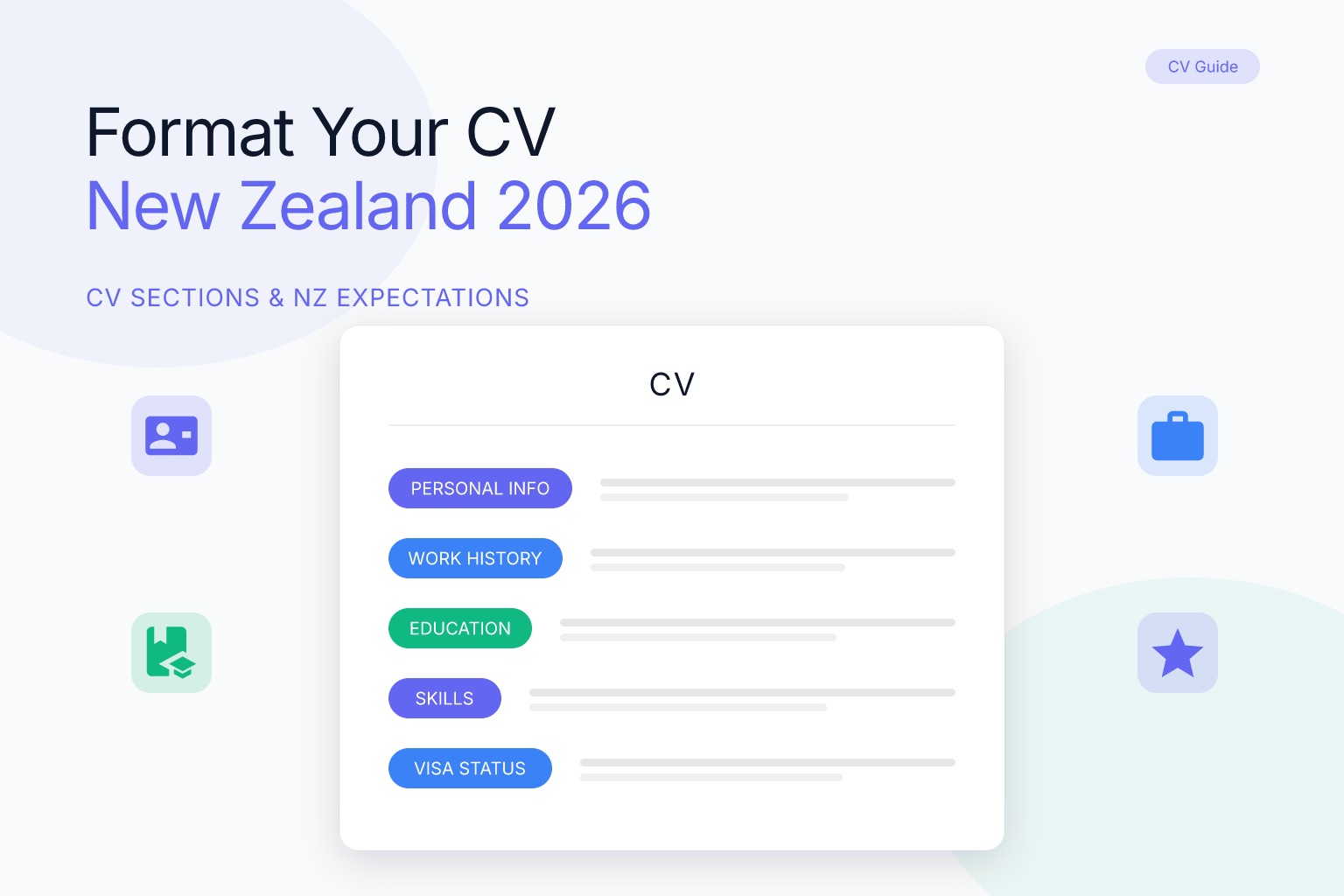
A well-structured CV makes it easy for hiring managers to find what they need in seconds. Here are the sections every New Zealand CV should include, in the order they appear:
- Contact details – Full name, phone number (with country code if applying from overseas), email address, and LinkedIn profile URL. You can also add your city and region (e.g., “Auckland, New Zealand”) but not your full street address.
- Personal statement – A 3–4 line summary at the top that highlights your professional background, key strengths, and what you’re looking for. Think of it as your elevator pitch.
- Work history – Reverse chronological order. For each role, include job title, employer name, location, dates (month and year), and 3–5 bullet points describing your achievements and responsibilities.
- Education – List qualifications in reverse chronological order. Include the institution name, qualification title, and year completed. If you’re a recent graduate, you can place this section above work history.
- Skills – A bulleted list of hard and soft skills relevant to the role. Group them if you have many (e.g., Technical Skills, Languages, Certifications).
- Additional sections (optional) – Volunteer work, professional memberships, publications, or projects. Only include these if they strengthen your application.
- Referees – Simply write “Referees available upon request.” You’ll provide actual contact details later in the hiring process.
CV Layout and Design: ATS-Friendly and Reader-Friendly
Recruiters in New Zealand often use applicant tracking systems (ATS) to filter CVs before a human ever sees them. Your formatting choices can determine whether your CV gets through.
Stick to a single-column layout. Multi-column designs can confuse older ATS software. While many modern systems parse two-column layouts fine, a single-column format is the safest bet and also easier for human readers to scan quickly.
Choose a clean, professional font. Stick to standard fonts like Calibri, Arial, or Helvetica at 10–12pt size. Avoid decorative fonts and excessive use of bold or italics.
Use clear headings and consistent spacing. Make section headings stand out with a slightly larger font size or bold text. Leave enough white space so the page doesn’t feel cramped.
Save as a PDF. A PDF preserves your formatting across devices and is the expected format for most online applications. Modern ATS platforms (Workday, Greenhouse, etc.) parse text-based PDFs without issues. If a job ad specifically asks for a Word document, provide that — but otherwise, PDF is the standard. You can build a clean, ATS-friendly PDF CV in minutes using ResumeMate’s free resume builder.
What to Include and What to Leave Out
Knowing what not to put on your CV is just as important as knowing what to include. Here’s a quick checklist:
Include:
- Contact information (name, phone, email, LinkedIn, city)
- A tailored personal statement
- Work history with quantified achievements
- Education and professional qualifications
- Relevant skills (both technical and soft)
- Volunteer or community involvement if it’s relevant
Leave out:
- Photo, date of birth, age, gender, marital status
- Religious or political affiliations
- Full home address (suburb and city is enough)
- Salary expectations or current salary
- Reasons for leaving previous jobs
- Hobbies and interests (unless they directly relate to the role)
- References’ contact details (just state they’re available)
If you’re applying from overseas, you may also want to clarify your visa or residency status — but only if it’s a positive. For example, if you already hold a valid work visa or permanent residency, mention it briefly in your personal statement or contact section. If you need sponsorship, it’s often better to address that in a cover letter rather than the CV itself.
How to Tailor Your CV for the New Zealand Job Market
Generic CVs rarely get interviews. Kiwi employers expect you to show that you’ve read the job description and understand what they need.
1. Mirror the language of the job ad. If the listing asks for “stakeholder engagement” rather than “client management,” use their exact phrasing. This helps with both ATS keyword matching and human readability.
2. Highlight transferable skills. If you’re changing industries, focus on skills that cross over — leadership, project management, communication — and frame them in a way that makes sense for the new role.
3. Quantify your impact. Instead of “Managed a team,” write “Led a team of 8 to deliver a $2M project three weeks ahead of schedule.” Numbers give recruiters a concrete sense of your capability.
4. Show cultural fit. New Zealand workplaces often value collaboration, humility, and a “can-do” attitude. Use your personal statement and achievement bullets to demonstrate these traits without being overt. For example, mention how you mentored junior staff or contributed to a positive team culture.
5. Use New Zealand English. Set your spell-checker to NZ English and double-check words like “organise,” “behaviour,” and “analyse.” Small details like this signal that you’re serious about working in the country.
For a deeper dive into tailoring, read our guide on how to tailor a resume to a job description.
Common Mistakes to Avoid
Even strong candidates can undermine their applications with avoidable errors. Here are the most frequent mistakes we see — and how to fix them.
- Making it too long or too short. Aim for 2–3 pages. If you’re a recent graduate, 1–2 pages is fine. Senior executives can go to 3–4, but only if every line adds value.
- Using a generic personal statement. “I am a hardworking professional seeking a challenging role” tells the employer nothing. Be specific about your expertise and the value you bring.
- Listing duties instead of achievements. Don’t just describe what you were responsible for — show what you accomplished. Use the CAR method (Challenge, Action, Result) to structure your bullets.
- Including irrelevant information. That barista job from 10 years ago probably doesn’t need to be on your CV for a marketing manager role. Keep your work history focused on the last 10–15 years and roles that are relevant.
- Spelling and grammar errors. Typos suggest a lack of attention to detail. Read your CV aloud, use a spell-checker set to NZ English, and ask someone else to review it.
- Forgetting to update your LinkedIn profile. Many recruiters will cross-check your CV against your LinkedIn. Make sure the two are consistent.
Writing a Kiwi-Style Personal Statement
Your personal statement sits at the top of your CV and is often the first thing a recruiter reads. In the New Zealand context, it should be professional yet approachable, and it must quickly answer three questions: Who are you? What can you do? What are you looking for?
Template you can adapt:
“[Job title or profession] with [X years] of experience in [industry/field]. Proven track record in [key skill 1] and [key skill 2], with a focus on [specific outcome or value]. Currently seeking a [type of role] opportunity in [location or sector] where I can contribute to [type of impact].”
Example for a project manager:
“PRINCE2-certified Project Manager with 8 years of experience delivering infrastructure projects across New Zealand and Australia. Skilled in stakeholder management, budget control, and agile methodologies, with a history of completing projects 10–15% under budget. Looking for a senior project management role in the Wellington region where I can drive sustainable construction initiatives.”
Keep it to 3–4 lines. Avoid clichés like “passionate,” “results-driven,” or “team player” unless you back them up with evidence.
Formatting for ATS and Online Applications
Most medium-to-large employers in New Zealand use an ATS to manage applications. If your CV isn’t machine-readable, it may never reach a human.
How to make your CV ATS-friendly:
- Use standard section headings (“Work History,” not “Where I’ve Made an Impact”).
- Avoid tables, text boxes, and graphics — these can scramble the parsing.
- Stick to a single-column layout.
- Use a standard font and avoid headers/footers for critical information (some ATS ignore them).
- Incorporate keywords from the job description naturally throughout your CV.
PDF vs Word: As mentioned, PDF is the default. However, if you’re applying through a portal that explicitly requests a Word document, comply. Some older government or healthcare systems still prefer .docx files. Keep both versions ready.
After you’ve formatted your CV, run it through a tool like the ResumeMate score checker to see how it performs against common ATS criteria. It gives you section-by-section feedback so you can fix issues before hitting submit.
FAQ
Q: Do I need to include a photo on my CV in New Zealand?
A: No. Including a photo is not standard practice in New Zealand and can lead to unconscious bias. Most employers prefer a photo-free CV to keep the focus on your skills and experience.
Q: What is the ideal length for a New Zealand CV?
A: 2–3 pages is the sweet spot for most professionals. Recent graduates can use 1–2 pages, while very senior executives may extend to 3–4 pages if every detail is relevant.
Q: Should I include my visa status on my New Zealand CV?
A: Only if it’s an advantage. If you already hold a valid work visa, permanent residency, or citizenship, mention it briefly in your personal statement or contact section. If you need sponsorship, it’s usually better to address that in your cover letter.
Q: Is it better to use a PDF or Word document for a New Zealand CV?
A: PDF is the standard format because it preserves your layout and is easily parsed by modern ATS. Keep a Word version as a backup in case a specific job portal requests it.
Q: How do I tailor my CV for a specific job in New Zealand?
A: Read the job description carefully and mirror the language and keywords used. Quantify your achievements, highlight transferable skills, and adjust your personal statement to align with the role’s requirements.
Q: What personal details should I avoid on a New Zealand CV?
A: Never include your photo, date of birth, age, gender, marital status, religious beliefs, political views, or full home address. These are irrelevant and can introduce bias.
Q: Can I use a resume instead of a CV in New Zealand?
A: The terms are used interchangeably, but “CV” is more common. The document you submit should follow the 2–3 page format described in this guide, regardless of what you call it.
Related articles:
Track Every Application While You Job Hunt
Stop losing track of where you’ve applied. The ResumeMate Job Tracker is a free Chrome extension that tracks every application, deadline, and follow-up in one place — right from your browser.
