
Need a how to accept a job offer email template? You just got the call — the job is yours. Now you need to send a clear, professional acceptance email that confirms the details and sets the right tone for your first day. A well-written template removes the guesswork and helps you respond with confidence, even if you’ve never written one before.
Key Takeaways
- Respond to a job offer within 24–48 hours to show enthusiasm and respect for the employer’s timeline.
- Use a clear subject line like ‘Job Offer Acceptance – [Your Name]’ so your email is immediately recognizable.
- In the acceptance email, express gratitude, confirm the job title, start date, salary, and work arrangement, and ask about next steps.
- Review the official written offer letter and resolve any discrepancies or negotiate terms before sending your acceptance.
- Proofread your email carefully and attach any required signed documents to avoid confusion or delays.
Why Your Job Offer Acceptance Email Matters (And How to Get It Right)
Your acceptance email is more than a formality — it’s the first official document you’ll send as a future employee. It confirms the verbal offer in writing, creates a record of the agreed terms, and sets the tone for your relationship with your new manager and HR team. A sloppy or delayed response can raise doubts, while a prompt, polished email reinforces that they made the right hire.
For example, consider a candidate who receives an offer on a Friday and waits until the following Thursday to respond without any communication. The hiring manager, left wondering, might interpret the silence as disinterest and begin considering backup candidates. In contrast, a candidate who replies within 24 hours with a warm, well-structured email immediately puts the employer at ease. That email might start with: “Thank you so much for this opportunity. I’m thrilled to accept the Senior Content Strategist role and join the BrightEdge team.” This simple, enthusiastic opening confirms the acceptance and leaves a positive impression.
According to a 2024 survey by Robert Half, 57% of hiring managers expect a response within 48 hours, and 39% said a delayed response without communication would negatively impact their perception of the candidate. Your acceptance email also serves as a written record of the agreed-upon terms — salary, start date, work arrangement — which can be invaluable if any discrepancies arise later. Most hiring managers expect a written acceptance within two business days. If you wait longer without explanation, you risk appearing disorganized or, worse, disinterested. Use the template below to respond quickly and professionally.
Before You Hit Send: 3 Steps to Take First
Before you draft your acceptance email, make sure you’re ready to say yes. Rushing can lead to misunderstandings that are harder to fix later.
- Review the written offer letter carefully. Look for the official job title, start date, salary, benefits, work location, and any contingencies (background check, references). Also check for non-compete clauses, at-will employment statements, and probationary periods. For instance, if the verbal offer mentioned a start date of June 1 but the written letter says June 8, you need to clarify before accepting. A quick email or call to HR can prevent a scheduling conflict on your first day. If anything is unclear, ask for clarification — it’s better to resolve questions now than after you’ve committed.
- Decide if you need to negotiate. If the salary, PTO, or remote work arrangement isn’t what you expected, negotiate before accepting. Once you send an acceptance, you’ve agreed to the terms. For example, if the offer includes 10 days of PTO but you need 15, now is the time to ask. Check out our guide on how to negotiate PTO in a job offer for scripts that work. If you’re considering asking for a signing bonus, see our guide on how to ask for a signing bonus for examples and timing tips.
- Confirm your start date and logistics. If you need to relocate or give notice at your current job, make sure the timeline is realistic. For example, if you’re currently employed and need to give two weeks’ notice, but the new employer wants you to start in 10 days, you’ll need to discuss a later start date. If relocation assistance is part of the package, confirm the details and timeline. If you need more time to decide, read how to request an extension on a job offer expiration date.
How to Structure Your Job Offer Acceptance Email
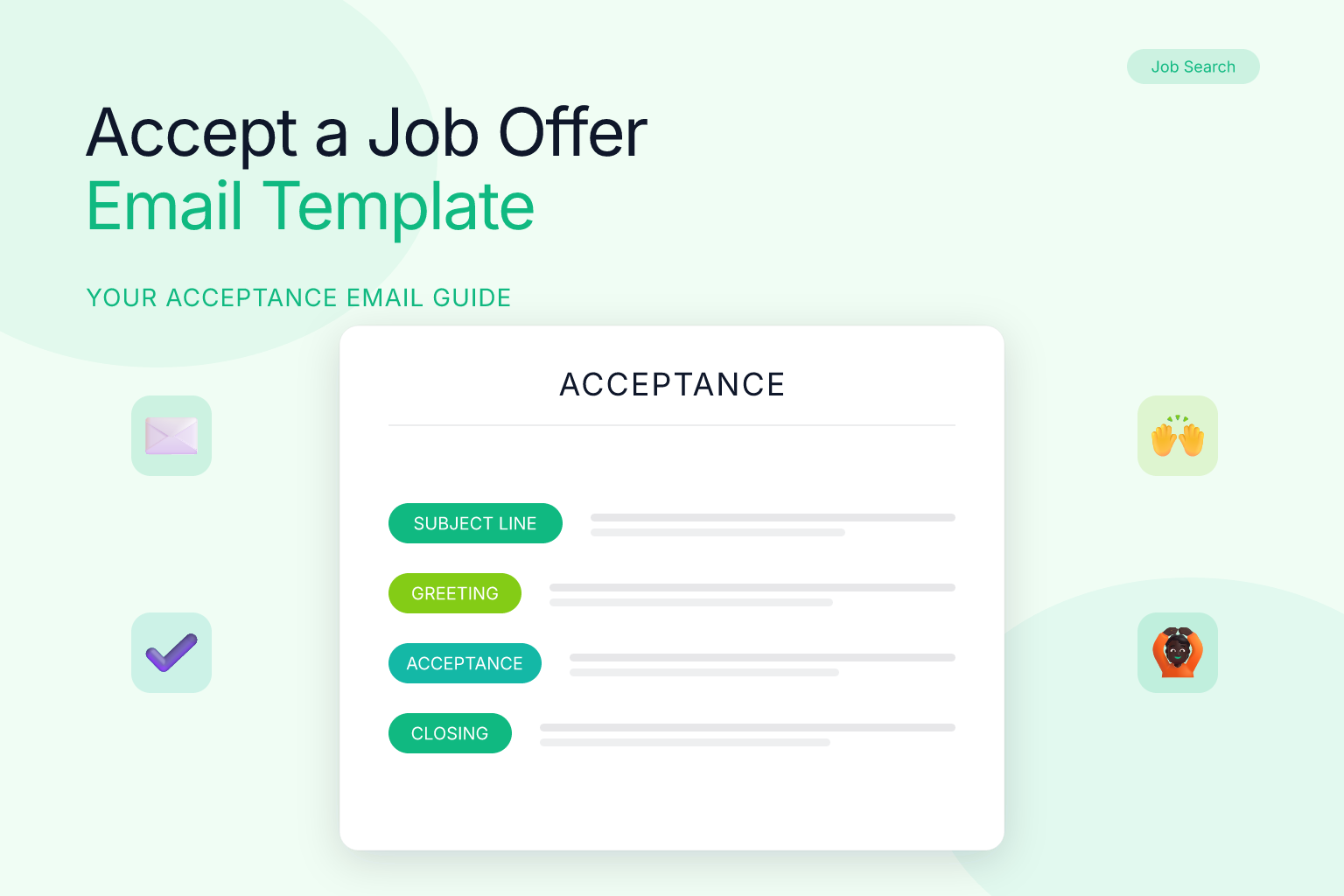
Every acceptance email should follow a simple, repeatable structure. Here’s what to include, in order, with examples to guide you.
- Subject line: Make it obvious. Examples: “Job Offer Acceptance – [Your Name]” or “Accepting [Job Title] Position – [Your Name].” For instance, “Job Offer Acceptance – Maria Chen” immediately tells the recipient what the email is about. Avoid generic subjects like “Response” or “Offer” — they can get lost in a busy inbox.
- Greeting: Address the hiring manager or HR contact by name. Use the same level of formality you’ve used throughout the process. If you’ve been on a first-name basis, “Dear Alex” is appropriate; if the culture is more formal, “Dear Mr. Johnson” might be better.
- Opening line: State clearly that you’re accepting the offer and express enthusiasm. Example: “Thank you for offering me the Senior Content Strategist position at BrightEdge Marketing. I’m excited to accept the offer and join the team.”
- Confirmation of terms: Restate the job title, start date, and any other key details (salary, location) so there’s a written record. For example: “As we discussed, my start date will be Monday, March 9, 2026. I understand my salary will be $85,000 per year and I’ll be working hybrid from the Chicago office.”
- Logistical next steps: Ask about onboarding paperwork, first-day schedule, or anything you need to bring. Example: “Please let me know if there’s any additional paperwork I need to complete before my first day, or if there’s a specific time I should arrive.”
- Closing: Reiterate your excitement and thank them again. Example: “I’m looking forward to contributing to BrightEdge and meeting everyone on the team. Thank you again for this opportunity.”
- Signature: Include your full name, phone number, and LinkedIn profile link if appropriate. Use a professional email address — ideally the one you’ve been communicating with throughout the hiring process.
Job Offer Acceptance Email Template and Example
Below is a ready-to-use template you can copy and customize. It follows the structure above and includes placeholders for your details. After the template, you’ll find a filled-out example to show how it looks in practice.
When using the template, replace the bracketed information with your own. Pay special attention to the subject line—it’s the first thing the recipient sees. Also, double-check that you’ve spelled the hiring manager’s name correctly and that the start date matches the offer letter. A small error can create confusion, so take an extra minute to review.
Subject: Job Offer Acceptance – [Your Name]

Dear [Hiring Manager Name],

Thank you for offering me the [Job Title] position at [Company Name]. I’m excited to accept the offer and join the team.

As we discussed, my start date will be [Start Date]. I understand my salary will be [Salary] and I’ll be working [on-site/remote/hybrid] from [Location]. Please let me know if there’s any additional paperwork I need to complete before my first day.

I’m looking forward to contributing to [Company Name] and meeting everyone on the team. Thank you again for this opportunity.

Best regards,
[Your Full Name]
[Your Phone Number]
[Your LinkedIn Profile URL, optional]
And here’s how the template looks filled out for a real scenario. In this example, Maria Chen is accepting a Senior Content Strategist role at BrightEdge Marketing. Notice how she confirms the start date, salary, and work arrangement, and asks about next steps. This email is concise but covers all the essentials. This approach leaves no room for misunderstanding and shows that you’re organized and proactive.
Subject: Job Offer Acceptance – Maria Chen

Dear Alex,

Thank you for offering me the Senior Content Strategist position at BrightEdge Marketing. I’m excited to accept the offer and join the team.

As we discussed, my start date will be Monday, March 9, 2026. I understand my salary will be $85,000 per year and I’ll be working hybrid from the Chicago office. Please let me know if there’s any additional paperwork I need to complete before my first day.

I’m looking forward to contributing to BrightEdge and meeting everyone on the team. Thank you again for this opportunity.

Best regards,
Maria Chen
(312) 555-0198
linkedin.com/in/mariachen
Common Mistakes to Avoid When Accepting a Job Offer
Even a simple email can go wrong. Steer clear of these pitfalls, and see how they can play out in real situations.
- Waiting too long to respond. If you need a few days, acknowledge the offer immediately and ask for a deadline. For example, a candidate who received an offer on Monday but didn’t reply until Friday lost the opportunity because the employer assumed disinterest and hired someone else. A quick “Thank you! I’ll review and get back to you by Wednesday” would have saved the offer.
- Forgetting to attach signed documents. If the offer letter requires a signature, sign it, scan it, and attach it to your acceptance email. Mention the attachment in the body. For instance, “I’ve attached the signed offer letter for your records.” Without that, HR may have to chase you, delaying onboarding.
- Over-negotiating after accepting. Once you’ve said yes, don’t try to reopen salary or benefits discussions. That erodes trust fast. Imagine sending an acceptance and then two days later asking for a higher salary—the employer may question your judgment.
- Using a casual tone. Even if the company culture is relaxed, your acceptance email should be professional. Save the emojis for Slack after you start. A message like “Hey, thx for the job! Can’t wait 2 start lol” might be fine with friends, but it can make a hiring manager cringe.
- Not proofreading. A misspelled name or wrong start date can cause confusion. For example, “I’m excited to join the team on March 9” when the offer letter says March 8 could lead to a missed first day. Read the email aloud before sending.
- Accepting without seeing the written offer. Never accept based on a verbal offer alone. Wait for the official letter so you can review all terms. A candidate who accepted verbally and then discovered the benefits package was different had no recourse because they’d already committed.
- Using a vague subject line. A subject like “Response” or “Offer” can get buried. Always include your name and the phrase “Job Offer Acceptance” so the recipient knows exactly what the email is about at a glance.
- Failing to confirm the start date in writing. Even if you discussed it on the phone, restate the date in your email. This creates a paper trail and prevents miscommunication about your first day.
What to Do After You Accept the Job Offer
Your acceptance email kicks off a series of next steps. Here’s a quick checklist, along with examples to help you navigate each one.
- Submit any required paperwork. Background check authorization, I-9 forms, direct deposit info — complete these promptly. For example, if HR sends you a link to an onboarding portal, fill it out within 24 hours to avoid delays.
- Give notice at your current job. Write a resignation letter and have a conversation with your manager. Give the standard two weeks unless your new start date requires otherwise. You might say: “I’ve accepted an offer elsewhere and my last day will be [date]. I’m grateful for the opportunities here and want to ensure a smooth transition.” This keeps the relationship positive.
- Prepare for onboarding. Note your first-day schedule, dress code, and any equipment you need. If you’re remote, confirm you have the right tech setup. For instance, if the company uses a specific VPN or software, install it ahead of time.
- Update your LinkedIn profile and notify your network. Once you’ve given notice, update your LinkedIn headline to reflect your new role (e.g., “Incoming Senior Content Strategist at BrightEdge”). A brief post thanking your current employer and expressing excitement about the new opportunity can help maintain professional relationships.
- Keep tracking your applications. If you were in multiple pipelines, withdraw from other processes professionally. Our guide on how to decline a job offer politely without burning bridges has templates for that.
- Celebrate! You earned it.
How to Accept a Job Offer Over the Phone (And Follow Up in Writing)
Sometimes the offer comes via phone call first. Here’s how to handle it, with examples:
- Express enthusiasm immediately. “Thank you so much — I’m thrilled to receive this offer.”
- Ask for the written offer. “Could you please send me the offer letter so I can review the details?”
- Confirm when you’ll respond. “I’ll review it and get back to you by [date/time].”
- Send the acceptance email after you’ve reviewed everything. Even if you said yes on the phone, the email creates a paper trail. For example, after a phone call where you verbally accepted, follow up with: “Per our conversation, I’m writing to confirm my acceptance of the [Job Title] position. I’ve attached the signed offer letter.” This ensures both parties have a record.
Frequently Asked Questions About Accepting a Job Offer by Email
Q: How do I accept a job offer by email?
A: Send a clear, professional email within 24–48 hours of receiving the written offer. Use a subject line like “Job Offer Acceptance – [Your Name],” express gratitude, confirm the job title, start date, salary, and work arrangement, and ask about next steps. Attach any signed documents and proofread carefully before sending.
Q: What should I include in a job offer acceptance email?
A: Include a clear subject line, a polite greeting, an enthusiastic acceptance statement, a confirmation of the key terms (job title, start date, salary, location), a request for any next steps or paperwork, a closing thank-you, and your full contact information. If the offer letter requires a signature, mention the attachment.
Q: How quickly should I respond to a job offer email?
A: Aim to respond within 24–48 hours. If you need more time, acknowledge the offer immediately and ask for a specific deadline. A prompt response shows enthusiasm and professionalism, while a delayed reply without communication can raise concerns.
Q: Can I accept a job offer over the phone and then follow up with an email?
A: Yes. It’s common to verbally accept when you receive the offer call, but always follow up with a written acceptance email. The email creates a formal record of the agreed terms and can include any signed documents. Even if you said yes on the phone, the email confirms the details in writing.
Q: What if I need to negotiate after receiving the offer letter?
A: Negotiate before you send the acceptance email. Once you accept, the terms are final. If the salary, PTO, or other details aren’t what you expected, reach out to the hiring manager or HR to discuss adjustments. Use a polite, professional tone and be prepared to explain your rationale.
Q: Should I attach the signed offer letter to my acceptance email?
A: If the employer provided an offer letter that requires your signature, sign it, scan it, and attach it to your acceptance email. Mention the attachment in the body of the email (e.g., “I’ve attached the signed offer letter for your records”). This helps HR process your onboarding without delays.
While you’re wrapping up your job search, the ResumeMate Job Tracker can help you log every application, deadline, and follow-up so nothing falls through the cracks — even after you’ve accepted an offer.
Related articles:
Track Every Application While You Job Hunt
Stop losing track of where you’ve applied. The ResumeMate Job Tracker is a free Chrome extension that tracks every application, deadline, and follow-up in one place — right from your browser.
