
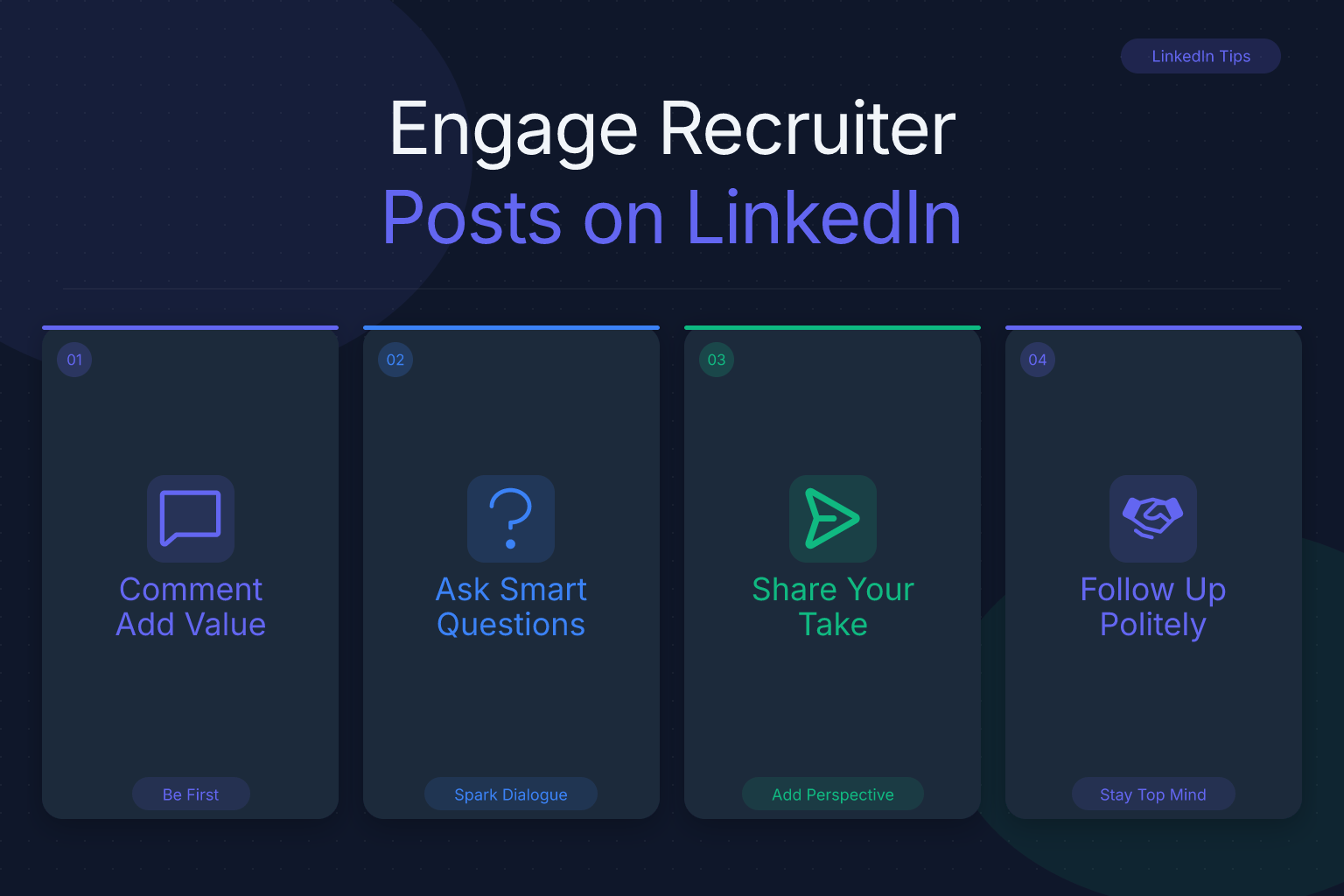
How to engage with recruiter posts on LinkedIn is a skill most job seekers never learn — and it’s the difference between being ignored and getting a direct message from a hiring manager. If you’ve ever scrolled past a recruiter’s post and wondered whether commenting “interested” actually does anything, you’re not alone. Recruiters post jobs, industry insights, and company updates every day. The candidates who engage thoughtfully stand out, build relationships, and often skip the resume black hole entirely.
Key Takeaways
- Engaging with recruiter posts on LinkedIn means leaving thoughtful comments that add context, ask smart questions, or share relevant experience—not just liking or typing ‘interested.’
- Recruiters notice candidates who demonstrate industry knowledge and genuine interest through their comments, which often leads to profile views and connection requests.
- Comment within the first hour of a post going live to maximize visibility, because LinkedIn’s algorithm favors early engagement.
- Before you engage, make sure your LinkedIn profile and resume are updated and ATS-friendly, since a recruiter who clicks through will judge you on what they find.
- Avoid generic or desperate comments; instead, reference specific details from the post or share a concrete example from your own work.
This guide breaks down exactly what to say, when to say it, and how to turn a simple comment into a real conversation that leads to interviews.
Key Takeaways:
- Engaging with recruiter posts means leaving thoughtful comments that add context, ask smart questions, or share relevant experience — not just liking or typing “interested.”
- Recruiters notice candidates who demonstrate industry knowledge and genuine interest through their comments, which often leads to profile views and connection requests.
- Comment within the first hour of a post going live to maximize visibility, because LinkedIn’s algorithm favors early engagement.
- Before you engage, make sure your LinkedIn profile and resume are updated and ATS-friendly, since a recruiter who clicks through will judge you on what they find.
- Avoid generic or desperate comments; instead, reference specific details from the post or share a concrete example from your own work.
| What to Do | Why It Matters | Time |
|---|---|---|
| Comment with a specific insight or question | Shows you read the post and have relevant expertise | 5–10 min |
| Follow the recruiter and turn on post notifications | Ensures you see posts early and can engage first | 2 min |
| Send a personalized connection request after a meaningful exchange | Moves the relationship from public to private | 3 min |
| Update your LinkedIn profile and resume before engaging | Recruiters will check your profile; make it strong | 30–60 min |
| Avoid generic “interested” comments | They get ignored and can hurt your credibility | 0 min (just don’t) |
Why Engaging with Recruiter Posts on LinkedIn Works (and What Most People Get Wrong)
Recruiters are active on LinkedIn because that’s where candidates are. But they’re not just posting jobs — they’re sharing market trends, celebrating hires, asking questions, and building their personal brand. When you engage with those posts, you’re doing two things at once: getting on their radar and demonstrating that you’re the kind of candidate who pays attention.
Most job seekers get this wrong in one of two ways. Either they lurk silently, hoping a recruiter will magically find their profile, or they spam every post with “Interested!” or “Please check my profile.” Neither works. The first does nothing. The second makes you look desperate and gets you ignored — or worse, blocked.
The right approach is to treat recruiter posts as conversation starters, not job applications. You’re not applying through a comment; you’re building a relationship that may lead to an application later. That shift in mindset changes everything about what you write.
What Recruiters Actually Post (and How to Respond to Each Type)
Not all recruiter posts are the same. Your comment should match the type of post. Here are the most common categories and how to engage with each.
1. Job Openings
A recruiter posts a link to a role with a short description. The worst thing you can do is comment “Interested” or “I applied.” Instead, add something that shows you understand the role or the company. For example:
- “This role sounds like a great fit for someone with experience in [specific skill]. I’ve spent the last three years doing exactly that at [company], and I’d love to learn more about the team’s current priorities.”
- “I noticed the posting mentions [specific requirement]. In my current role, I led a project that [relevant result]. Happy to share more if helpful.”
This does two things: it shows the recruiter you’re qualified, and it gives them a reason to click your profile.
2. Industry Insights or Trends
Recruiters often share articles or their own takes on hiring trends, salary data, or skill gaps. These posts are gold for engagement because they invite discussion. Comment with a specific observation or a question that adds to the conversation:
- “This matches what I’m seeing in [your industry]. We’ve been shifting toward [trend] over the last year, and it’s changed how we hire for [role].”
- “Interesting point about [specific detail]. How do you see this affecting entry-level candidates in the next six months?”
These comments position you as someone who thinks about the industry, not just someone looking for a job.
3. Company Updates or Wins
When a recruiter shares news about a new office, a product launch, or a team milestone, they’re proud of their company. Acknowledge that. A simple, genuine comment works well:
- “Congrats to the team on this launch! I’ve been following [company] for a while and it’s exciting to see this come to life.”
- “This is a big milestone. I’ve heard great things about the culture at [company] — this kind of news makes me even more interested in future opportunities.”
Don’t turn it into a pitch. Just be human.
4. Personal Stories or Advice
Recruiters sometimes share lessons learned, career advice, or behind-the-scenes looks at their work. These posts are the easiest to engage with because they’re personal. Share a brief, relevant experience or thank them for the insight:
- “This resonates. When I was job searching last year, I found that [specific lesson] made the biggest difference. Thanks for sharing.”
- “I needed to hear this today. As someone currently looking for a role in [field], this is a great reminder to [action].”
5. Questions or Polls
If a recruiter asks a question — “What’s the biggest challenge in your job search right now?” or “What do you look for in a company culture?” — answer it honestly and specifically. These are low-effort, high-visibility opportunities. A thoughtful answer gets seen by everyone who views the post, including other recruiters.
The Right Way to Comment: From “Interested” to Insightful
Now that you know the types of posts, let’s talk about the mechanics of a good comment. A strong comment has three parts:
- Acknowledge the post. Show you actually read it. Reference a specific detail, stat, or phrase.
- Add value. Share a relevant experience, a useful resource, or a thoughtful question.
- Keep it concise. Two to four sentences is the sweet spot. Anything longer gets skimmed.
Here are three comment templates you can adapt:
For a job post: “I’ve been following [company] for a while and this role caught my eye. I’ve spent [X years] in [field], most recently leading [specific project or result]. Would love to connect and learn more about what you’re looking for in this hire.”
For an industry insight post: “This is a great point. In my experience at [company], we’ve seen [specific trend] play out in [specific way]. Curious how you think this will affect [specific group or role] over the next year.”
For a personal story post: “Thanks for sharing this. I had a similar experience when [brief story]. It’s a good reminder that [takeaway]. Appreciate you being open about it.”
Avoid these comment killers:
- “Interested” or “I’m interested”
- “Please check my profile”
- “DM me”
- “I applied”
- Any comment that’s longer than the post itself
- Emojis without substance
Timing and Frequency: How Often Should You Engage?
LinkedIn’s algorithm rewards early engagement. A post that gets comments in the first hour is more likely to be shown to a wider audience. That means if you want your comment to be seen — by the recruiter and by other people in their network — you need to comment early.
Here’s how to make that happen:
- Follow recruiters you’re interested in. Don’t just connect; follow them so their posts show up in your feed.
- Turn on post notifications. On a recruiter’s profile, click the bell icon to get notified when they post. This is the single most effective way to catch posts early.
- Check LinkedIn at strategic times. Many recruiters post in the morning (8–10 a.m. local time) or around lunch. If you can, spend 10 minutes in the morning scrolling your feed and engaging with relevant posts.
- Don’t overdo it. Commenting on every single post from the same recruiter can look obsessive. Aim for one or two meaningful comments per recruiter per week, and spread your engagement across several recruiters.
Quality beats quantity. One thoughtful comment on a post from a recruiter in your target industry is worth more than 20 generic “great post!” comments.
Turning a Comment into a Conversation (and a Connection)
A comment is just the opening move. The goal is to move from public comment to private conversation. Here’s the sequence that works:
- Comment thoughtfully. Use the templates above.
- Wait for a response. If the recruiter replies to your comment, that’s a signal they’re open to talking. If they don’t, don’t take it personally — they may be busy.
- Send a connection request. After a meaningful exchange (or even after a single strong comment that got a like or reply), send a personalized connection request. Mention the post: “Hi [Name], I really appreciated your post about [topic]. I’d love to connect and follow your work.”
- Follow up with a message. Once they accept, send a short, non-pushy message. Don’t ask for a job. Instead, ask a question or offer something of value: “Thanks for connecting. I saw you’re hiring for [role] — I have experience in [skill] and would love to learn more about the team’s priorities if you have a few minutes.”
This sequence works because it’s gradual. You’re not asking for anything upfront. You’re building a relationship, and recruiters are far more likely to respond to someone they’ve already interacted with publicly.
For more on building relationships without feeling awkward, check out our guide on how to network on LinkedIn without being awkward. And if you want to master the follow-up, see our tips on how to follow up after a job application.
Before You Engage: Profile Readiness and Mistakes to Avoid
Here’s the part most people skip: before you comment on a recruiter’s post, make sure your own house is in order. Because if a recruiter clicks on your profile and finds a half-finished summary, a blurry photo, and a resume from 2019, your thoughtful comment won’t matter.
Before you start engaging, do these three things:
- Update your LinkedIn headline and summary. Your headline should say what you do and what you’re looking for, not just your current job title. For example: “Marketing Manager | Helping B2B SaaS companies grow through content and demand gen | Open to new opportunities.”
- Make sure your experience section is current. List your most recent roles with specific, measurable achievements. Use keywords from the job descriptions you’re targeting.
- Polish your resume. Your LinkedIn profile and resume should tell the same story. If a recruiter asks for your resume, you want to send something that’s ATS-friendly and tailored to the role. You can check your resume’s ATS score for free to see how it stacks up.
If your LinkedIn profile needs a refresh, start with our LinkedIn profile optimization checklist.
Even well-intentioned job seekers make these common mistakes. Avoid them at all costs:
- Commenting “interested” on every job post. It’s the LinkedIn equivalent of spamming your resume to every opening. Recruiters see it as lazy and ignore it.
- Pitching yourself in the first comment. Don’t say “I’m looking for a job in [field], please check my profile.” That’s not engagement; it’s a cold pitch.
- Arguing or being negative. If you disagree with a recruiter’s post, either scroll past or disagree respectfully with evidence. Starting a fight in the comments is a fast way to get blocked.
- Copy-pasting the same comment on multiple posts. Recruiters can see your activity. If you post the exact same comment on five different posts, you look like a bot.
- Commenting on posts that are weeks old. If a post is more than a few days old, the conversation is over. Move on.
- Ignoring the recruiter’s reply. If a recruiter responds to your comment, reply back. Leaving them hanging is worse than not commenting at all.
How to Track Your Engagement and Follow Up
Engaging with recruiter posts is a long game. You might comment on 10 posts before one recruiter responds. That’s normal. But you need a system to keep track of who you’ve engaged with, what you said, and when to follow up.
Here’s a simple tracking method:
- Create a spreadsheet or use a job tracking tool. List the recruiter’s name, company, the post you commented on, the date, and any response you received.
- Set follow-up reminders. If a recruiter replied to your comment or accepted your connection request, set a reminder to follow up in 3–5 days with a short message.
- Track applications separately. If a recruiter’s post leads to an actual job application, track that application so you know when to follow up. The ResumeMate Job Tracker is a free Chrome extension that does this automatically from your browser.
You can also use the ResumeMate job board to find recruiters and companies that are actively hiring, then follow those recruiters on LinkedIn and start engaging with their posts.
FAQ
Q: Is it okay to comment “interested” on a recruiter’s job post?
A: No. “Interested” adds zero value and gets ignored. Instead, comment with a specific reason you’re a fit for the role, referencing a skill or experience from the job description. That gives the recruiter a reason to click your profile.
Q: How soon after a recruiter posts should I comment?
A: Within the first hour if possible. LinkedIn’s algorithm shows posts with early engagement to more people, so commenting early increases the visibility of your comment. Turn on post notifications for recruiters you follow to catch posts quickly.
Q: Should I connect with a recruiter before or after commenting?
A: After. Comment first to establish a public interaction, then send a personalized connection request that references the post. Connecting cold without any prior interaction is less effective and more likely to be ignored.
Q: What if a recruiter doesn’t respond to my comment?
A: Don’t take it personally. Recruiters get dozens of comments and can’t reply to everyone. Keep engaging with their future posts, and if you’ve had a few meaningful interactions, send a connection request. Persistence without being pushy is key.
Q: Can engaging with recruiter posts actually lead to a job?
A: Yes, but indirectly. Engaging builds visibility and relationships. A recruiter who sees your thoughtful comments is more likely to view your profile, accept your connection request, and consider you for roles — sometimes before they’re even posted publicly.
Q: How many recruiter posts should I engage with per week?
A: Aim for 3–5 meaningful comments per week across different recruiters in your target industry. Quality matters more than quantity. One thoughtful comment on a relevant post is worth more than 20 generic ones.
Track Every Application While You Job Hunt
Stop losing track of where you’ve applied. The ResumeMate Job Tracker is a free Chrome extension that tracks every application, deadline, and follow-up in one place — right from your browser. It automatically logs jobs you apply to, reminds you when to follow up, and keeps your search organized so you never miss an opportunity.
