
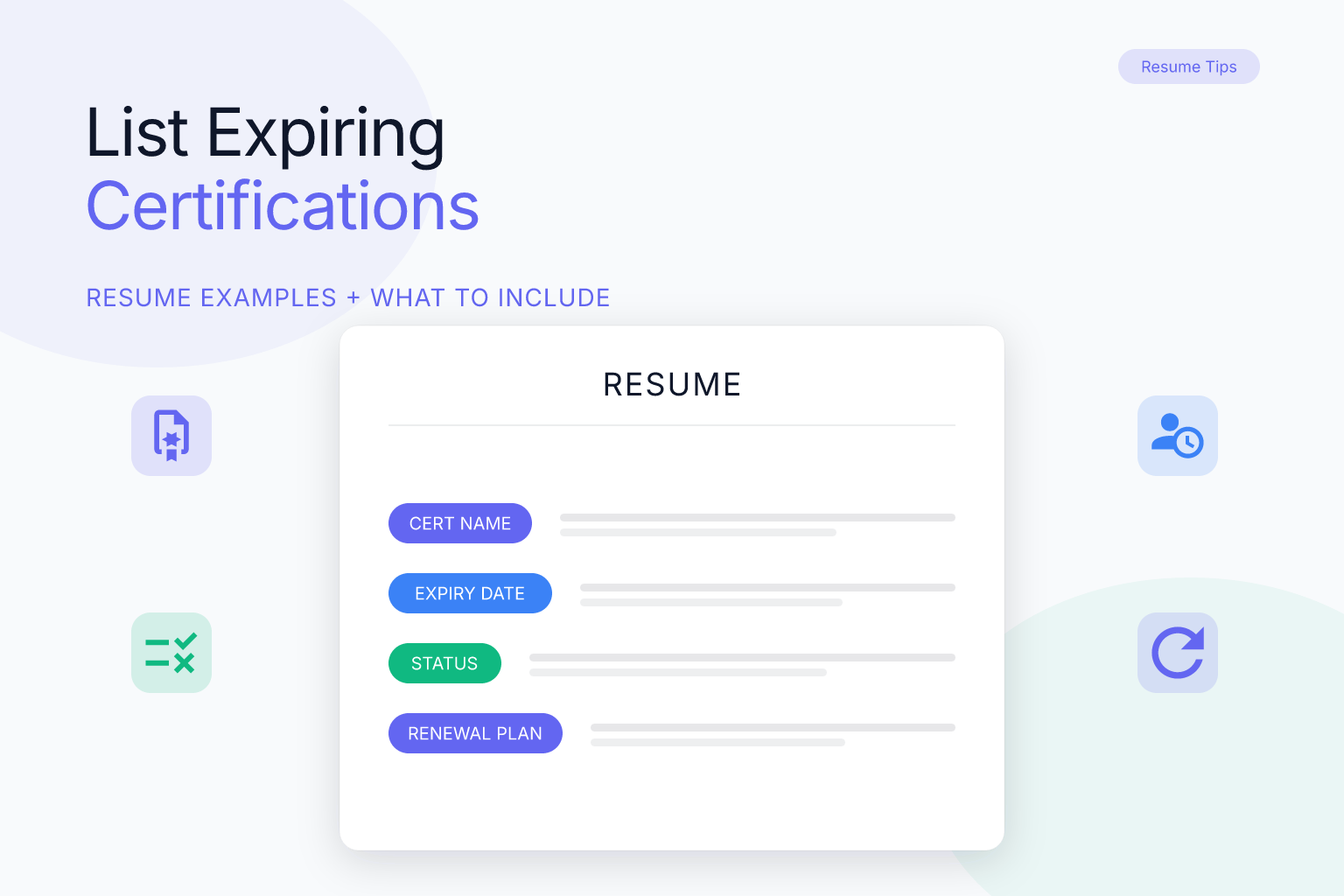
How to List Expiring Certifications on a Resume (Examples)
If you’re wondering how to list certifications expiring soon on a resume, you’re facing a common dilemma: you don’t want to mislead a hiring manager, but you also don’t want to lose out on a job because a credential is about to lapse. The good news is that you can list a certification that’s still valid — even if it expires in a few weeks — as long as you handle the expiration date strategically. This guide walks you through exactly when to include an expiration date, how to format the entry, and what to do if your certification expires before you’d start the job.
Key Takeaways
- List certifications that are still valid at the time you submit your resume, even if they expire within a few months; omit the expiration date if it’s not required and the certification is still active.
- If a certification expires before your target start date, either renew it before applying or note “renewal in progress” to stay honest.
- Use a dedicated “Certifications” section and format entries as: Certification Name, Issuing Organization, Date Earned (and Expiration Date only if it adds value or is requested).
- Never list an expired certification as active; if it’s expired, either remove it or mark it as “expired” with a note about renewal plans.
- Check the job description: if the certification is a hard requirement, prioritize renewing it before applying.
| What to Do | Why It Matters | Time |
|---|---|---|
| Check expiration date against application timeline | Avoid misrepresenting an expired credential | 5 min |
| Renew certification if it expires before start date | Keep your application competitive | Varies (days to weeks) |
| List certification without expiration date if still active | Prevent premature screening out | 2 min |
| Add “renewal in progress” if applicable | Show proactive effort | 2 min |
| Remove expired certifications or mark as expired | Maintain honesty and ATS clarity | 5 min |
How to List Certifications Expiring Soon on a Resume: The Core Rules
The first rule is honesty: never claim a certification is active if it has already expired. But that doesn’t mean you have to volunteer every expiration date. If your certification is still valid on the day you submit your resume, you can list it as an active credential. Whether you include the expiration date depends on a few factors:
- Job requirements: If the job posting explicitly asks for a certification with a specific validity period (common in healthcare, finance, and IT), include the expiration date.
- Time until expiration: If the certification expires within 30 days of your application, consider whether the date will raise red flags. If it expires after that, you can usually omit it without issue.
- Relevance to the role: If the certification is a nice-to-have rather than a hard requirement, omitting the expiration date is often fine.
A good rule of thumb: if the certification is still active and the expiration date is not immediately relevant to the hiring decision, leave it off. You can always discuss renewal plans in an interview. Many applicant tracking systems (ATS) don’t require expiration dates, and including one that’s close to passing can sometimes trigger automatic filtering. But never lie — if asked directly, be upfront.
When to Include the Expiration Date (and When to Leave It Off)
Deciding whether to show the expiration date comes down to context. Here’s a breakdown:
Include the expiration date when:
- The job description specifically requests it (e.g., “must have active RN license through 2026”).
- The certification is a legal or regulatory requirement (nursing license, CPA, bar admission).
- The expiration is far enough in the future (6+ months) that it demonstrates ongoing validity and commitment.
- You’re applying for a role where the certification’s currency is critical (e.g., cybersecurity, project management).
Leave the expiration date off when:
- The certification is still active and the expiration is not relevant to the role.
- The expiration is within a few months, but you plan to renew before starting the job.
- The certification is a secondary credential that supports your qualifications but isn’t a dealbreaker.
For example, if you hold a PMP that expires in 8 months, you can list it as “Project Management Professional (PMP), Project Management Institute, 2023” without the date. If it expires in 3 weeks and the job requires a current PMP, you should either renew it first or include the date with a note about renewal.
How to Format Certifications in Your Resume’s Certifications Section
A dedicated “Certifications” section is the cleanest way to present credentials. Place it after your Education or Skills section, depending on relevance. Use this standard format:
Certification Name, Issuing Organization, Date Earned (optional: Expiration Date)
Here’s an example with the expiration date included:
- Project Management Professional (PMP), Project Management Institute, Earned June 2023 (Expires June 2026)
- Certified ScrumMaster (CSM), Scrum Alliance, Earned 2024 (Expires December 2025)
And without expiration dates:
- Project Management Professional (PMP), Project Management Institute, 2023
- Certified ScrumMaster (CSM), Scrum Alliance, 2024
If you have multiple certifications, list them in reverse chronological order or by relevance to the job. Keep the formatting consistent — don’t mix date styles. For more guidance on listing credentials and courses, see our post on how to list online courses and MOOCs on a resume.
Using a clean, single-column resume template helps ATS parse your certifications correctly. The free ResumeMate resume builder offers ATS-safe templates that keep your certifications section tidy and scannable.
What to Do If Your Certification Expires Before Your Start Date
This is the trickiest scenario. If you know your certification will lapse before you’d likely start the job, you have three options:
- Renew it before applying. This is the strongest move, especially if the certification is a hard requirement. Check the certifying body’s renewal process — many allow online renewal with continuing education credits.
- Note “renewal in progress” on your resume. If renewal is underway but not yet complete, you can list the certification with a note. For example:
- Certified Information Systems Security Professional (CISSP), ISC2, Earned 2022 — renewal in progress (expected March 2026)
- Apply anyway and address it in the interview. If renewal isn’t possible before the application deadline, you can still apply, but be prepared to explain your plan. Some employers will accept a lapsed certification if you commit to renewing within a set timeframe.
Never list an expired certification as active, even if you plan to renew it. That’s a misrepresentation that can cost you the job — and your reputation — if discovered during a background check.
How to Handle Expired Certifications on Your Resume
If a certification has already expired, you have two honest choices:
- Remove it entirely. This is often best if the certification is no longer relevant to your target role or if it expired more than a year ago. Keeping outdated credentials can clutter your resume and distract from current qualifications.
- List it with a clear “expired” notation. If the certification still demonstrates valuable knowledge or experience, you can include it with a note. Format it like this:
- AWS Certified Solutions Architect – Associate (expired 2025; renewal planned Q3 2026)
Be cautious: some employers may view an expired certification as a negative, especially if the role requires an active credential. If you choose to list it, make sure the rest of your resume clearly shows you’ve kept your skills current through other means.
When deciding between removal and notation, consider the certification’s relevance and recency. For example, if you earned a certification in a technology that is still widely used but the credential lapsed due to a career break or personal circumstances, noting the expiration with a brief explanation can preserve the value of that experience. However, if the certification is from a vendor that no longer exists, or the skill has become obsolete, removing it is usually the better choice. Also think about how an ATS might parse the entry: some systems flag dates that are in the past, so if you include an expired certification, place it lower in the section or use a separate “Previous Certifications” subsection to avoid confusion. Ultimately, the goal is to present a resume that is both honest and focused on your current qualifications.
Examples: Listing Certifications Expiring Soon (with Before/After)
Let’s look at a few real-world scenarios.
Example 1: Certification expiring in 2 months, job doesn’t require it
Before (bad):
- PMP Certification – expires next month
After (good):
- Project Management Professional (PMP), Project Management Institute, 2023
Why it works: The certification is still active, and the expiration date isn’t relevant to the role. Omitting it avoids unnecessary scrutiny.
Example 2: Certification expiring in 3 weeks, job requires it
Before (bad):
- Certified ScrumMaster (CSM), Scrum Alliance, 2024 (expires 2/28/2026)
After (good):
- Certified ScrumMaster (CSM), Scrum Alliance, Earned 2024 — renewal in progress (expected March 2026)
Why it works: You’re honest about the upcoming expiration while showing proactive effort to renew.
Example 3: Certification already expired
Before (bad):
- AWS Certified Solutions Architect – Associate, Amazon Web Services, 2023
After (good):
- AWS Certified Solutions Architect – Associate (expired 2025; renewal planned Q3 2026)
Why it works: You’re transparent about the status, and the note shows you’re taking steps to regain the credential.
Common Mistakes to Avoid When Listing Expiring Certifications
Even well-intentioned job seekers make these errors:
- Including an expiration date that has already passed. This is an instant red flag. Always double-check the date before submitting.
- Listing an expired certification as active. Background checks often verify credentials, and a mismatch can disqualify you.
- Cluttering your resume with too many certifications. Focus on the 3–5 most relevant credentials. If a certification is expiring soon and isn’t critical, consider dropping it.
- Using inconsistent formatting. Pick one date style (e.g., “2023” or “June 2023”) and stick with it across all entries.
- Failing to renew a required certification before applying. If the job description says “must have active X certification,” renew it first or don’t apply.
- Not tailoring the certifications section to the job. Highlight the certifications that matter most for each application. For more on tailoring credentials, see our guide on how to list awards and honors on a resume.
Remember that hiring managers scan resumes quickly, so any inconsistency or outdated credential can create doubt about your attention to detail. Before submitting, review your certifications section line by line and ask yourself whether each entry strengthens your candidacy for that specific role. If a certification is expiring soon and you’re unsure whether to include it, err on the side of simplicity: list only what is active and directly relevant, and be ready to discuss renewal plans in an interview.
How to Renew a Certification Quickly Before Applying
If you need to renew a certification fast, follow these steps:
- Check the certifying body’s website. Look for renewal requirements, fees, and deadlines. Some organizations offer a grace period after expiration.
- Earn continuing education credits quickly. Many certifications accept online courses, webinars, or self-study. Platforms like Coursera, Udemy, or the certifying body’s own portal can help you rack up credits in days.
- Request a temporary extension. Some bodies grant short extensions for extenuating circumstances. It never hurts to ask.
- Pay the renewal fee and submit documentation. Once approved, you’ll receive a new expiration date — update your resume immediately.
- If renewal is impossible, decide whether to apply anyway. If the certification is a hard requirement, you may need to wait. If it’s a nice-to-have, apply with a note about your renewal plan.
Before you submit your resume, run it through the free ResumeMate score checker to see how your certifications section reads to an ATS. It flags formatting issues and suggests improvements.
FAQ
Q: Should I list a certification that expires in 30 days on my resume?
A: Yes, if it’s still active on the date you submit your resume. You can omit the expiration date if it’s not required, but be prepared to discuss renewal plans if asked. If the certification is a hard requirement for the job, renew it before applying or note “renewal in progress.”
Q: Can I list an expired certification on my resume?
A: You can, but you must mark it as expired and ideally include a note about renewal plans. If the certification is no longer relevant or expired long ago, it’s often better to remove it entirely to avoid clutter and potential red flags.
Q: How do I format a certification with an expiration date?
A: Use the format: Certification Name, Issuing Organization, Date Earned (Expiration Date). For example: “Project Management Professional (PMP), Project Management Institute, Earned 2023 (Expires June 2026).” Keep the style consistent across all entries.
Q: What if my certification expires before my interview?
A: If the certification expires between your application and the interview, be upfront. You can mention that you’re in the process of renewing it. If the role requires an active certification, prioritize renewal before the interview if possible.
Q: Do employers verify certification expiration dates?
A: Many employers verify certifications during background checks, especially for regulated fields like healthcare, finance, and engineering. Listing an expired certification as active can lead to a rescinded offer, so always be honest.
Q: Is it okay to omit the expiration date if the certification is still valid?
A: Yes, in most cases. If the certification is active and the expiration date isn’t relevant to the job, you can list just the certification name, issuing organization, and year earned. Only include the expiration date if the job requires it or if it adds value.
Track Every Application While You Job Hunt
Stop losing track of where you’ve applied. The ResumeMate Job Tracker is a free Chrome extension that tracks every application, deadline, and follow-up in one place — right from your browser.
