
How to List Hackathons on a Resume (With Examples)
Knowing how to list hackathon participation on a resume can turn a weekend project into compelling proof of your skills—especially if you’re a student, recent graduate, or career changer with limited formal work experience. Hackathons show recruiters that you can build something real under time pressure, collaborate with a team, and learn new tools quickly. But simply writing ‘Participated in HackMIT 2026’ won’t get you an interview. You need to present your hackathon work the same way you’d present a job: with a clear role, specific contributions, and measurable outcomes. This guide covers where to put hackathons, what to include in each entry, how to write bullet points that stand out, common mistakes to avoid, ATS formatting tips, and answers to frequent questions.
Key Takeaways
- Place hackathons in a dedicated ‘Projects’ or ‘Hackathons’ section below education or skills if you are a student, recent graduate, or career changer; experienced professionals should fold them into a broader ‘Projects’ section.
- Each hackathon entry must include the hackathon name and date, your specific role, the tech stack, a one-sentence problem you solved, and a measurable outcome such as an award, user count, or working MVP.
- Write hackathon bullet points starting with action verbs, quantify results whenever possible (e.g., ‘reduced response time by 40%’), and tailor the technologies and contributions to the specific job description.
- List only 2–4 of your most relevant and recent hackathons, avoid vague descriptions, include a link to your code or demo, and use a clean single-column ATS-friendly format with standard section headings.
- Hackathons can substitute for internships for entry-level candidates if you document your individual role and measurable impact, but do not list them under work experience unless you had a paid formal role such as organizer or mentor.
How to List Hackathon Participation on a Resume: Where It Belongs
The first decision is where to list hackathon participation on a resume. The answer depends on your career stage and how much formal experience you have. For students, recent graduates, and career changers, create a dedicated section titled ‘Projects’ or ‘Hackathons’ and place it directly below your education or skills section. This puts your hands-on work front and center, which is exactly what recruiters want to see when you lack years of professional experience. A hackathon project is a legitimate project—treat it that way. For experienced professionals with 3+ years of relevant work experience, hackathons become secondary. You can still include them, but fold them into a broader ‘Projects’ or ‘Technical Projects’ section rather than giving them their own section. This keeps your resume focused on paid work while still showing you stay current with new technologies. Only list a hackathon under work experience if you had a formal role—for example, you were a paid mentor, organizer, or judge. In that case, list it as a job with your title, the organization, and dates. Otherwise, keep it in Projects. Hackathons carry the most weight when you’re a student with no internships, changing careers, applying to roles that value speed and iteration, or returning to the workforce after a gap. In these cases, treat hackathons as the centerpiece of your resume, not an afterthought.
What to Include in Each Hackathon Entry
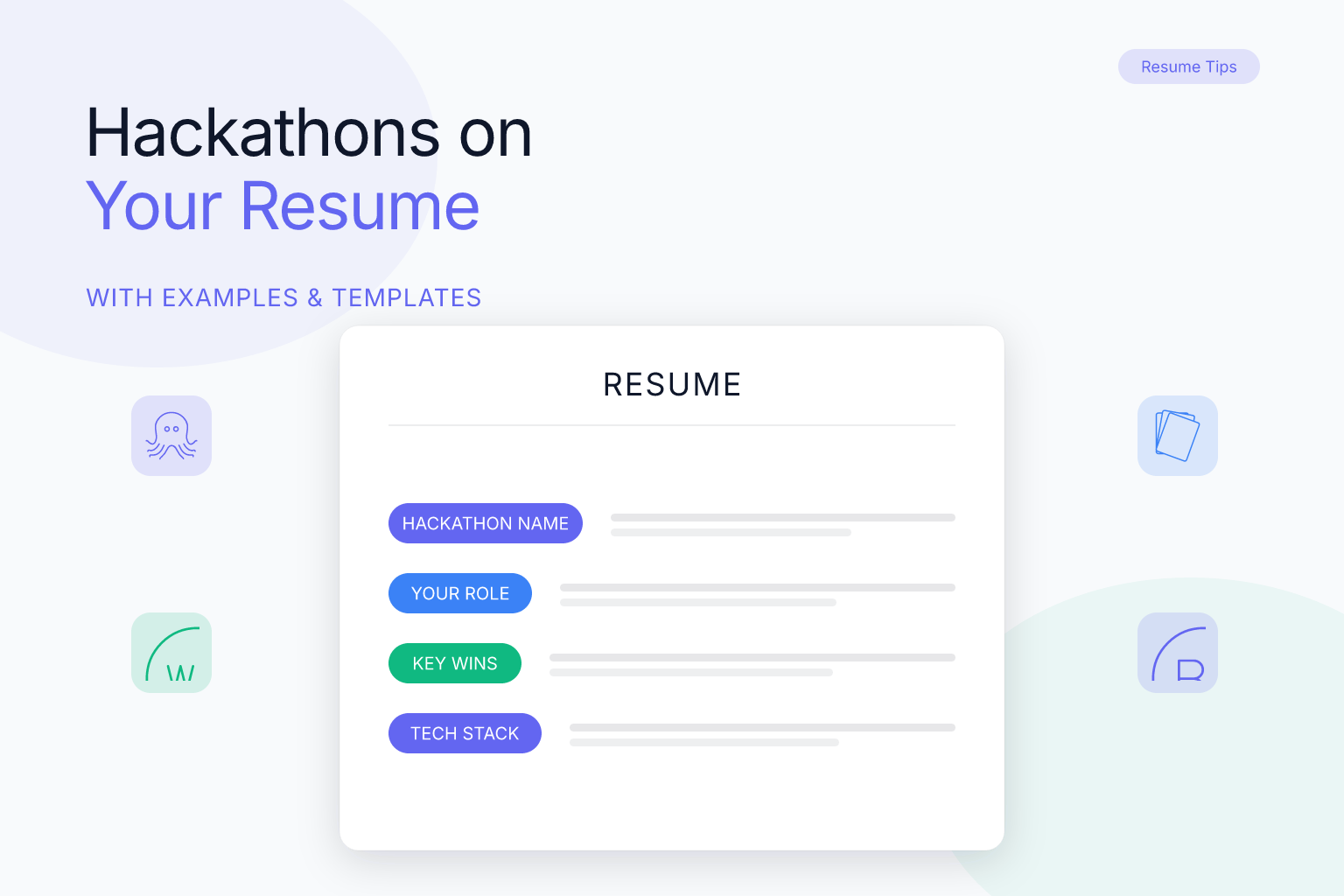
A strong hackathon entry has five components. Missing any of them makes your entry look incomplete or vague. First, include the hackathon name and date—for example, ‘HackMIT 2026’ or ‘TechCrunch Disrupt Hackathon, September 2026.’ Include the month and year so recruiters know how recent it is. Second, specify your role. Were you the frontend developer, the data engineer, the team lead, or the sole designer? Be specific. ‘Team of 4—I built the React frontend and integrated the API’ is far better than ‘participant.’ Third, list the tech stack: languages, frameworks, and tools you used. This helps ATS keyword matching and shows recruiters you have hands-on experience with the tools they care about. Fourth, describe the problem you solved in one sentence. ‘Built a web app that helps food banks match surplus donations with nearby shelters’ is concrete and memorable. Fifth, include a measurable outcome. Did you win an award? Place in the top 10? Get 500 signups in 24 hours? Ship a working MVP? Even ‘completed a functional prototype in 36 hours’ is measurable because it shows you can deliver under pressure. Here’s a complete example: HackMIT 2026—Frontend Developer, Team of 4, React, Node.js, MongoDB, Twilio API. Bullets: Built a real-time volunteer coordination platform that matches volunteers with local disaster relief efforts; Developed the React frontend and integrated Twilio SMS notifications, reducing response time by 40% in user testing; Placed top 10 out of 200+ teams and received the ‘Best Social Impact’ award. Notice how each bullet starts with an action verb, includes a specific technology, and ends with a result.
Hackathon Resume Examples for Different Career Stages
Your hackathon section should look different depending on where you are in your career. Here are three examples. For a student or new graduate with no work experience, hackathons are your primary evidence of skill. Give them a dedicated section and write fuller bullet points. Example: Hackathons & Projects. Hack the North 2026—Team Lead, Team of 5, Python, Flask, PostgreSQL, Google Maps API. Bullets: Led a team of five to build a route-optimization tool for food delivery drivers, reducing average delivery time by 18% in simulation; Designed the database schema and wrote the backend API, handling 1,000+ requests per minute in load testing; Won 2nd place overall out of 150 teams. Local Hack Day 2025—Solo Developer, JavaScript, HTML/CSS, Firebase. Bullets: Built a personal finance tracker that categorizes expenses using a simple rule-based engine; Shipped a working MVP in 12 hours and received positive feedback from three judges on UI/UX. For a career changer transitioning into tech, hackathons show you’re serious about learning and can apply new skills. Place them under a ‘Technical Projects’ section and emphasize skills relevant to your target role. Example: Technical Projects. AngelHack 2026—Backend Developer, Team of 3, Node.js, Express, PostgreSQL, Stripe API. Bullets: Built a subscription management dashboard for small businesses, processing test payments via Stripe; Wrote RESTful API endpoints and implemented JWT authentication, reducing unauthorized access attempts to zero in testing; Presented the project to a panel of 10 industry judges and received the ‘Most Viable Product’ award. For an experienced professional with 3+ years in tech, keep hackathons brief. One or two entries max, folded into a ‘Projects’ section alongside side projects or open-source contributions. Example: Projects. HackMIT 2025—Contributor, React, TypeScript, Firebase. Bullets: Collaborated with a team of four to build a real-time polling app for conference Q&A sessions; Implemented the voting UI and real-time data sync, handling 500+ concurrent users in a live demo.
How to Write Hackathon Bullet Points That Get Noticed
The difference between a forgettable hackathon entry and a compelling one comes down to your bullet points. Follow these three rules. First, start with an action verb. Use verbs like built, developed, designed, led, implemented, integrated, optimized, shipped, or presented. Avoid passive phrases like ‘was responsible for’ or ‘helped with.’ Second, quantify whenever possible. Numbers catch the eye and make your work feel concrete. Even rough estimates are better than nothing. Examples: ‘Reduced page load time by 35%,’ ‘Processed 10,000+ data points in real time,’ ‘Attracted 200+ beta users in 48 hours,’ ‘Placed top 5 out of 120 teams,’ ‘Wrote 1,500 lines of Python code.’ Third, connect to the job you want. If you’re applying for a frontend role, emphasize the UI work. If you’re applying for a data role, highlight the data pipeline or analysis. Tailor each hackathon entry to the specific job description—you don’t have to list every detail of every hackathon. Here’s a weak bullet point and a strong rewrite. Weak: ‘Participated in a hackathon and made an app.’ Strong: ‘Built a React Native app that helps users find accessible parking spots, integrating Google Maps API and reducing search time by 50% in user testing.’
Common Mistakes to Avoid When Listing Hackathons
Even well-intentioned candidates make these errors. Avoid them to keep your resume professional and ATS-friendly. Mistake 1: Listing every hackathon you’ve ever attended. Recruiters don’t need to see all 12 hackathons from your college years. Pick the 2–4 most relevant or impressive ones. Quality over quantity. To choose, filter by relevance (does the project use skills from the job description?), outcome (did you win, place, or build something with real users?), recency (last 2–3 years carry more weight), and role (did you have a meaningful contribution?). If you can’t describe what you specifically did, leave it off. Mistake 2: Writing vague descriptions. ‘Worked on a team project’ tells the recruiter nothing. Always specify your role, the tech, and the outcome. Mistake 3: Forgetting to include a link to your code or demo. If you have a GitHub repo or a live demo, include it. Recruiters often want to see the actual work. If you don’t have a GitHub profile set up, check out our guide on how to list a GitHub profile on your resume. Mistake 4: Using a multi-column or heavily designed template that confuses ATS. While modern ATS can often parse two-column layouts, the safest choice is a clean, single-column format. Most ResumeMate templates are single-column for this reason. You can check your resume’s ATS score free to see if your hackathon section parses correctly. Mistake 5: Treating a hackathon like a full-time job. Don’t inflate a 36-hour event into a six-month role. Be honest about the timeframe. Recruiters respect hackathons for what they are—intense, short-term projects—not as substitutes for years of experience. If you’re also listing other non-traditional experiences like volunteer work, see our post on how to list volunteer work on a resume with no experience for a consistent approach.
How to Format Hackathons for ATS (and Why PDF Is Fine)
Applicant tracking systems parse your resume to extract text and match keywords. Hackathon entries are no different from any other section—but formatting mistakes can cause them to be skipped or garbled. Use a standard section heading. ‘Hackathons,’ ‘Projects,’ or ‘Technical Projects’ are all recognized by ATS. Avoid creative headings like ‘Weekend Wins’ or ‘Side Quests.’ Keep the layout simple: single-column, no tables, no text boxes, no images. Most ResumeMate templates are single-column and export as clean, text-based PDFs that ATS parse reliably. The problem with ATS parsing is rarely the PDF format itself—it’s scanned or image-based PDFs, complex tables, and graphics. A text-based PDF from a resume builder works fine. Include keywords from the job description. If the job asks for React, Node.js, or Python, make sure those exact terms appear in your hackathon entries. Don’t just write ‘JavaScript frameworks’—write ‘React’ and ‘Node.js.’ Test your resume by uploading it to the ResumeMate score checker to see how well it parses and get section-by-section feedback on your hackathon entries. It’s free and takes less than a minute.
FAQ
Q: Can I list hackathons under work experience? A: Only if you had a formal, paid role such as organizer, mentor, or judge. If you were a participant building a project, list it under a ‘Projects’ or ‘Hackathons’ section instead. Treating a 36-hour event as a job can look dishonest to recruiters. Q: How many hackathons should I list on my resume? A: List 2–4 hackathons maximum. Choose the ones most relevant to the job you’re applying for, with the strongest outcomes (awards, users, measurable impact). Quality always beats quantity. Q: What if I didn’t win the hackathon? A: Winning is not required. Focus on what you built, the problem you solved, and any measurable result—even ‘shipped a working MVP in 24 hours’ is a strong outcome. Recruiters care more about your skills and initiative than about trophies. Q: Do hackathons count as experience for entry-level jobs? A: Yes, in many cases. For students and career changers, hackathons demonstrate practical skills, teamwork, and the ability to deliver under pressure—all things employers want. Just make sure you describe your specific role and the technologies you used. Q: How do I list a hackathon if I was part of a team? A: Always specify your individual role within the team. Write ‘Team of 4—I built the React frontend and integrated the API’ rather than just ’team project.’ This shows recruiters exactly what you contributed, not what the group did. Q: Should I include hackathons from more than three years ago? A: Generally no, unless the hackathon is highly relevant to the job or you have very little other experience. Prioritize recent hackathons (within the last 2–3 years) because they reflect your current skill level. Q: Can hackathons replace internships on a resume? A: They can partially fill the gap, especially if you have no internship experience. A well-documented hackathon project with a live demo and measurable results can be just as convincing to a recruiter as a short internship. However, if you have both, list both—they complement each other. For guidance on listing unpaid internships, see our post on how to list an unpaid internship on a resume.
Track Every Application While You Job Hunt
Stop losing track of where you’ve applied. The ResumeMate Job Tracker is a free Chrome extension that tracks every application, deadline, and follow-up in one place—right from your browser. With the Job Tracker, you can log each job you apply to, set reminders for follow-ups, and see your entire job search pipeline at a glance. No more digging through email threads or spreadsheets to remember which companies you’ve contacted. The extension automatically saves the job title, company, and date when you apply, and you can add custom notes, interview dates, and status updates. It’s designed for busy job seekers who want to stay organized without extra effort. Whether you’re applying to 5 jobs or 50, the ResumeMate Job Tracker helps you follow up on time and never miss an opportunity. Install it free from the Chrome Web Store and start tracking your applications today. Install ResumeMate Free on Chrome →
