
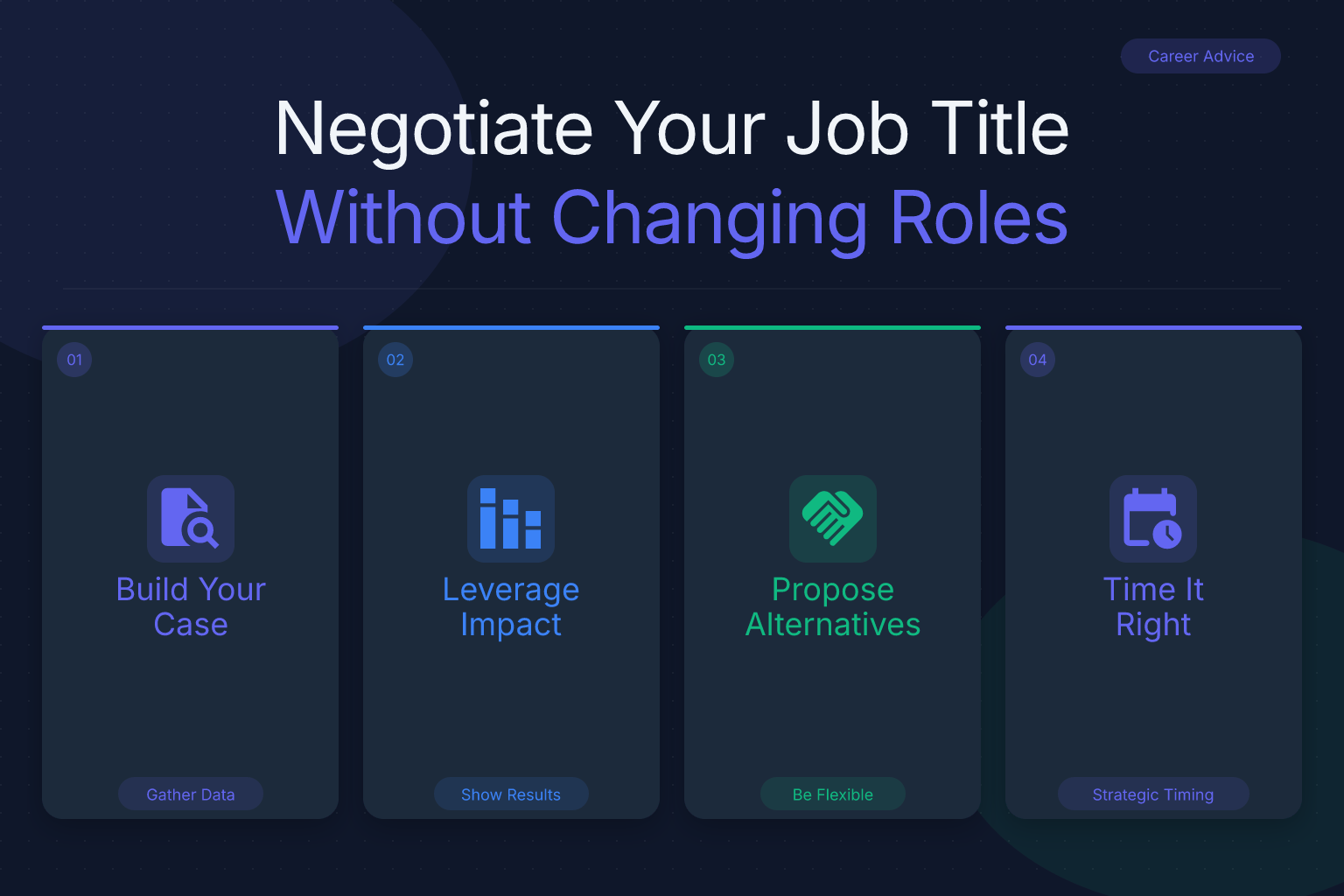
How to Negotiate a Job Title Without Changing Your Role
You’re doing the work of a senior manager but your business card still says “coordinator.” Learning how to negotiate a job title without changing your role can fix that mismatch — and it’s often easier than asking for a promotion. A title that reflects your actual responsibilities doesn’t just feel good; it shapes how recruiters, colleagues, and future employers see you. This guide walks you through exactly how to make the ask, build a bulletproof case, and handle pushback — all without changing your day-to-day duties.
Key Takeaways
- A title change without a role change is a “reclassification,” not a promotion — frame it as aligning your title with the work you already do.
- Build a case using your official job description, a list of your actual duties, and market data showing what similar roles are called elsewhere.
- Time the conversation around performance reviews, organizational changes, or right after you’ve taken on new responsibilities.
- Use collaborative language: “I’d like to discuss how my title reflects the work I’m already doing” rather than demanding a change.
- If your manager says no, ask for a timeline, a development plan, or a “working title” you can use externally while you wait.
Summary Table
| What to Do | Why It Matters | Time |
|---|---|---|
| Audit your actual responsibilities vs. your official job description | Shows the gap between your title and your work | 1–2 hours |
| Research market titles for similar roles | Provides evidence that your requested title is standard | 2–3 hours |
| Draft a one-page business case | Makes your request professional and data-driven | 1–2 hours |
| Schedule a dedicated conversation with your manager | Shows you’re serious and respects their time | 30 minutes |
| Follow up with an email summary | Creates a paper trail and reinforces your request | 15 minutes |
Why Negotiating a Job Title Without Changing Your Role Matters
Your job title is the first thing people see on LinkedIn, your resume, and in email signatures. It signals your level of responsibility before anyone reads a single bullet point. When your title lags behind your actual work, you miss out on opportunities — both inside and outside your company.
Recruiters often filter candidates by current job title. If your title is “associate” but you’re leading projects and managing budgets, you may never show up in searches for “manager” roles. Internally, a misaligned title can affect how peers and leadership perceive your authority. You might be excluded from meetings or decisions simply because your title doesn’t match your influence.
A title change without a promotion is sometimes called a reclassification or title realignment. It’s not about asking for more money or a bigger team — it’s about accuracy. And in many organizations, it’s a lower-stakes request than a full promotion because it doesn’t require a salary band adjustment or headcount approval. That makes it a smart first step if you’re feeling undervalued but not ready to push for a raise.
Understand the Difference: Title Change vs. Promotion
Before you walk into your manager’s office, get clear on what you’re asking for. A promotion typically means a higher-level role with new responsibilities, a different pay grade, and often a formal review process. A title change without a role change is different: you’re staying in the same seat, doing the same work, but asking for a label that matches reality.
Here’s how they compare:
- Promotion: New duties, higher salary band, often requires a vacancy or budget approval.
- Title change (reclassification): Same duties, same pay, just a more accurate or senior-sounding title.
Why does this distinction matter? Because managers and HR are far more likely to approve a reclassification. It doesn’t cost the company extra money (usually), and it doesn’t require restructuring the team. You’re simply asking them to update a label. Frame it that way from the start, and you’ll lower the barrier to a “yes.”
When to Ask for a Title Change
Timing can make or break your request. Ask at the wrong moment — like during a hiring freeze or right after a round of layoffs — and you’ll get a quick no. Ask at the right moment, and your manager may wonder why they didn’t think of it themselves.
Ideal windows to bring it up:
- During your performance review: You’re already discussing your contributions and growth. It’s a natural time to say, “Given the work I’m doing, I’d like to discuss whether my title still fits.”
- After you’ve taken on new responsibilities: If you’ve absorbed tasks from a departed colleague or led a major project, point to that as evidence your role has evolved.
- When your team or company is restructuring: Reorgs often come with title updates. Volunteer to align your title with the new structure.
- When you hit a milestone: Completed a certification, finished a big initiative, or reached an anniversary? Use that momentum.
Avoid asking during budget season if your company ties titles to salary bands (some do). In that case, a title change might trigger a compensation review, which can complicate things. If you’re unsure, ask HR or a trusted mentor how titles are managed in your organization.
How to Build Your Case: Data and Documentation
You can’t just walk in and say, “I want a better title.” You need a business case that makes the decision easy for your manager. Here’s a step-by-step process to build one.
Step 1: Get your official job description
Pull the original job description you were hired for. If you don’t have it, ask HR. This is your baseline.
Step 2: List what you actually do
For one week, track your daily tasks. Then write a bulleted list of your current responsibilities. Be specific: “Lead weekly cross-functional meetings with 12 stakeholders” is stronger than “attend meetings.”
Step 3: Highlight the gaps
Compare your actual duties to the job description. Circle everything you do that isn’t in the original description. These gaps are your evidence that your role has outgrown its title.
Step 4: Research market titles
Search job boards (like the ResumeMate job board) for roles with similar responsibilities. Note the titles used. For example, if you’re doing project management but your title is “coordinator,” you’ll likely find that “Project Manager” or “Program Manager” is the industry standard. Collect 3–5 job postings that match your duties and save them as PDFs.
Step 5: Draft a one-page business case
Summarize your findings in a single page:
- Current title and proposed title
- Key responsibilities you’re already performing that align with the proposed title
- Market evidence (job postings, industry norms)
- How the change benefits the company (clearer external communication, better client perception, improved internal clarity)
Keep it factual, not emotional. This document is your anchor during the conversation.
Scripts and Phrases to Use in the Conversation
How you phrase the request sets the tone. You want to sound collaborative, not confrontational. Here are scripts for different scenarios, modeled on the negotiation frameworks we cover in our PTO negotiation guide and remote work negotiation scripts.
Opening the conversation (informal)
“I’ve been thinking about how my role has evolved over the past [X months]. I’m doing work that’s more aligned with a [Proposed Title] than my current title. Would you be open to a quick chat about whether it makes sense to update my title to reflect that?”
During a one-on-one or performance review
“I’d like to discuss my job title. I’ve taken on [specific responsibilities] that go beyond my original job description, and when I look at similar roles in the market, they’re typically called [Proposed Title]. I’m not asking for a promotion or a raise — just to align my title with the work I’m already doing. I’ve put together a short summary of the case. Can I walk you through it?”
If your manager seems hesitant
“I understand this might need some thought. Is there a specific concern, or is it a matter of timing? I’m happy to work within whatever process makes sense.”
Follow-up email after the meeting
“Thanks for talking through the title alignment today. As discussed, I’ve attached the one-pager with my current responsibilities and market comparisons. Let me know if you need anything else from me. I’m happy to revisit this in [timeframe].”
Always keep the focus on accuracy and mutual benefit. Avoid comparing yourself to coworkers (“Sarah has a senior title and I do more than her”) — that rarely ends well.
What to Do If Your Manager Says No
A “no” isn’t the end of the road. It’s often a “not yet.” Here’s how to handle common objections.
Objection: “We don’t have the budget for a title change.” Response: “I’m not asking for a salary adjustment — just the title. Is there a way to separate the two in our system?”
Objection: “Titles are tied to pay grades here.” Response: “I understand. Could we explore a ‘working title’ I can use externally on LinkedIn and in email while we work toward the formal change? Or is there a timeline for when title reviews happen?”
Objection: “Your title is fine for what you do.” Response: “I appreciate that perspective. Could we review the market data I gathered? I want to make sure I’m not at a disadvantage when representing the company externally.”
If you hit a wall, ask for a concrete plan:
- “What would need to happen for this to be approved in the next 6 months?”
- “Can we set a check-in for [date] to revisit this?”
Document the conversation and any commitments. If nothing changes after a reasonable period, you may need to decide whether the title gap is a dealbreaker — but that’s a separate conversation.
How to Update Your Resume After a Title Change
Once you’ve secured the new title, update your resume immediately. A title change is a perfect time to refresh your entire document. Here’s how to do it right.
1. Use the new title as your official job title. List it exactly as it appears in your HR system. If you negotiated a “working title” that differs from your internal title, use the one that best represents your role to external audiences — but be prepared to explain the discrepancy if asked.
2. Rewrite your bullet points to match the new title’s expectations. If you’re now a “Senior Analyst” instead of “Analyst,” your bullets should emphasize leadership, strategy, and impact — not just task execution. For a step-by-step guide on tailoring your resume to a specific role, see our post on how to tailor a resume to a job description.
3. Check your resume’s ATS compatibility. Even a small title change can affect how applicant tracking systems parse your resume. Run your updated resume through ResumeMate’s free resume score checker to see how it scores and get section-by-section feedback. It takes two minutes and catches formatting issues that could cost you interviews.
4. Update LinkedIn and other professional profiles. Make sure your headline, current position, and any mentions of the role are consistent. A clean, accurate profile reinforces your new title and helps recruiters find you.
Common Mistakes to Avoid
Even well-intentioned requests can backfire if you stumble into these traps.
- Demanding instead of asking. “I deserve a better title” puts your manager on the defensive. Frame it as a discussion, not a demand.
- Comparing yourself to colleagues. “I do more than John and he’s a manager” creates resentment and makes you look unprofessional. Stick to your own work.
- Asking without data. A vague feeling that your title is wrong won’t convince anyone. Bring the job description, your actual duties, and market comparisons.
- Threatening to leave. Even if you’re frustrated, ultimatums rarely lead to a positive outcome. If you’re ready to walk, have that conversation separately.
- Ignoring company policy. Some organizations have rigid title structures tied to compensation bands. If that’s the case, a reclassification may be impossible without a promotion. Know the rules before you ask.
- Accepting a title change that doesn’t help. A “Senior Associate” title when you’re doing director-level work may not move the needle. Be specific about what title you want and why.
FAQ
Q: Can I negotiate a job title without a salary increase?
A: Yes, and in many cases that’s the easiest path. A title change that doesn’t involve a raise is often a simple administrative update. Make it clear from the start that you’re not asking for more money — just a title that matches your responsibilities.
Q: What if my company has strict title hierarchies?
A: Ask about “working titles” or “external titles.” Some companies allow a different title on business cards, email signatures, and LinkedIn while keeping an internal title for HR systems. This can be a low-friction compromise.
Q: How do I ask for a title change in writing?
A: Send a concise email after an initial verbal conversation. Summarize your current responsibilities, the proposed title, and the market data that supports it. Attach your one-page business case. Keep the tone collaborative and offer to discuss further.
Q: Is it okay to use a different title on LinkedIn before it’s official?
A: It’s risky. If a recruiter calls your employer for verification and the titles don’t match, it can raise red flags. Wait until the change is approved, or use a descriptive headline (e.g., “Project Management Professional | Leading Cross-Functional Initiatives”) that doesn’t claim a specific title.
Q: What if my manager agrees but HR blocks it?
A: Ask your manager to escalate or to provide a written explanation. Sometimes HR needs to see a formal reclassification request. Offer to provide additional documentation. If the block is policy-based (e.g., titles tied to pay grades), explore the working title option.
Q: How long should I wait before asking for a title change?
A: There’s no hard rule, but a good benchmark is 6–12 months after your responsibilities have clearly outgrown your title. If you’ve just taken on new duties, wait until you’ve delivered measurable results — that gives you concrete evidence to point to.
Related articles:
- How to Decline a Job Offer Politely Without Burning Bridges
- How to Prepare Your References Before a Job Search
Track Every Application While You Job Hunt
Stop losing track of where you’ve applied. The ResumeMate Job Tracker is a free Chrome extension that tracks every application, deadline, and follow-up in one place — right from your browser.
