
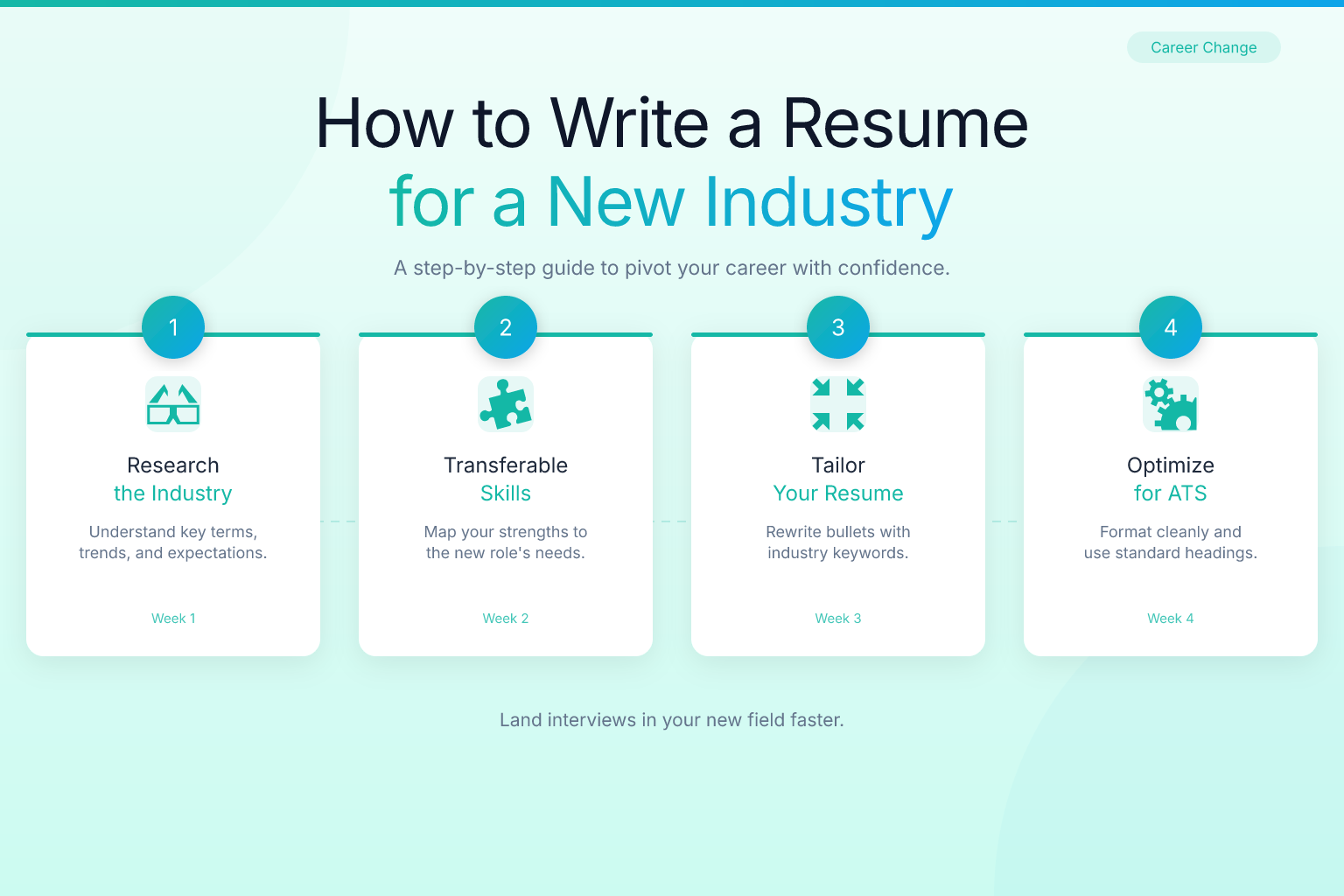
Learning how to write a resume for a different industry can feel like translating a document into a language you barely speak. You know you have the skills, but the vocabulary, the priorities, and even the resume format might be completely foreign. The good news: it’s a skill you can learn, and it doesn’t require starting from scratch. It requires reframing what you already have.
This guide walks you through exactly how to reposition your experience, choose the right structure, and avoid the mistakes that get career changers rejected. Whether you’re moving from teaching to corporate training, retail to project management, or hospitality to tech sales, the principles are the same. You’ll learn how to speak the new industry’s language, highlight transferable strengths, and build a resume that gets interviews — not confused looks.
Key Takeaways
- You don’t need direct industry experience; you need to translate your existing accomplishments into the target industry’s language using its keywords and metrics.
- A hybrid resume format (combination of chronological and functional) is usually the safest choice for career changers because it leads with skills before job history.
- Every bullet point on your resume should answer “So what?” for the new role — avoid jargon from your old field and focus on results that matter to the new one.
- Modern ATS systems parse clean, text-based PDFs reliably; use a single-column layout and avoid tables, graphics, or scanned documents.
- A career change resume summary is not optional — it’s your chance to connect the dots for a recruiter in under 10 seconds.
| What to Do | Why It Matters | Time |
|---|---|---|
| Research target industry keywords | Ensures your resume passes ATS filters and speaks the recruiter’s language | 1–2 hours |
| Reframe transferable skills with new context | Proves you can do the job even without a traditional background | 30–60 minutes |
| Choose a hybrid resume format | Puts your most relevant qualifications first, not your unrelated job titles | 15 minutes |
| Write a forward-looking summary | Immediately tells the hiring manager why you’re switching and what you bring | 20–30 minutes |
| Tailor every bullet to the job description | Shows you’ve done your homework and aren’t mass-applying | 30–45 minutes per application |
Step 1: Research the Target Industry’s Language and Keywords
Before you change a single word on your resume, spend time learning how the new industry talks about itself. Job descriptions are your primary source. Pull 10–15 postings for roles you want and highlight repeated phrases. Look for:
- Hard skills (software, methodologies, certifications)
- Soft skills described in industry-specific ways (e.g., “client-facing” instead of “customer service”)
- Action verbs that appear frequently (“drove,” “optimized,” “implemented”)
- Metrics the industry values (revenue, retention, NPS, cycle time, compliance rates)
For example, a teacher moving into instructional design will see terms like “ADDIE model,” “e-learning authoring tools,” and “needs analysis.” A retail manager targeting supply chain roles will find “inventory turns,” “OTIF,” and “demand forecasting.” These are the words that must appear on your resume — not “lesson plans” or “store sales.”
Use these keywords naturally in your summary, skills section, and experience bullets. This isn’t about keyword stuffing; it’s about demonstrating that you already think in the new industry’s terms. It also helps your resume pass through applicant tracking systems (ATS), which scan for exact matches to the job description. If you’re unsure whether your resume includes the right terms, run it through a free resume score checker to see how well it aligns with a specific job posting.
Step 2: Reframe Your Transferable Skills
Transferable skills are the bridge between your old career and your new one. But simply listing “communication” or “problem-solving” in a skills section won’t cut it. You need to embed those skills in accomplishment statements that use the new industry’s context.
Take a common skill like project management. A nurse might write: “Managed patient care for a 12-bed unit.” That’s accurate but doesn’t translate. Reframed for a project coordinator role in a corporate setting, it becomes: “Coordinated cross-functional care teams of up to 8 specialists to deliver patient outcomes on time, reducing average length of stay by 1.2 days.” Now the skill is visible in a language a non-healthcare hiring manager understands.
Here’s a simple reframing formula:
- Identify the core skill (e.g., training, budgeting, client management)
- Strip out industry-specific jargon (replace “IEP meetings” with “stakeholder meetings”)
- Add a measurable result that matters in the new field (cost savings, efficiency gain, satisfaction score)
- Use the target industry’s verb (e.g., “facilitated” instead of “taught”)
If you’re struggling to identify your transferable skills, list every responsibility from your last three roles and ask: “What did this actually accomplish, and who benefited?” The answer often reveals skills like negotiation, data analysis, process improvement, or vendor management — all of which are valuable across industries.
Step 3: Choose the Right Resume Format for an Industry Switch
The standard reverse-chronological format works against career changers because it leads with your most recent (and often least relevant) job title. For a different industry, you need a format that puts your qualifications first.
Hybrid (combination) resume is the best choice for most career changers. It starts with a skills summary or “Relevant Experience” section that groups your transferable capabilities, followed by a condensed work history. This lets you showcase project management, data analysis, or client relations before the reader sees that you were a teacher or a bartender.
A functional resume (skills-only, no dates) is sometimes suggested, but many recruiters dislike it because it can hide employment gaps or lack of progression. The hybrid format gives you the best of both: skills upfront, with enough chronological context to build trust.
When building your resume, stick to a single-column layout. Multi-column designs can confuse older ATS, and even modern systems parse single-column text more reliably. ResumeMate’s free resume builder offers ATS-safe templates that keep your formatting clean and export as text-based PDFs — the format that works for virtually every employer portal today. Only use a DOCX file if a specific application system explicitly requests it.
Step 4: Write a Compelling Career Change Summary
Your resume summary is the first thing a recruiter reads, and for a career changer, it’s the most important 3–4 lines on the page. A generic summary (“Hardworking professional seeking new opportunities”) will get skipped. A targeted summary that explains your pivot and highlights your most relevant strengths will get you a full read.
A strong career change summary follows this structure:
- Your current professional identity (reframed for the new field)
- Key transferable skills or achievements (with numbers if possible)
- The value you’ll bring to the new industry (specific, not vague)
- A nod to your motivation (optional but humanizing)
Example for a retail store manager moving into customer success:
Customer-focused operations leader with 6+ years of experience managing teams of 20+ and driving a 94% customer satisfaction rating. Skilled in de-escalation, process improvement, and CRM tools including Salesforce. Eager to apply a data-driven approach to client retention and account growth in a B2B SaaS environment.
Notice there’s no mention of “retail” or “store.” The summary speaks directly to the target role. For more examples and a deeper dive, see our guide on how to write a career change resume summary with no experience.
Step 5: Tailor Your Work Experience to the New Industry
Your work history section doesn’t need to be a complete log of every task you ever performed. For a different industry, you should curate and translate your bullets so that only the most relevant accomplishments remain.
Follow these rules:
- Cut irrelevant duties. If you’re moving from hospitality to HR, your ability to make a perfect cappuccino doesn’t belong. Your experience onboarding and training new hires does.
- Rewrite bullets using the PAR method (Problem, Action, Result) with the new industry’s metrics. Instead of “Handled customer complaints,” write “Resolved 95% of escalated client issues within 24 hours, improving retention scores by 12%.”
- Group similar roles. If you held multiple positions with the same company or similar responsibilities across different employers, you can combine them under one heading to avoid repetition. For example: “Server & Shift Lead (2018–2022)” with a single set of bullets that emphasize leadership, training, and inventory management — not food service.
- Add a “Relevant Experience” section. If you’ve done freelance work, volunteering, or side projects that relate to the new industry, pull them out of the chronological timeline and feature them prominently. This is especially powerful for tech, marketing, and creative fields.
When you’re done, read each bullet and ask: “Would a hiring manager in my target industry care about this?” If the answer is no, cut it or rewrite it until the answer is yes.
Step 6: Highlight Education, Certifications, and Optimize for ATS
Your education section can work harder. If your degree is in an unrelated field, list it without drawing attention to the major — or add relevant coursework, certifications, or projects that bridge the gap. A history major who completed a data analytics bootcamp should list the bootcamp prominently, possibly in a “Certifications” or “Professional Development” section above education. Online courses (Coursera, LinkedIn Learning, edX) show initiative and current knowledge.
Side projects are gold for career changers. Built a website for a friend’s business? That’s web development and client management. Ran a fundraising campaign for a nonprofit? That’s project management and stakeholder communication. List these in a “Projects” section with bullet points just like a job. They prove you can do the work, even if nobody paid you for it yet.
Now, make sure your resume gets past the ATS. Most companies use ATS software to filter resumes before a human sees them. For a career changer, ATS optimization is critical because the system looks for keyword matches — and if your resume still uses your old industry’s language, you’ll be filtered out.
- Match keywords exactly. If the job description says “Google Analytics,” don’t write “web analytics tools.” If it says “P&L management,” don’t write “budget oversight.”
- Use standard section headings. “Professional Experience,” not “Where I’ve Worked.” “Skills,” not “Toolbox.” ATS expects conventional labels.
- Avoid images, columns, and tables. These can scramble the parsing. A clean, single-column PDF is the safest bet. ResumeMate’s templates are built to parse cleanly in all major ATS platforms.
- Don’t stuff keywords. Use them naturally in context. ATS algorithms are sophisticated enough to penalize obvious stuffing.
- Include both acronyms and full terms the first time: “Search Engine Optimization (SEO).”
After you’ve tailored your resume, upload it to a resume score checker to see exactly how well it matches the job description and where you’re missing critical keywords. For a complete walkthrough of tailoring your resume to a specific job description, read our guide on how to tailor a resume to a job description (ATS strategy).
Common Mistakes to Avoid When Writing a Resume for a Different Industry
Even smart candidates sabotage their industry switch with avoidable errors. Watch out for these:
- Leading with an objective statement. “Seeking a challenging position in a growth-oriented company” says nothing. Use a summary that sells your value.
- Using your old industry’s jargon. Acronyms, internal tool names, and niche terminology confuse the reader and fail ATS scans.
- Listing responsibilities instead of achievements. “Responsible for” is the weakest way to start a bullet. Start with an action verb and end with a result.
- Including every job you’ve ever had. If a role from 15 years ago isn’t relevant, drop it. Your resume is not a legal document.
- Ignoring the cover letter. A career change cover letter is your chance to tell the story your resume can’t. Use it to explain your pivot and connect the dots. (See our cover letter guide for employment gaps — the same principles apply.)
- Applying without networking. A referral can bypass ATS entirely. Spend as much time building relationships in the new industry as you do tweaking your resume.
FAQ
Q: How do I write a resume for a new industry with no direct experience?
A: Focus entirely on transferable skills, relevant projects, and certifications. Lead with a strong summary that explains your pivot, and use a hybrid format to put your capabilities before your job titles. Every bullet should translate a past accomplishment into the language of the new field.
Q: What is the best resume format for a career change?
A: A hybrid (combination) resume works best. It starts with a skills summary or relevant experience section, followed by a condensed work history. This format lets you showcase your qualifications for the new industry before the recruiter sees your unrelated job titles.
Q: Should I use a functional resume when switching industries?
A: Functional resumes (skills-only, no dates) can raise red flags with recruiters who suspect you’re hiding something. A hybrid format is safer because it includes a chronological work history while still leading with skills.
Q: How do I list transferable skills on a resume for a different field?
A: Don’t just list them in a skills bank. Embed them in accomplishment bullets that use the new industry’s context and metrics. For example, instead of “Strong communication skills,” write “Facilitated weekly stakeholder meetings for cross-functional teams of 10+, resulting in a 20% reduction in project delays.”
Q: What file format should my resume be in?
A: A text-based PDF is the safest and most widely accepted format. Modern ATS parse PDFs reliably as long as the file isn’t a scanned image. Only use DOCX if a specific employer portal explicitly requests it. ResumeMate exports clean, ATS-friendly PDFs by default.
Related articles:
Track Every Application While You Job Hunt
Stop losing track of where you’ve applied. The ResumeMate Job Tracker is a free Chrome extension that tracks every application, deadline, and follow-up in one place — right from your browser.
