
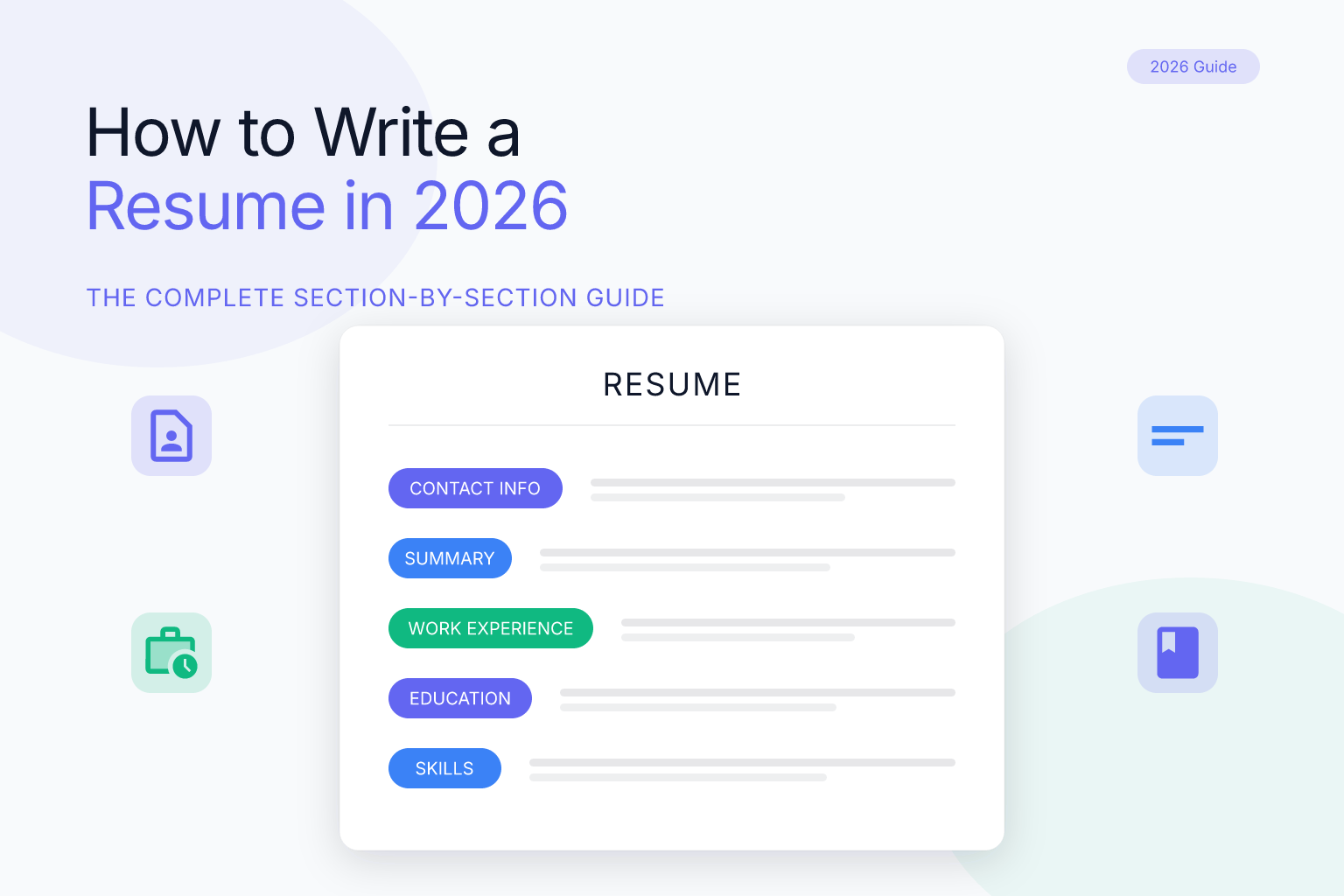
How to Write a Resume: The Complete 2026 Guide
If you’re looking for a how to write a resume guide that covers everything from formatting to beating applicant tracking systems, you’re in the right place. This step-by-step walkthrough shows you exactly what to put on your resume, how to structure it, and how to tailor it so recruiters and hiring software both give it a green light. You’ll also find free tools that do the heavy lifting — from building a clean, ATS-safe layout to checking your resume’s score before you hit submit.
| What to Do | Why It Matters | Time |
|---|---|---|
| Choose a clean, single-column layout | Ensures applicant tracking systems parse your information correctly | 5 minutes |
| Tailor your resume to each job description | Matches your skills to what the employer actually wants, boosting interview chances | 15–30 minutes per application |
| Write bullet points that show results, not just duties | Proves you can deliver impact, not just show up | 20–40 minutes |
| Run your resume through an ATS score checker | Catches formatting and keyword gaps before a recruiter sees them | 2 minutes |
| Name your file professionally and save as PDF | Avoids technical rejections and keeps your layout intact | 1 minute |
Start with the Right Resume Format
The first step in any how to write a resume guide is choosing a format that both recruiters and applicant tracking systems (ATS) can read without friction. Most hiring teams use software like Workday, Greenhouse, or Lever to screen resumes before a human ever sees them. If your layout confuses the parser, you might get rejected before anyone reads a word.
Single-column layouts are the safest choice. They present information in a predictable top-to-bottom flow that ATS algorithms handle reliably. Multi-column designs can work in modern systems, but they introduce risk — especially if you use tables, text boxes, or graphics. When in doubt, stick to one column.
PDF is the standard, not a problem. Today’s ATS parse text-based PDFs just as well as Word documents. The horror stories about PDFs come from old, scanned-image files or heavily designed templates with embedded graphics. A clean, text-based PDF exported from a tool like the free ResumeMate resume builder will pass through most systems without issue. Only switch to DOCX if a specific job portal explicitly asks for it.
Font and margins matter. Use a standard font — Calibri, Arial, or Garamond — at 10–12 points. Keep margins between 0.5 and 1 inch. White space makes your resume scannable for the human reader who spends maybe 6–10 seconds on a first glance.
File naming counts. Save your resume as FirstName-LastName-Resume.pdf, not resume_final_v3.pdf. Recruiters often download dozens of files, and a clear name helps them find you. For more on this, see our guide to naming your resume file.
Write a Header That Gets You Noticed
Your header is the first thing a recruiter sees — make it impossible to miss. Include:
- Full name (the name you use professionally)
- Phone number with a professional voicemail greeting
- Email address (firstname.lastname@gmail.com style, not partyanimal123@…)
- City and state (full street address is unnecessary and can introduce bias)
- LinkedIn profile URL (customize it to linkedin.com/in/yourname)
- Portfolio or GitHub link if relevant to your field
If you already have a fleshed-out LinkedIn profile, you can import it directly into ResumeMate’s builder to jumpstart your resume. That pulls in your experience, education, and skills so you’re not starting from a blank page. Read our guide on turning LinkedIn into a resume for the step-by-step.
Craft a Summary or Objective That Sells
Skip the vague “hardworking professional seeking a challenging position.” Instead, write a 2–3 line summary that tells the employer who you are, what you’ve done, and what you’ll do for them.
For experienced professionals, use a summary:
Digital marketing manager with 6 years of experience driving B2B lead generation. Increased qualified leads by 34% year-over-year at a SaaS company through SEO and paid search campaigns. Looking to bring data-driven growth strategies to a fast-scaling tech team.
For career changers or entry-level candidates, use an objective:
Recent computer science graduate with two internships in full-stack development. Built a React-based project management tool used by 200+ students. Seeking a junior software engineer role where I can contribute to product development and grow in a collaborative engineering culture.
Notice both examples name a specific skill, a measurable result (or a concrete project), and a clear target role. That’s the formula. Avoid adjectives like “motivated” or “team player” — show those traits through your bullet points instead.
Showcase Your Work Experience with Impact
This section makes or breaks your resume. Every bullet point under a job title should answer: What did you accomplish, and how did the business benefit?
Use the formula: Action Verb + Task + Result (with numbers when possible).
Before:
- Responsible for social media accounts
After:
- Grew Instagram following from 2,000 to 15,000 in 8 months by launching a user-generated content campaign, increasing website referral traffic by 22%
Quantify everything you can. Revenue, time saved, customer satisfaction scores, team size, budget managed — numbers give scale. If you don’t have exact figures, use ranges or estimates that you can defend in an interview.
Tailor your bullets to the job description. If the posting asks for “project management” and “vendor negotiation,” pull those exact phrases into your experience section where they honestly apply. This is the single highest-impact step in any resume guide, and we cover it in depth in our guide to tailoring your resume for ATS.
For older roles, keep it brief. Jobs from 10+ years ago can be summarized in one line or omitted unless they’re directly relevant. The last 10–15 years of experience carry the most weight.
List Your Education the Right Way
Education placement depends on your experience level:
- Recent graduates (0–3 years out): Put education above work experience. Include degree, school, graduation year, GPA if 3.5+, and relevant coursework or academic projects.
- Experienced professionals: Move education below experience. List degree, school, and graduation year. Drop GPA and coursework unless you’re in a field where it’s expected (academia, some finance roles).
What to include:
- Degree name (Bachelor of Science in Computer Science, not just “B.S.”)
- University name and location
- Graduation date (month and year, or just year)
- Honors (cum laude, Dean’s List)
- Study abroad programs if relevant
If you’re still in school, write “Expected May 2027” for the graduation date. For more nuanced scenarios — like whether to include an incomplete degree or how to list multiple schools — see our full guide on education on a resume.
Add Skills That Match the Job
A skills section isn’t a brain dump of everything you’ve ever touched. It’s a targeted list of 6–12 hard and soft skills that appear in the job description.
Hard skills are teachable and measurable: Python, Salesforce, financial modeling, Adobe Creative Suite, fluent Spanish.
Soft skills are interpersonal: cross-functional collaboration, conflict resolution, public speaking. List these only if the job description explicitly mentions them, and back them up with experience bullets.
How to pick your skills:
- Open the job description and highlight every required and preferred skill.
- Cross-check with your actual abilities. If you have it, add it.
- Group skills by category if you have many (e.g., “Programming: Python, SQL, JavaScript | Design: Figma, Sketch”).
- Avoid rating yourself (no “Excel: 8/10” or progress bars). Those don’t parse well in ATS and mean nothing to recruiters.
For a deeper dive with ready-to-use skill lists organized by industry, read our skills for resumes guide.
Include Certifications, Projects, and Other Sections
Not every resume needs extra sections, but they can tip the scales when they’re relevant.
Certifications and licenses: Add a dedicated section if the job requires or prefers them (PMP, CPA, AWS Solutions Architect, SHRM-CP). List the full certification name, issuing organization, and date earned. If it expires, include the expiration or renewal date. Our certifications and licenses guide shows exactly where to place this section and how to format it.
Projects: Essential for students, career changers, and anyone in tech or design. Include 2–4 projects with a one-line description, your role, technologies used, and a link to a live demo or GitHub repo. For examples and formatting, see our projects on a resume guide.
Volunteer work and languages: Worth including if they demonstrate leadership, relevant skills, or fill an employment gap. Fluent or business-proficient language skills can be a differentiator — list them with proficiency level (native, fluent, intermediate).
Hobbies and interests: Rarely help and often hurt. Only include them if they directly connect to the company culture or role (e.g., contributing to open-source projects for a dev role, or marathon running for a sports brand).
Optimize for Applicant Tracking Systems (ATS)
Even a beautifully written resume fails if the ATS can’t read it. Here’s a checklist to bulletproof your file:
- Use standard section headings: “Work Experience,” not “Where I’ve Made an Impact.” ATS look for predictable labels.
- Avoid tables, columns, images, and text boxes. These can scramble your content or cause it to be skipped entirely.
- Incorporate keywords from the job description naturally. If the posting says “revenue forecasting,” use that exact phrase — not “money prediction.”
- Spell out acronyms at least once: “Search Engine Optimization (SEO)” before using “SEO” alone.
- Don’t stuff keywords invisibly (white text, tiny font). Modern ATS detect and penalize this.
- Run your resume through a free ATS score checker. Upload your draft to the ResumeMate score checker and you’ll get a section-by-section breakdown of what’s working and what needs fixing — for free. It’s the fastest way to catch issues before you apply.
For a complete walkthrough of what ATS software sees and how to fix common rejections, read our free ATS resume checker guide.
Frequently Asked Questions
Q: How do I write a resume for my first job with no experience?
A: Lead with your education, relevant coursework, projects, volunteer work, and any part-time jobs that show transferable skills (customer service, teamwork, time management). Use an objective statement that names the role you’re targeting and the value you’ll bring. Our resume with no experience guide walks you through it step by step.
Q: How long should a resume be?
A: One page for most professionals with under 10 years of experience. Two pages are acceptable for senior roles, extensive technical experience, or academic CVs. Never go over two pages for a standard corporate job application. Cut older or irrelevant roles to stay concise.
Q: What’s the best resume format for ATS?
A: A single-column, text-based PDF with standard fonts and clear section headings. Avoid tables, graphics, and multi-column layouts. Modern ATS parse PDFs reliably, so you don’t need to default to Word unless the application portal specifically requires it.
Q: Should I include references on my resume?
A: No. References take up valuable space and employers don’t expect them until later in the hiring process. Use the line “References available upon request” only if you need to fill space — and even then, it’s better to add another skill or project. See our references on a resume guide for the full reasoning.
Q: How do I write a CV vs a resume?
A: A resume is a 1–2 page marketing document tailored to a specific job, focused on skills and achievements. A CV (curriculum vitae) is a comprehensive academic record used for research, teaching, and fellowship applications — it can run multiple pages and includes publications, presentations, and grants. If you’re unsure which to use, our graduate CV vs resume guide breaks it down by scenario.
Q: Can I use a resume template?
A: Yes, as long as it’s clean, single-column, and ATS-friendly. Avoid heavily designed templates with graphics, columns, or unusual fonts. The free ResumeMate resume builder gives you several ATS-safe templates and exports a clean PDF — so you get the speed of a template without the formatting risks.
Q: How do I make my resume stand out to recruiters?
A: Tailor it to every job, quantify your achievements, and lead with a strong summary that names the role you’re targeting. Use action verbs and industry keywords from the job description. Then run it through an ATS score checker to make sure nothing technical is holding it back. Small details — like a customized LinkedIn URL and a professionally named file — also signal attention to detail.
Related articles:
- Tips to Prepare for an Interview: A Complete Guide
- What to Wear to an Interview: A Complete Guide for 2026
- How to Spell Resume: Résumé, Resumé, or Resume?
- Engineering Resume: How to Write, Format, and Tailor It
Track Every Application While You Job Hunt
Stop losing track of where you’ve applied. The ResumeMate Job Tracker is a free Chrome extension that tracks every application, deadline, and follow-up in one place — right from your browser.
