
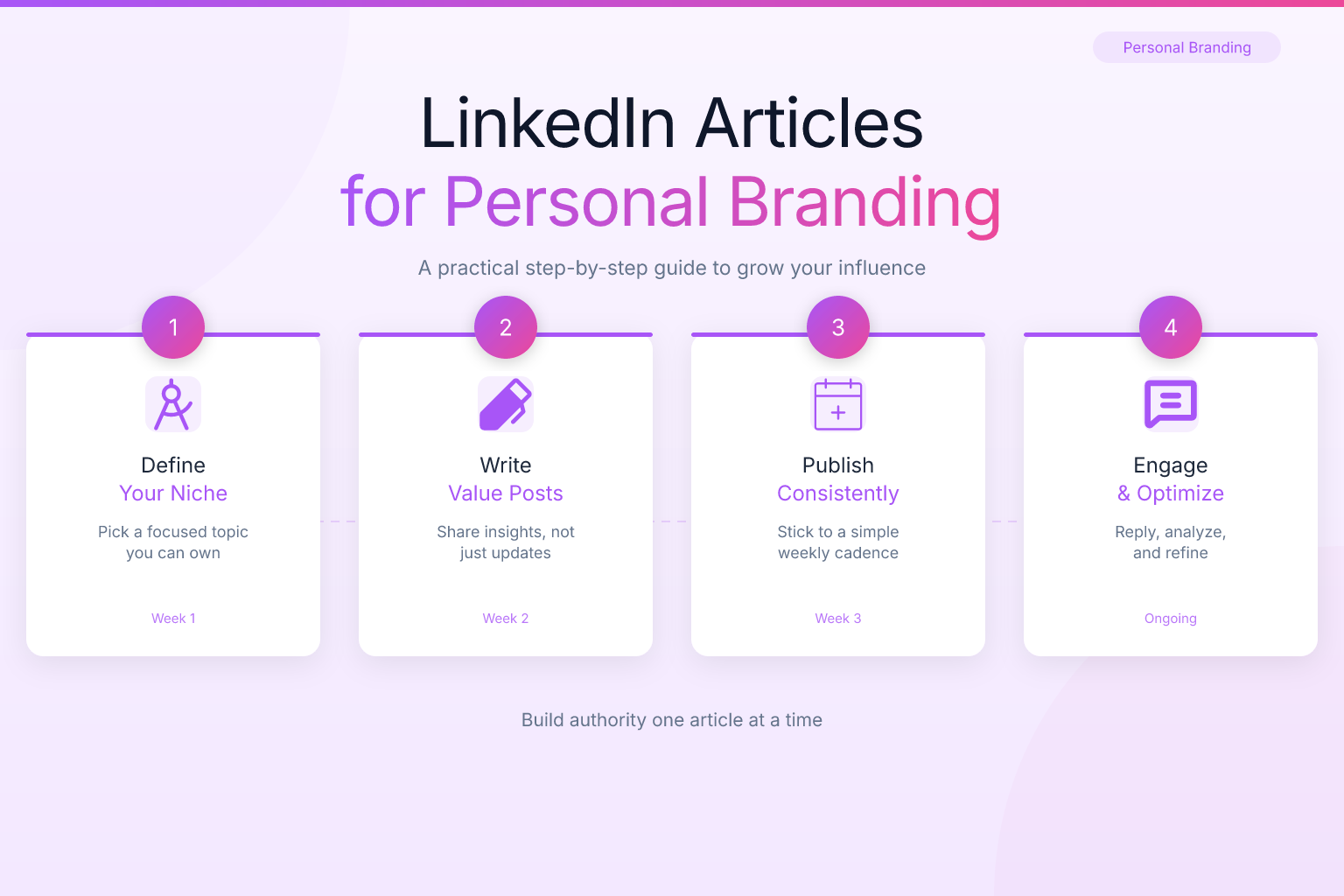
How to Write LinkedIn Articles for Personal Branding: A Step-by-Step Guide
Writing LinkedIn articles for personal branding is one of the most effective ways to establish yourself as a thought leader in your industry, attract recruiters, and open doors to new opportunities. Unlike a quick status update, a LinkedIn article gives you the space to share deep insights, demonstrate your expertise, and build a lasting professional reputation. In this guide, you’ll learn exactly how to plan, write, and promote LinkedIn articles that strengthen your personal brand — even if you’ve never published long-form content before.
Key Takeaways
- LinkedIn articles let you demonstrate expertise in a way that short posts can’t, helping you build a recognizable personal brand that attracts recruiters and clients.
- Choose topics that sit at the intersection of your skills, your industry’s pain points, and what you genuinely enjoy discussing — this keeps you consistent and credible.
- Structure every article with a strong headline, a scannable opening, clear subheadings, and a specific call to action to maximize readability and engagement.
- Publish consistently (once or twice a month is enough) and promote each article across your network and relevant LinkedIn groups without spamming.
- Track metrics like views, engagement rate, and profile visits to see what resonates, then double down on those topics.
| What to Do | Why It Matters | Time |
|---|---|---|
| Pick a niche topic you can speak on with authority | Positions you as an expert and attracts the right audience | 30–60 min |
| Write a headline that promises a specific benefit | Increases click-through rate and article views | 15 min |
| Use short paragraphs, subheadings, and bullet lists | Keeps readers engaged and improves readability on mobile | 20 min |
| Add a clear call to action at the end | Converts readers into connections, followers, or leads | 10 min |
| Share the article in 2–3 relevant LinkedIn groups | Expands reach beyond your immediate network | 15 min |
Why LinkedIn Articles Are the Foundation of Personal Branding
Personal branding isn’t about being famous — it’s about being known for something specific. When someone in your industry has a problem, you want them to think of you. LinkedIn articles are the most direct way to make that happen because they let you demonstrate your expertise in depth, not just in a 200-character post.
Here’s what makes articles different from regular LinkedIn posts:
- Permanence: Articles stay on your profile under the “Activity” section and are searchable on LinkedIn and Google. A post disappears from the feed within days.
- Depth: You can explain a concept, share a case study, or walk through a process in 1,000+ words. That’s impossible in a short post.
- Credibility: Recruiters and hiring managers often review your LinkedIn activity to assess your communication skills and thought leadership. A well-written article signals that you can think and write clearly.
- Portfolio value: Over time, your articles become a body of work you can reference in interviews, networking conversations, or even on your resume.
If you’re still polishing your LinkedIn profile before you start publishing, begin with your summary. Check out our guide on how to write a LinkedIn summary for a software engineer for a template that works across roles.
How to Choose Topics That Position You as an Expert
The biggest mistake new LinkedIn writers make is choosing topics that are too broad or too generic. “Leadership Tips” or “Career Advice” won’t set you apart. You need a specific angle that only you can offer.
Follow this five-step process to find your sweet spot:
- List your top five skills or areas of expertise. Be specific: not “marketing,” but “B2B SaaS content marketing for early-stage startups.”
- Identify the questions you get asked most often. What do colleagues, clients, or mentees come to you for? Those questions are gold.
- Scan LinkedIn groups and hashtags in your field. What are people discussing? What pain points keep coming up?
- Choose topics where you have firsthand experience or a unique perspective. Don’t write about something you’ve only read about. Your credibility comes from lived experience.
- Narrow the topic to a specific angle. Instead of “How to Lead a Team,” write “How I Turned Around a Failing Project in 90 Days: 5 Leadership Lessons I Learned the Hard Way.”
Consistency matters more than virality. Pick topics you can sustain writing about for months, not just one-off ideas. If you’re pivoting to a new industry, your article topics can help bridge the gap between your old and new identity — see our guide on how to write a resume for a new industry for aligning your story.
Structuring Your LinkedIn Article for Maximum Readability
Most people read LinkedIn articles on their phones during a commute or between meetings. If your article looks like a wall of text, they’ll scroll past. Structure is everything. A well-structured article keeps readers engaged from start to finish, and it also signals to LinkedIn’s algorithm that your content is worth showing to more people.
Here’s a template that works for almost any topic:
- Headline: Specific, benefit-driven, and under 70 characters if possible. It should promise a clear outcome or answer a pressing question.
- Hook: The first two or three sentences should state the problem you’re solving or the promise you’re making. Don’t bury the lead. For example, instead of starting with background, open with ‘Most job seekers make this one mistake on LinkedIn — and it costs them interviews.’
- Body with 3–5 subheadings: Each subheading covers one main point. Use H2 or bold text to break up sections. Subheadings act as signposts that let skimmers jump to the parts they care about.
- Bullet lists or numbered steps: Whenever you’re giving actionable advice, use lists. They’re scannable and easy to follow, especially on a small screen. Numbered steps work well for processes; bullet lists are better for quick tips or examples.
- Short conclusion: Summarize the key takeaway and end with a clear call to action (e.g., ‘What’s your experience with this? Let me know in the comments.’). A strong CTA turns passive readers into active participants.
Keep paragraphs to two or three sentences max. Use white space generously — a single-sentence paragraph can be powerful for emphasis. Add a relevant image or graphic every few hundred words to break up the text and give the eye a rest. On mobile, short lines and frequent breaks are even more important because the screen is narrower. If a paragraph looks long on desktop, it will feel endless on a phone. Test your article by previewing it on your own mobile device before publishing.
Writing a Headline That Gets Clicks (and Reads)
Your headline is the first thing people see in their feed, and it determines whether they click. A weak headline means all your effort goes to waste. On LinkedIn, where thousands of articles compete for attention, a strong headline can be the difference between 50 views and 5,000.
Use one of these proven formulas:
- Number + Benefit: ‘7 Ways to Improve Your Team’s Productivity Without Burnout’ — numbers set clear expectations and promise a quick, scannable read.
- How-To: ‘How to Negotiate a Higher Salary: A Step-by-Step Guide’ — this works because it addresses a specific pain point and offers a solution.
- Question: ‘Are You Making These 5 Common Networking Mistakes?’ — questions create curiosity and invite the reader to self-assess.
- Mistake + Fix: ‘Why Your LinkedIn Profile Isn’t Getting Views (and How to Fix It)’ — this combines a negative trigger with a positive resolution.
Clarity beats cleverness. Avoid clickbait that overpromises and underdelivers — it damages your credibility and leads to high bounce rates. Instead, focus on specificity: ‘How I Landed 3 Job Offers in 30 Days’ is stronger than ‘Career Advice.’ If you’re unsure, write five headline options and pick the one that most clearly states the benefit to the reader. You can also test headlines by sharing a short teaser post with different phrasing and seeing which gets more clicks before publishing the full article.
Optimizing Your Article for LinkedIn’s Algorithm
LinkedIn’s algorithm prioritizes content that generates early engagement — likes, comments, and shares within the first hour of publishing. The more engagement your article gets early on, the more people LinkedIn will show it to.
Here’s how to give your article the best chance:
- Publish at a time when your network is active. Weekday mornings (Tuesday through Thursday) tend to work well for most industries.
- Tag 1–3 relevant people or companies — but only if they’re genuinely connected to the content. Tagging people who have no reason to engage looks spammy.
- Use 3–5 relevant hashtags at the end of the article. Don’t overload; LinkedIn recommends three to five.
- Add a cover image that is visually appealing and relevant to the topic. Articles with images get more clicks.
- Reply to every comment within the first few hours. This signals to LinkedIn that the conversation is active and boosts your article’s reach.
- End with a question to encourage discussion. The more comments, the better.
Promoting Your Article Without Being Spammy
Publishing is only half the battle. If you don’t promote your article, it will sit in obscurity. But there’s a fine line between promotion and spam.
Here’s a promotion strategy that feels natural:
- Share the article as a LinkedIn post with a short teaser — not just the link. Pull out one interesting insight or stat and ask a question.
- Send a personalized message to 5–10 connections who would genuinely benefit from the article. Don’t blast your entire network; be selective.
- Share in 2–3 relevant LinkedIn groups where you’re an active member. Groups with engaged communities can drive significant traffic.
- Repurpose the article into a shorter post or a series of posts over the following weeks. You can also turn it into a Twitter thread or an email newsletter.
- Cross-promote on other platforms where your audience hangs out, but always link back to the original LinkedIn article.
When your personal branding starts attracting recruiters, make sure your resume matches your new authority. Build a clean, ATS-friendly resume with ResumeMate’s free resume builder so you’re ready when opportunity knocks.
Measuring Success and Iterating on Your Content
Personal branding is a long game. One viral article won’t change your career, but consistent, high-quality content over six to twelve months will.
Track these metrics for every article:
- Article views: How many people clicked and read.
- Engagement rate: (Likes + comments + shares) / views. A rate above 5% is generally strong.
- Profile views: Did your article drive people to check out your profile?
- Connection requests and inbound messages: The ultimate sign that your content is working.
Use LinkedIn’s built-in analytics (available on desktop) to see these numbers. Look for patterns: which topics get the most engagement? Which headlines perform best? What time of day works for your audience? Adjust your strategy based on data, not guesswork.
As your personal brand grows and you start getting interview requests, use ResumeMate’s free resume score checker to ensure your resume passes ATS filters and matches the quality of your LinkedIn presence.
FAQ
Q: How long should a LinkedIn article be?
A: Aim for 800–1,500 words. That’s long enough to provide real value and demonstrate expertise, but short enough to hold attention. Articles under 500 words often feel shallow, while those over 2,000 words can lose readers unless the topic is highly technical.
Q: How often should I publish LinkedIn articles for personal branding?
A: Consistency matters more than frequency. Publishing once or twice a month is enough to stay visible without burning out. The key is to maintain a regular schedule so your network knows when to expect new content.
Q: Do LinkedIn articles actually help with job searching?
A: Yes. Recruiters and hiring managers often review your LinkedIn activity to assess your communication skills and thought leadership. A well-written article can demonstrate expertise that a resume alone can’t, and it can lead to inbound opportunities.
Q: What’s the difference between a LinkedIn post and a LinkedIn article?
A: A post is short (up to 3,000 characters) and appears in the feed, but it disappears quickly. An article is long-form, permanently attached to your profile, and searchable on LinkedIn and Google. Articles are better for building lasting authority.
Q: Can I repurpose my blog content as LinkedIn articles?
A: Yes, but don’t copy-paste. Rewrite the content for a professional audience, add a LinkedIn-specific hook, and adjust the tone. Duplicate content can hurt SEO, and LinkedIn readers expect a conversational, first-person style.
Q: How do I get more views on my LinkedIn articles?
A: Focus on a strong headline, publish at peak times, tag relevant people, use hashtags, and actively engage with comments in the first hour. Sharing the article in relevant groups and to your network also expands reach.
Track Every Application While You Job Hunt
Stop losing track of where you’ve applied. The ResumeMate Job Tracker is a free Chrome extension that tracks every application, deadline, and follow-up in one place — right from your browser.
