
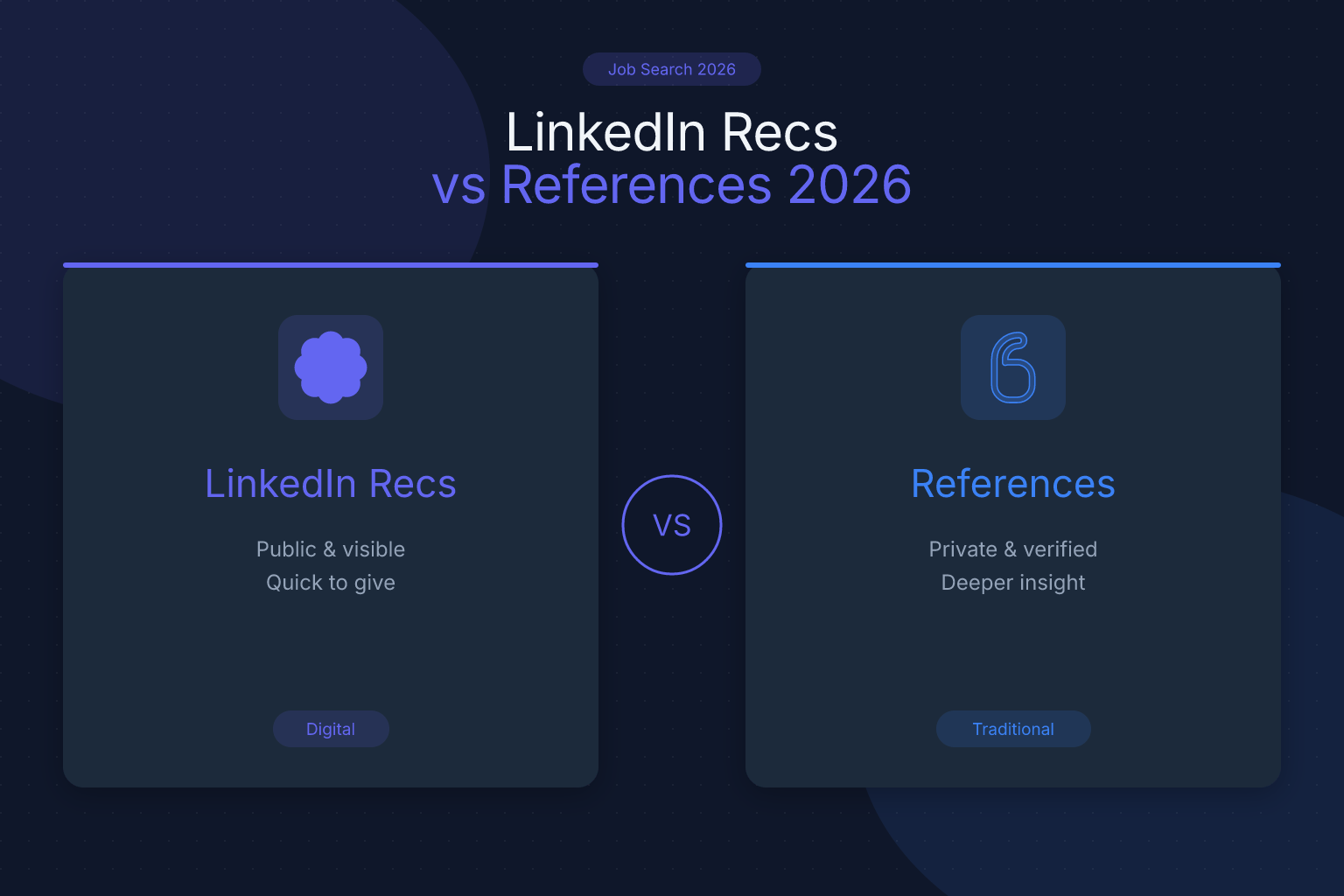
LinkedIn Recommendations vs. References: What Matters in 2026
LinkedIn recommendations and professional references both vouch for your work, but they operate in completely different worlds. One lives on your public profile; the other is a private list you hand over only when an employer is serious. Confusing the two can cost you opportunities — or leave you scrambling when a recruiter asks for references you haven’t prepared. This post breaks down exactly how they differ, when each one matters, and how to use both to strengthen your job search.
Key Takeaways
- LinkedIn recommendations are public testimonials that boost your profile’s visibility and credibility, while professional references are private, verbal checks employers request late in the hiring process to verify your past performance.
- Always maintain a separate, ready-to-go list of 4-5 professional references who have agreed to speak for you, and never include references on your resume or LinkedIn profile.
- When asking for a LinkedIn recommendation, provide the person with specific bullet points about a project, measurable result, and skill you demonstrated to make it easy for them to write a strong, story-driven testimonial.
- Brief your references before they are contacted by sharing the job description, your resume, and 2-3 key points you want them to emphasize, then follow up to thank them after the check.
- Prioritize building your reference list first because you cannot predict when an employer will ask for it, then gather 3-5 quality LinkedIn recommendations to strengthen your public professional brand.
Understanding LinkedIn Recommendations and Professional References
A LinkedIn recommendation is a written testimonial that appears on your profile, visible to anyone. It’s tied to a specific position and comes from a connection — a manager, peer, or client — describing what it was like to work with you. Recommendations serve as social proof, improve your profile’s search visibility, and help you stand out. But they’re public and permanent, so you need to be strategic about who you ask and what they say.
Professional references, by contrast, are people who agree to speak privately with a potential employer about your work history, skills, and character. You provide their contact information only when an employer explicitly requests it — typically after a successful interview. A reference check is a conversation, not a written statement. The hiring manager asks specific questions: How do you know the candidate? What were their main responsibilities? Would you rehire them? The answers carry significant weight because they’re given in confidence.
References usually fall into three categories: former managers (most valuable), colleagues or peers, and clients or vendors. Most employers ask for three to four professional references. The key difference: LinkedIn recommendations are public, curated, and always visible; references are private, verbal, and requested at a specific stage of the hiring process.
Key Differences at a Glance
| Aspect | LinkedIn Recommendations | Professional References |
|---|---|---|
| Visibility | Public — anyone viewing your profile can read them | Private — only shared with employers who ask |
| Format | Written paragraph on your profile | Verbal conversation (phone or email) |
| Timing | Always visible; part of your ongoing personal brand | Requested late in the hiring process, often after final interviews |
| Control | You can review and request edits before posting | You can’t control what the reference says, only prepare them |
| Purpose | Attract recruiters, build credibility, improve profile strength | Verify past performance, confirm fit, mitigate hiring risk |
| Who provides it | Any LinkedIn connection (managers, peers, clients) | Typically former managers, colleagues, or clients you’ve worked with directly |
| Permanence | Stays on your profile until you remove it | Used for a specific job application, then filed away |
How Employers Use Recommendations and References
Recruiters use LinkedIn recommendations as a screening tool, not a decision-making tool. A profile with several thoughtful recommendations signals credibility and can push your profile higher in search results. But once you’re in the interview process, recommendations take a back seat. A 2024 Jobvite survey found that while 87% of recruiters use LinkedIn to source candidates, only a fraction consider recommendations a major factor in final hiring decisions. The reason: recommendations are curated and inherently biased. References, contacted independently, are harder to fake.
Recommendations are especially useful if you’re changing industries, returning to work after a gap, or freelancing. But they don’t replace references.
References typically enter the picture after the final interview, before an offer is extended, or as part of a background check. Rarely will an employer ask for references upfront — if they do, it’s often a red flag. You’re within your rights to say, “I’m happy to provide references once we’re further along in the process.”
How to Get Strong LinkedIn Recommendations
A weak recommendation adds nothing. A strong one tells a story. Here’s how to get recommendations that actually help:
- Choose the right people. Aim for a mix: one former manager, one peer, one client or direct report. Avoid family or friends.
- Make it easy. Send a personal message first, offering to provide bullet points. For example: “I’d love a recommendation that highlights the product launch we worked on together. I can send a few points to make it easy — no pressure.”
- Guide the content. Provide 2–3 specific points: the problem you solved, a measurable result, and a soft skill you demonstrated.
- Return the favor. Writing a genuine recommendation for them often prompts reciprocity.
- Review before it goes live. Politely request revisions if the recommendation is vague or contains errors.
Aim for 3–5 solid recommendations. If you’re also working on your resume, make sure the achievements align with what your recommenders say. A disjointed story confuses recruiters. You can build a clean, ATS-friendly resume that matches your LinkedIn narrative using a free resume builder — it helps you keep your messaging consistent across platforms.
How to Build a Reliable Reference List
Your reference list is a separate document — never include it on your resume. Keep it ready in a clean PDF with your name and contact info at the top, followed by each reference’s details: full name, current job title and company, relationship to you, email and phone number, and a brief note on what they can speak to.
Step-by-step:
- Identify 4–5 potential references. Choose people who supervised you directly, worked alongside you on significant projects, or were clients you delivered for. Avoid HR contacts unless they managed you.
- Ask permission. Call or email each person: “I’m interviewing for a [role] at [company], and I’d be honored if you’d serve as a reference. Would you be comfortable speaking to my work on [specific project]?”
- Brief them thoroughly. Share the job description, your resume, and 2–3 key points you hope they’ll emphasize.
- Keep them updated. Let them know when you’ve given out their contact info, and follow up after the reference check to thank them.
- Rotate your list. Have a bench of 5–6 references and rotate who you use to avoid burning out the same people.
A well-prepared reference can be the difference between an offer and a rejection. When a hiring manager hears a former boss say, “I’d rehire them in a heartbeat,” it carries more weight than any interview answer.
Common Mistakes to Avoid
- Mistaking recommendations for references. Always have a separate, ready-to-go reference document.
- Listing references on your resume or LinkedIn profile. This is outdated and exposes your contacts to unsolicited calls.
- Asking for recommendations from the wrong people. Stick to work-related connections, not friends or family.
- Not briefing your references. A 10-minute prep call prevents vague or negative-sounding answers.
- Using a reference without permission. This burns bridges and can lead to a lukewarm reference.
- Ignoring your LinkedIn recommendations section entirely. Even two or three strong ones make a difference.
- Writing your own recommendation verbatim. Provide bullet points, but let the recommender’s voice come through.
Which Matters More in 2026?
Neither is optional. LinkedIn recommendations help you get noticed and build a professional brand that attracts opportunities. References help you close the deal once you’re in the running. If you had to prioritize, start with your reference list — you can’t predict when a recruiter will ask for it. Once that’s solid, invest time in gathering 3–5 thoughtful LinkedIn recommendations. Together, they create a complete picture: a public reputation that draws recruiters in, and a private network that confirms you’re the real deal.
For a deeper dive into optimizing your entire LinkedIn presence, check out our guide on LinkedIn profile optimization for job search. And if you’re wondering whether to list references on your resume at all, we’ve covered that too: References on a Resume: Do You Need Them?
FAQ
Q: Can a LinkedIn recommendation replace a professional reference?
A: No. Employers treat them differently. A recommendation is a public testimonial; a reference is a private, verbal check. Most companies will still call your references.
Q: How many LinkedIn recommendations do I need?
A: Aim for at least three to five. Quality matters more than quantity. One detailed recommendation from a former manager is worth more than ten generic blurbs.
Q: Should I ask my current boss for a LinkedIn recommendation?
A: Only if you’re comfortable with them knowing you’re active on LinkedIn — which could signal you’re open to new opportunities. If you’re job searching confidentially, avoid it.
Q: What if I don’t have any references?
A: Consider former professors, internship supervisors, volunteer coordinators, or freelance clients. The key is that they can speak to your work ethic and skills.
Q: Do recruiters actually check LinkedIn recommendations?
A: They often glance at them during the sourcing phase to gauge credibility, but they rarely treat them as a substitute for reference checks.
Q: How do I ask for a reference without being awkward?
A: Frame it as a positive update: “I’m excited to be interviewing for a role that’s a great fit, and I’d be grateful if you’d be willing to serve as a reference. No pressure at all.”
Track Every Application While You Job Hunt
Stop losing track of where you’ve applied. The ResumeMate Job Tracker is a free Chrome extension that tracks every application, deadline, and follow-up in one place — right from your browser.
