
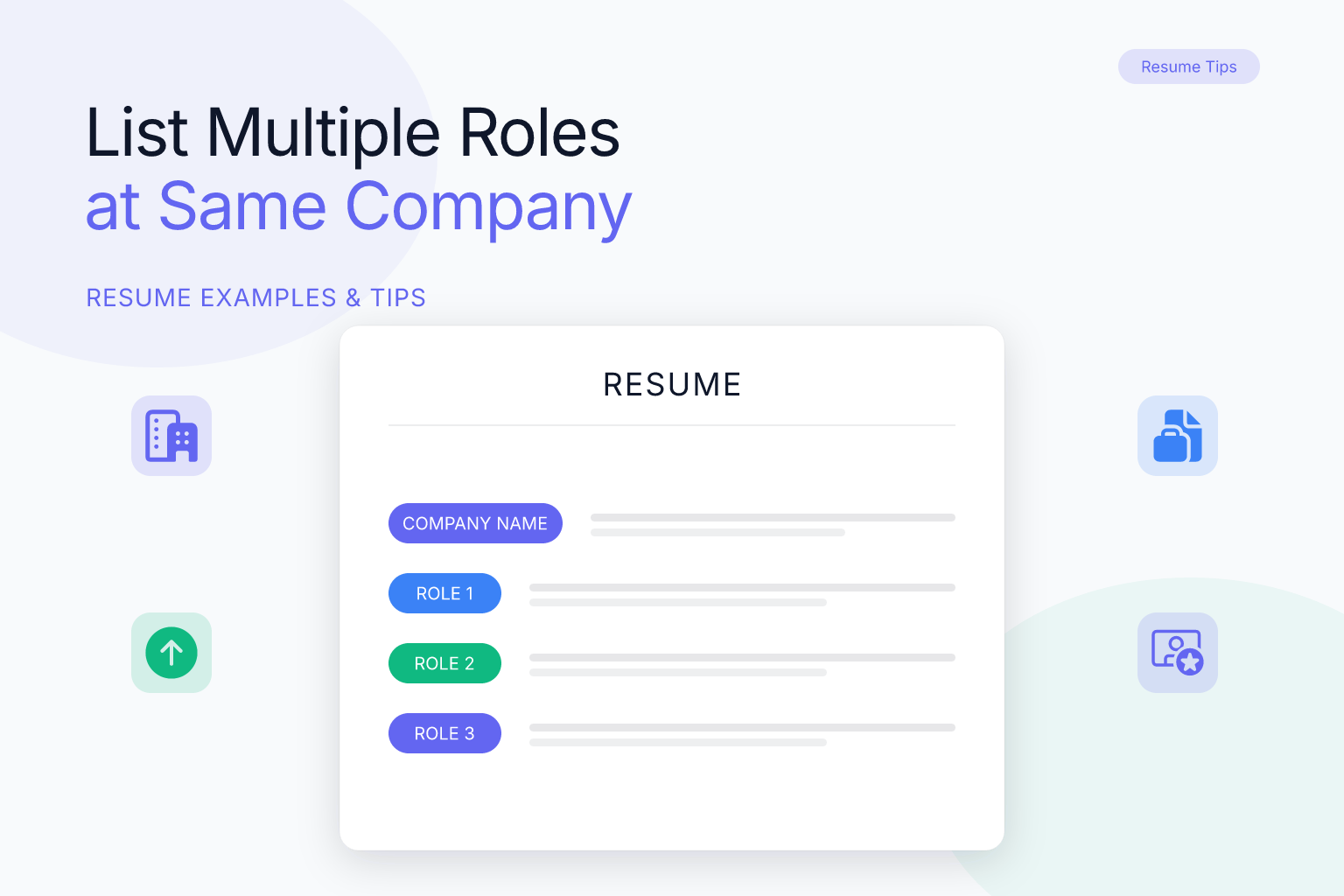
List Multiple Roles at Same Company on Resume: Examples
If you’ve been promoted, moved laterally, or returned to a previous employer, you need to know how to list multiple roles at the same company on a resume without making your work history look cluttered or confusing. Recruiters see this situation constantly — internal promotions, department transfers, rehires after a gap — and they expect a clean format that shows growth, not repetition. The way you structure these entries affects how quickly a hiring manager understands your career trajectory and whether an applicant tracking system (ATS) parses your experience correctly.
Key Takeaways
- Use a stacked format under one company header when your roles were consecutive at the same employer; it shows progression without repeating company details.
- Use separate company entries when you left and returned, or when roles were in different divisions, locations, or employment types that need distinct context.
- List each role with its own title, dates, and 2–4 achievement-focused bullets so both ATS and recruiters can see tenure and impact at every level.
- Keep the layout single-column and text-based; avoid tables, graphics, or multi-column sidebars that can break ATS parsing.
- Quantify results in every role, not just the most recent one, to demonstrate consistent contribution across your time at the company.
Summary Table
| What to Do | Why It Matters | Time |
|---|---|---|
| Choose stacked vs. separate format based on continuity | Prevents confusion about tenure, gaps, and progression | 5 min |
| List each role with title, dates, and 2–4 bullets | Shows growth and measurable impact at each level | 15 min |
| Use a single-column, text-based layout | Keeps your resume ATS-safe and parseable | 5 min |
| Tailor bullets from each role to the target job | Aligns your full progression with the role you want next | 20 min |
How to List Multiple Roles at the Same Company on a Resume: Two Main Formats
There are two accepted ways to present multiple roles at one employer: stacked entries under a single company header, or separate entries that repeat the company name. Neither is universally better — the right choice depends on whether your roles were continuous and whether the context stayed the same.
Stacked format works when you held consecutive roles at the same company without leaving. You write the company name and location once, then list each job title with its own date range and bullet points underneath. This is the cleanest way to show a promotion from, say, Marketing Coordinator to Marketing Manager.
Separate format works when you left the company and came back later, or when your roles were in completely different departments, locations, or employment types (for example, a full-time role followed years later by a contract role). In that case, you repeat the company name for each distinct period so the gap and context are clear.
Most job seekers with internal promotions should use the stacked format. It saves space, reads as a coherent story, and lets the recruiter see your upward trajectory at a glance.
When to Use the Stacked Format (Promotions and Lateral Moves)
Use the stacked format when all of these are true:
- You worked at the company continuously, with no break in employment.
- The roles were in the same general department or function, even if the title changed.
- You want to emphasize progression and increasing responsibility.
- The company name, location, and employment type stayed the same.
Here’s a concrete example of a stacked entry:
Acme Software, Inc. — Austin, TX
Senior Product Manager | March 2023 – Present
- Led a cross-functional team of 8 to launch a mobile app that reached 120,000 downloads in the first quarter.
- Increased user retention by 18% through a redesigned onboarding flow.
Product Manager | June 2021 – March 2023
- Managed the roadmap for a B2B SaaS platform with $4.2M in annual recurring revenue.
- Shipped 14 feature releases, reducing customer churn by 9%.
Associate Product Manager | July 2019 – June 2021
- Conducted user research with 60+ customers to inform the product backlog.
- Wrote detailed PRDs and coordinated with engineering and design teams.
Notice that the company name appears once, and each role has its own title, date range, and bullets. The reader immediately sees three promotions over four years without scanning repeated company information.
When to Use Separate Entries (Rehires, Different Divisions, Long Gaps)
Use separate entries when the stacked format would hide important context. Common situations include:
- You left the company and were rehired months or years later.
- You worked in two completely different business units or geographic locations.
- One role was full-time and another was contract, freelance, or temporary.
- There was a significant gap between roles that you need to explain honestly.
For a rehire, repeating the company name is not redundant — it signals that the employer valued you enough to bring you back. For different divisions, separate entries let you show distinct skills and accomplishments without forcing them under one misleading header.
Example of separate entries for a rehire:
Northwind Financial — Chicago, IL
Director of Operations | January 2024 – Present
- Oversee a 45-person operations team across three regional offices.
- Reduced operating costs by 12% through vendor renegotiation and process automation.
Northwind Financial — Chicago, IL
Operations Analyst | June 2018 – August 2021
- Built SQL dashboards that cut monthly reporting time from 3 days to 4 hours.
- Supported the rollout of a new ERP system for 200+ employees.
Here the gap between August 2021 and January 2024 is visible, and the reader understands this was a return to a previous employer, not a continuous tenure. If you’re unsure how to handle a gap caused by a layoff, see our guide on how to list layoffs on your resume without stigma.
Step-by-Step: Formatting a Stacked Entry That Recruiters Can Scan
Follow these steps to build a stacked entry that is easy to read and ATS-friendly.
- Write the company name, location, and overall employment period (optional) on the first line. Some people include the full range, like “2019 – Present,” but it’s not required if each role has its own dates.
- List your most recent role first, with its title in bold and the date range on the same line or the line below.
- Add 2–4 bullet points for that role, starting each with a strong action verb and including a number or result where possible.
- Repeat for each previous role, moving backward in time. Keep the same formatting for every role so the eye can scan quickly.
- Indent the role titles slightly under the company header if your template allows it, but avoid tables or text boxes. A simple left-aligned hierarchy works best.
- Use consistent date formatting throughout — for example, “March 2023 – Present” rather than mixing “Mar 2023” and “03/2023.”
Concrete example of a stacked entry after following these steps:
Globex Corporation — Remote
Senior Data Analyst | January 2024 – Present
- Automated weekly KPI reporting, saving 10 hours per week for the analytics team.
- Built a customer segmentation model that increased upsell revenue by 15%.
Data Analyst | June 2021 – January 2024
- Created dashboards in Tableau used by 12 departments to track performance.
- Cleaned and integrated data from 5 sources, reducing errors by 20%.
If you’re building your resume from scratch, the ResumeMate AI resume builder lets you create a clean, single-column layout that handles stacked entries naturally and exports as a text-based PDF.
Step-by-Step: Formatting Separate Entries Without Looking Redundant
When you need separate entries, the goal is to make each one feel intentional rather than repetitive.
- Repeat the company name for each distinct period, but add a clarifying detail if it helps — for example, the division name, city, or employment type.
- Use the exact same company name spelling each time so ATS and human readers recognize it as the same employer.
- Write a different title and date range for each entry. Never leave a date range blank or use “various dates.”
- Tailor the bullets in each entry to the role you held at that time. Don’t copy-paste the same accomplishments.
- If one period was contract or freelance, label it clearly — for example, “Contract — Marketing Consultant.” For more on that, see how to list contract vs. freelance work on a resume.
- Keep the total number of entries reasonable. If you had five separate stints at the same company, consider grouping the oldest or least relevant ones under a single line like “Additional roles: 2015–2017, 2012–2014” to save space.
Concrete example of separate entries for a rehire with a contract period:
Initech — New York, NY
Senior Software Engineer | February 2023 – Present
- Lead a team of 6 engineers building a microservices architecture for a fintech product.
- Reduced API response time by 40% through caching and query optimization.
Initech — New York, NY
Contract Software Engineer | May 2020 – December 2021
- Developed a payment processing module used by 50,000+ customers.
- Migrated legacy codebase to Python, improving maintainability and test coverage.
Common Mistakes That Make Multiple Roles Look Messy
Even strong candidates undermine their own experience with formatting errors. Avoid these pitfalls.
- Repeating the company name for every promotion when the roles were continuous. This wastes space and makes it look like you job-hopped when you didn’t.
- Omitting dates for individual roles. Recruiters need to see how long you spent at each level. A single date range for the whole company hides promotion timing.
- Burying the promotion. If you list only your final title and mention the earlier role in a bullet, you lose the impact of the progression. Each title deserves its own line.
- Using tables, columns, or graphics to organize multiple roles. Many ATS parse tables poorly, and your carefully formatted hierarchy can turn into scrambled text.
- Writing the same bullets for every role. If your responsibilities didn’t change, the promotion looks like a title change only. Show how your scope, budget, team size, or impact grew.
- Inconsistent date formats or title capitalization. Pick one style and stick to it across the entire resume.
- Listing too many roles. If you had six titles in eight years, group the earliest ones or condense bullets so the entry doesn’t dominate the page.
Example of a common mistake and its fix:
Mistake (repeating company name for consecutive roles):
ABC Corp — Boston, MA
Marketing Manager | 2022 – Present
- Bullet 1
ABC Corp — Boston, MA
Marketing Coordinator | 2020 – 2022
- Bullet 2
Fix (stacked format):
ABC Corp — Boston, MA
Marketing Manager | 2022 – Present
- Bullet 1
Marketing Coordinator | 2020 – 2022
- Bullet 2
ATS Tips for Multiple Roles at the Same Company
Modern ATS platforms — Workday, Greenhouse, Lever, iCIMS, and others — parse clean, text-based PDFs reliably. The problems come from scanned or image-based PDFs, tables, graphics, and multi-column layouts, not from the PDF format itself. That means you can safely export your resume as a PDF from ResumeMate without worrying about ATS rejection.
To keep multiple roles ATS-safe:
- Use a single-column layout for the work experience section. Most ResumeMate templates are single-column, which is the safest choice for parsing.
- Avoid tables, text boxes, and embedded images for your role hierarchy. Use simple line breaks and indentation instead.
- Use standard section headings like “Work Experience” or “Professional Experience.” Don’t get creative with labels like “My Journey” or “Where I’ve Worked.”
- Write dates in a consistent, recognizable format — “March 2023 – Present” or “03/2023 – Present,” but not both.
- Put the company name and job title in plain text, not as part of a logo or graphic.
Example of ATS-friendly vs. ATS-unfriendly formatting:
ATS-friendly (plain text, single column):
XYZ Inc. — Seattle, WA
Project Manager | 2023 – Present
- Bullet 1
Project Coordinator | 2021 – 2023
- Bullet 2
ATS-unfriendly (table with merged cells):
| Company | Role | Dates |
|---|---|---|
| XYZ Inc. | Project Manager / Project Coordinator | 2021 – Present |
Before you submit, run your resume through the ResumeMate score checker to see how an ATS reads your multiple-role formatting and get section-by-section feedback.
How to Handle Special Cases: Rehires, Contract-to-Hire, and Interim Titles
Some multiple-role situations need a little extra thought.
Rehires. Use separate entries with the same company name and clear date ranges. If the gap was due to a layoff, you don’t need to explain it on the resume itself — the dates speak for themselves. If you want to proactively address it in an interview, prepare a one-sentence explanation, but keep the resume factual.
Contract-to-hire. If you started as a contractor and converted to full-time, you can either stack the roles under one company header with a note like “Contract, then full-time” or use separate entries. The stacked format usually works best because it shows continuity. Label the contract period clearly so the reader understands the employment type changed. For more detail, see our guide on contract vs. freelance work.
Interim or acting titles. If you held an “Acting Director” or “Interim Manager” title before the permanent promotion, list both roles. You can write “Acting Director of Sales (promoted to Director)” or list them as two separate stacked entries. The key is to show the progression without hiding the interim nature. For guidance on interim titles, see how to list interim titles on a resume with examples.
Same title, different responsibilities. If your title didn’t change but your scope grew significantly, you can still use a stacked format with two entries under the same title, differentiated by date ranges and bullets. For example, “Senior Analyst (Enterprise Accounts)” and “Senior Analyst (SMB Accounts).” This shows growth even without a formal promotion.
FAQ
Q: Should I list each promotion as a separate job or under one company?
A: If the roles were consecutive at the same employer, use a stacked format with one company header and each title listed underneath with its own dates and bullets. If you left and returned, or the roles were in different divisions or employment types, use separate company entries.
Q: How do I show dates for multiple roles at the same company?
A: Give each role its own date range, such as “March 2023 – Present” for the current role and “June 2021 – March 2023” for the previous one. This shows how long you spent at each level and makes the promotion timeline clear to both ATS and recruiters.
Q: What if I had the same title but different responsibilities?
A: You can still use a stacked format with two entries under the same title, differentiated by date ranges and a short descriptor in parentheses, like “Senior Analyst (Enterprise Accounts)” and “Senior Analyst (SMB Accounts).” Write distinct bullets for each period to show how your scope changed.
Q: How do I list a rehire at the same company?
A: Use separate entries with the same company name and clear date ranges for each period. The gap between dates signals the break in employment, and repeating the company name shows you were valued enough to be brought back. Keep the formatting consistent so it doesn’t look like an error.
Q: Do I need to repeat the company name for each role?
A: No, not if the roles were consecutive. In a stacked format, the company name appears once, and each role title is listed underneath. You only repeat the company name when the roles were separated by a gap, a different division, or a different employment type.
Q: Will multiple roles at one company confuse an ATS?
A: Not if you use a clean, single-column, text-based layout. Avoid tables, graphics, and multi-column sidebars, and use standard headings and consistent date formats. A text-based PDF exported from a resume builder like ResumeMate parses reliably in modern ATS platforms.
Q: How many bullets should I use for each role?
A: Use 2–4 bullets for your most recent or most relevant role, and 2–3 for earlier roles. The goal is to show progression and impact at each level without making the entry so long that it crowds out other experience.
Track Every Application While You Job Hunt
Stop losing track of where you’ve applied. The ResumeMate Job Tracker is a free Chrome extension that tracks every application, deadline, and follow-up in one place — right from your browser.
