
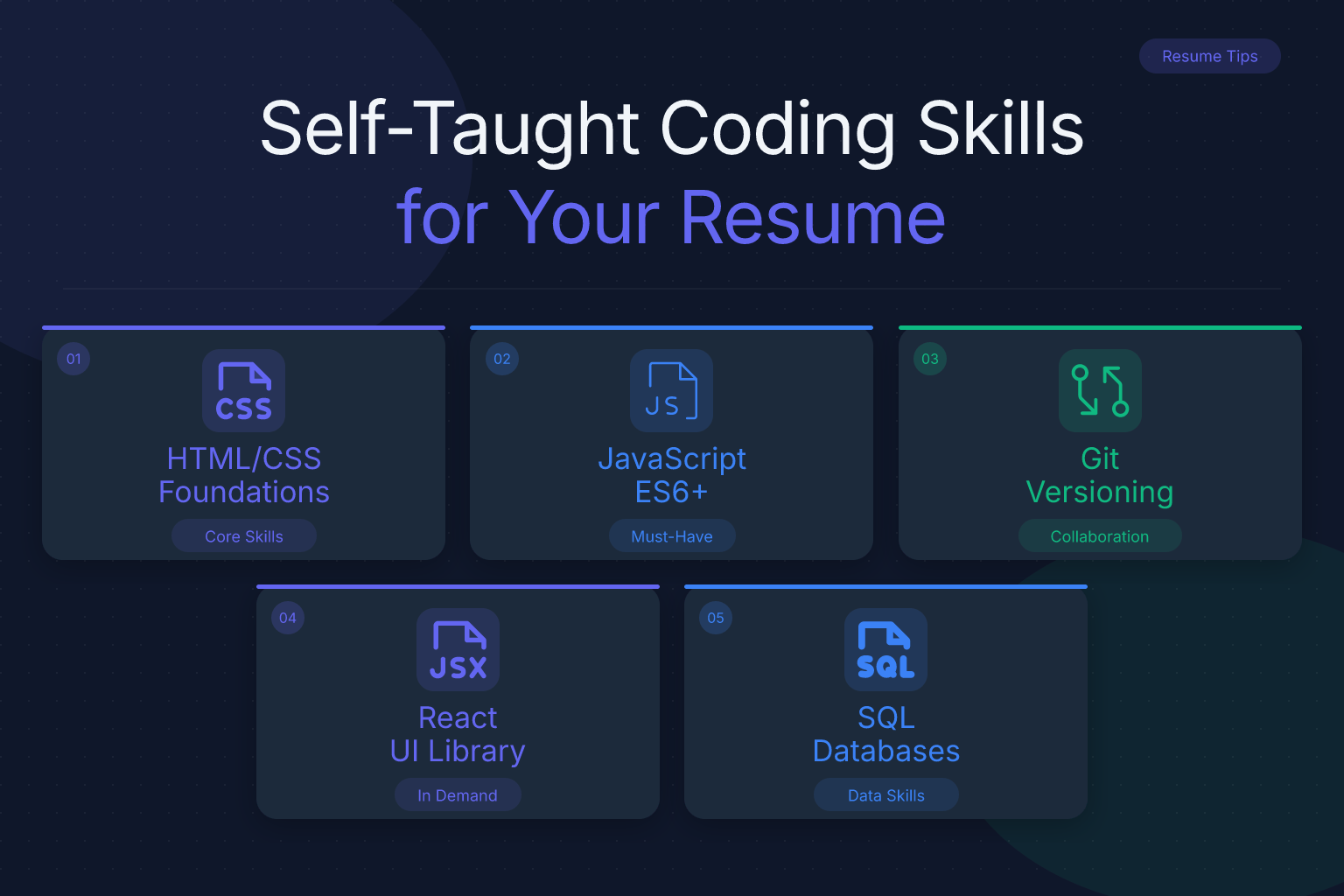
List Self-Taught Coding Skills on a Resume Without a Degree
If you’re a self-taught developer wondering how to list self-taught coding skills on a resume without a degree, you’re not alone. Thousands of programmers break into tech every year without a computer science diploma — and many hiring managers now care far more about what you can build than where you learned it. The challenge is that a traditional resume format assumes a degree. You need to restructure your resume so your skills, projects, and self-directed learning take center stage, not an empty Education section.
This guide walks you through exactly how to present your coding abilities in a way that gets past applicant tracking systems (ATS) and convinces recruiters you’re ready to contribute from day one.
Key Takeaways
- You don’t need a CS degree to get hired as a developer — most employers evaluate demonstrable skills, not credentials.
- Lead with a dedicated Technical Skills section that lists languages, frameworks, and tools you’ve actually used in real projects.
- Replace the Education section with a “Self-Directed Learning” or “Projects” section that proves your skills through applied work.
- Link a GitHub profile and live project URLs so recruiters can verify your code in seconds.
- Tailor your resume to each job by matching the exact technologies and keywords from the job description.
| What to Do | Why It Matters | Time |
|---|---|---|
| Create a dedicated Technical Skills section | Recruiters scan for keywords first; this gets you past ATS filters | 15 minutes |
| Build 2–3 portfolio projects and link them | Shows applied skills, not just theoretical knowledge | 2–4 weeks |
| Add a “Self-Directed Learning” section | Fills the education gap with credible, verifiable proof | 30 minutes |
| Optimize for ATS with plain text and standard headings | Ensures your resume gets parsed correctly and reaches a human | 20 minutes |
How to Structure Your Resume as a Self-Taught Developer
The first rule: stop apologizing for not having a degree. Instead, lead with what you can do. Most tech recruiters spend less than 10 seconds on an initial resume scan, and they’re looking for specific technologies, project experience, and evidence of problem-solving. A degree is just one signal among many — and for self-taught developers, it’s often the weakest one. In fact, many hiring managers now explicitly state that they value demonstrable skills over formal credentials, especially for roles that require hands-on coding ability.
Your resume should be structured to answer three questions in order, because that’s exactly what a recruiter wants to know within the first few seconds of scanning your document:
- What technologies do you know? (Technical Skills section) — This tells them if you have the right tools for the job.
- What have you built with them? (Projects section) — This proves you can actually use those tools to create something real.
- How did you learn them? (Self-Directed Learning section) — This shows you have the discipline and initiative to keep growing without a formal program.
If you answer those clearly and concisely, the absence of a degree becomes irrelevant. Here’s how to build each section.
Lead with a Technical Skills Section That Matches the Job
Place a Technical Skills section near the top of your resume, right after your summary or objective. This is the first thing a recruiter or ATS will scan, so make it count. Don’t list every language you’ve ever touched — list the ones you can actually use to build something today, and prioritize the ones mentioned in the job posting.
For example, if you’re applying for a front-end role that asks for React, TypeScript, and Tailwind CSS, your skills section might look like this:
Technical Skills
- Languages: JavaScript (ES6+), TypeScript, HTML5, CSS3
- Frameworks & Libraries: React, Next.js, Redux, Tailwind CSS, Node.js
- Tools & Platforms: Git, GitHub, VS Code, Vercel, Figma, REST APIs
- Databases: MongoDB, PostgreSQL (basic)
Group skills by category so they’re scannable. Avoid rating yourself with stars or percentages — those are subjective and often ignored. Instead, use plain text. If you’re unsure how to format a skills section for ATS compatibility, check out our guide on computer skills for resume: how to list them with examples.
One more tip: use the exact terminology from the job description. If the posting says “React.js,” write “React.js,” not just “React.” ATS systems often match keywords literally.
Replace the Education Section with Self-Directed Learning
A traditional resume has an Education section with a degree, school name, and graduation year. If you don’t have a degree, don’t leave that section blank or write “N/A.” Instead, replace it with a Self-Directed Learning or Professional Development section that shows you’ve invested serious time in building your skills.
Here’s what to include:
- Online courses and certifications — list the course name, platform, and completion date. For example: “Full-Stack Web Development Bootcamp, freeCodeCamp (2025)” or “CS50: Introduction to Computer Science, Harvard Online (2024).”
- Books and structured learning — if you worked through a well-known book like Eloquent JavaScript or You Don’t Know JS, mention it briefly.
- Coding challenges and open-source contributions — note any Hacktoberfest participation, LeetCode streaks, or pull requests merged into public repos.
Format it like this:
Self-Directed Learning
- Completed The Odin Project Full Stack JavaScript path (2025)
- Earned freeCodeCamp Responsive Web Design and JavaScript Algorithms certifications (2024)
- Contributed to 3 open-source projects on GitHub, including bug fixes for a React component library
- Solved 200+ algorithm problems on LeetCode (top 15% in JavaScript)
This section proves you’re disciplined and self-motivated — two traits employers value highly in developers. For more guidance on listing online courses, see our post on how to list online courses and MOOCs on a resume.
Showcase Projects as Your Primary Proof of Skill
For self-taught developers, projects are your degree. A well-chosen portfolio project demonstrates that you can take a problem, design a solution, write clean code, and ship something that works. That’s exactly what employers want to see.
Include a Projects section with 2–4 of your best projects. For each one, list:
- Project name and a one-line description — what it does and why you built it.
- Technologies used — the specific stack, so recruiters can match it to the job.
- A live link or GitHub repo — always provide a way to see the code or the deployed app.
- Your specific contribution — if it was a group project, clarify what you built.
Example:
Projects
- TaskFlow — A kanban-style task management app with drag-and-drop, user authentication, and real-time updates. Built with React, Node.js, Express, MongoDB, and Socket.io. Live demo | GitHub
- Weather Dashboard — A responsive weather app that fetches data from the OpenWeather API and displays 7-day forecasts with charts. Built with vanilla JavaScript, Chart.js, and CSS Grid. Live demo | GitHub
If you don’t have paid work experience, projects are your experience. Treat them with the same level of detail you’d give a job. And if you’re worried about having no experience at all, remember that volunteer coding projects count as experience too.
Use GitHub and Live Links to Back Up Every Claim
Recruiters can’t verify a degree, but they can verify your code. A strong GitHub profile is the single most powerful tool a self-taught developer has. It turns your resume from a list of claims into a portfolio of evidence.
Here’s how to make your GitHub work for you:
- Pin your best repositories to the top of your profile. Choose 3–6 repos that show variety and quality.
- Write clear README files for every project. Explain what the project does, how to run it, and what technologies it uses. A good README signals professionalism.
- Keep your commit history active. Even small, consistent commits show you’re continuously learning and building.
- Link your GitHub profile in your resume header — right next to your email and phone number. Make it clickable if you’re submitting a digital resume.
If you have deployed projects, include live URLs as well. A working app is far more convincing than a code snippet. For a deep dive on presenting your GitHub effectively, see our post on how to list a GitHub profile on your resume with examples.
Handle the “No Degree” Question Head-On
Some job postings still list “Bachelor’s degree in Computer Science or related field” as a requirement. Don’t let that stop you from applying — many companies treat that as a preference, not a hard filter. But you should address the gap directly in your resume summary or cover letter.
In your resume summary, write something like:
Self-taught full-stack developer with 3 years of hands-on experience building and deploying web applications. Proficient in React, Node.js, and PostgreSQL. Proven ability to learn new technologies quickly and deliver production-ready code without formal CS education.
This frames your self-taught background as a strength: you’re a fast learner who takes initiative. Avoid phrases like “no degree” or “self-taught” in a negative context. Instead, emphasize what you’ve accomplished.
If a job application has a required field for education, you can write “Self-taught” or “Independent study” in the school name field. Some ATS systems will accept that. If the field requires a degree type, choose “Other” or “Not applicable” if available.
Tailor Your Resume for Each Application (ATS and Keywords)
Self-taught developers often make the mistake of sending the same resume to every job. That’s a fast way to get filtered out by ATS software, which scans for specific keywords from the job description.
Before you apply, do this:
- Copy the job description and highlight every technology, tool, and skill mentioned.
- Match your Technical Skills section to those exact terms. If the job asks for “Docker,” and you know Docker, add it. If you don’t know it, don’t lie — but consider learning the basics quickly if it’s a common requirement.
- Adjust your project descriptions to emphasize the technologies the employer cares about. If they want experience with REST APIs, make sure your project bullet points mention REST APIs explicitly.
- Use standard section headings like “Technical Skills,” “Projects,” and “Self-Directed Learning.” Avoid creative headings like “What I Can Do” — ATS systems look for conventional labels.
Once you’ve tailored your resume, run it through a free ATS checker to see how it scores. ResumeMate’s resume score checker gives you section-by-section feedback on ATS readability, keyword usage, and formatting issues. It’s a quick way to catch problems before you hit submit.
Common Mistakes to Avoid When Listing Self-Taught Skills
Even strong self-taught developers sabotage their resumes with avoidable errors. Here are the most common ones:
- Listing every technology you’ve ever heard of. If you can’t build something with it, don’t list it. Recruiters will ask follow-up questions, and you’ll get caught.
- Using a two-column or heavily designed resume. While modern ATS can often parse two-column layouts, single-column is the safest choice. It ensures your content is read in the correct order and nothing gets lost. ResumeMate’s free resume builder offers clean, single-column templates that export as ATS-safe PDFs.
- Forgetting to link your GitHub or portfolio. A self-taught resume without links is just a list of claims. Always include at least one clickable URL.
- Writing vague project descriptions. “Built a web app” tells a recruiter nothing. Be specific: what did it do, what stack did you use, and what was the outcome?
- Apologizing for your background. Never write “no degree” or “self-taught” in a way that sounds like a weakness. Own it as a strength.
FAQ
Q: Do I need a degree to get a coding job?
A: No. Many tech companies, from startups to large enterprises, hire developers based on demonstrable skills rather than formal education. A strong portfolio, active GitHub, and relevant projects often outweigh a CS degree for entry-level and mid-level roles.
Q: How do I list self-taught skills without formal education?
A: Create a dedicated Technical Skills section near the top of your resume, then add a Self-Directed Learning section that lists online courses, certifications, and structured learning. Back everything up with a Projects section that shows real, working applications.
Q: Should I include online courses on my resume?
A: Yes, if they’re relevant and completed. List the course name, platform, and completion date in a Self-Directed Learning section. Avoid listing courses you started but never finished — that signals a lack of follow-through.
Q: How do I prove my coding skills without work experience?
A: Build 2–4 portfolio projects that solve real problems, deploy them, and link the live URLs and GitHub repos on your resume. Contribute to open-source projects, participate in hackathons, or do volunteer coding work. These count as experience.
Q: What if a job posting requires a CS degree?
A: Apply anyway if you meet most of the other requirements. Many companies treat the degree as a preference, not a hard filter. Address it directly in your resume summary by emphasizing your self-taught background as a strength and highlighting your project experience.
Q: Can I list personal projects as experience on my resume?
A: Yes. For self-taught developers, personal projects are your primary form of experience. List them in a dedicated Projects section with the same level of detail you’d use for a paid job: project name, technologies, your role, and a link to the code or live demo.
Q: How do I get past ATS filters without a degree?
A: Use standard section headings, plain text formatting, and exact keywords from the job description. Tailor your Technical Skills section to match the technologies listed in the posting, and avoid graphics, tables, or unusual layouts that ATS might not parse correctly.
Track Every Application While You Job Hunt
Stop losing track of where you’ve applied. The ResumeMate Job Tracker is a free Chrome extension that tracks every application, deadline, and follow-up in one place — right from your browser.
