
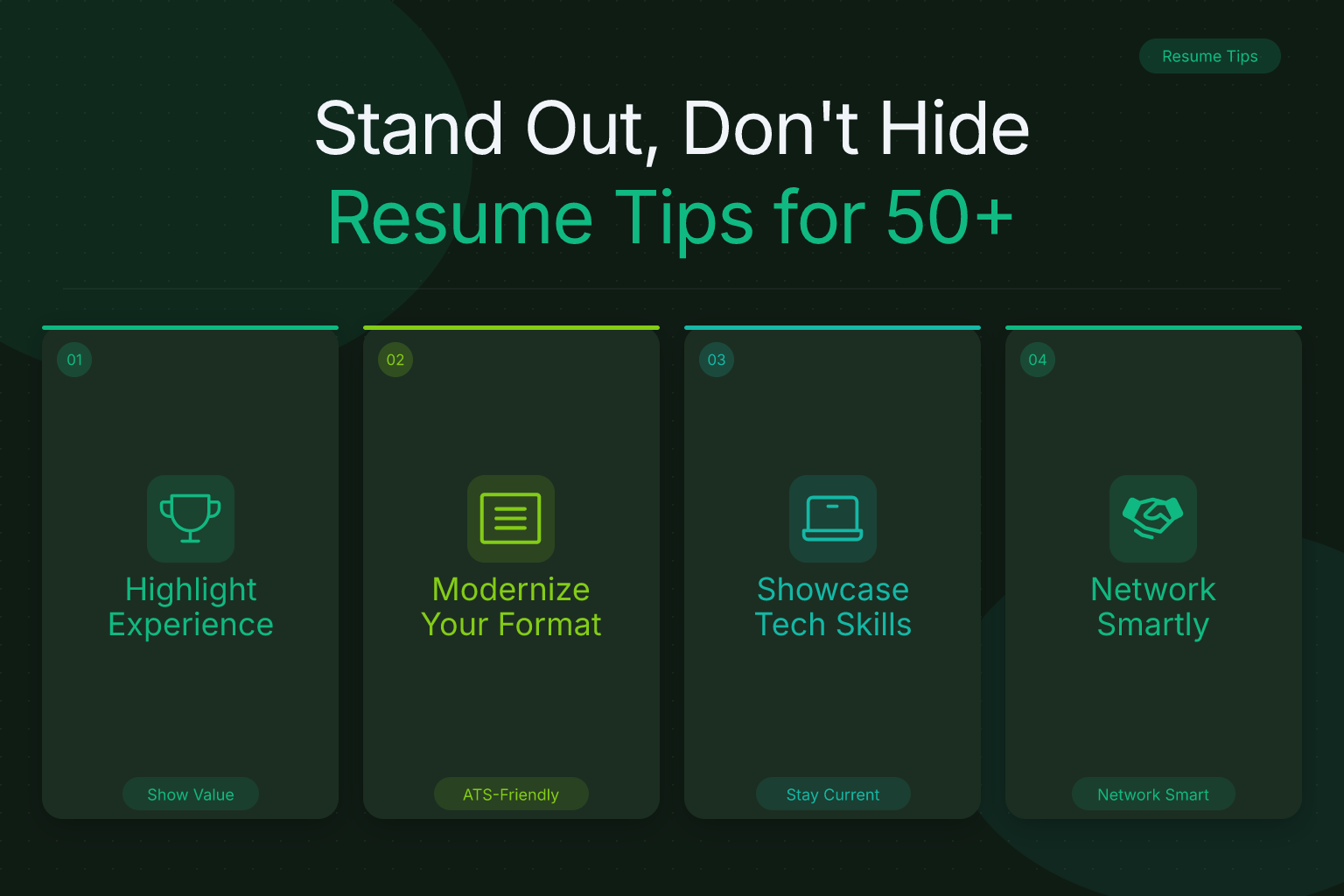
Resume Tips for Older Workers: Stand Out, Don’t Hide Experience
You’ve built decades of expertise, navigated industry shifts, and delivered results that younger colleagues can only read about. Yet when you sit down to update your resume, you wonder: are hiring managers seeing a seasoned professional — or just someone who’s “overqualified” or “too expensive”? The right resume tips for older workers over 50 don’t ask you to erase your history. They help you frame it so your experience reads as an asset, not a liability.
Key Takeaways
- Use a single-column, text-based PDF resume format without graphics, photos, or complex layouts to ensure applicant tracking systems can parse your resume correctly.
- Limit detailed work history to the last 10–15 years and remove graduation years to avoid age bias while keeping the focus on recent, relevant experience.
- Replace an outdated objective statement with a 3–5 line professional summary that highlights your most relevant achievements and current skills using language from the job description.
- Tailor your resume for each application by mirroring keywords from the job description and reordering bullet points to prioritize the most relevant accomplishments.
- Address employment gaps with a brief, positive one-line entry that mentions productive activities like caregiving or recent coursework, and use networking to bypass age bias in initial screenings.
Start With a Modern Mindset
Before you change a single bullet point, recognize this: the biggest obstacle many older job seekers face isn’t their age — it’s the perception that they’re stuck in the past. Hiring managers rarely say “you’re too old.” They say things like “overqualified,” “not a culture fit,” or “we’re looking for someone more hands‑on.” Those phrases often mask an unspoken concern: Will this person adapt to our tools, our pace, our way of working?
Your resume needs to answer that question before it’s even asked. That means adopting a modern mindset about what a resume should do. It’s not an autobiography. It’s a marketing document that positions you as the solution to a specific problem the employer has right now. Everything on the page — from the format to the language to the dates you include — should reinforce that you’re current, capable, and ready to contribute immediately.
Start by reading job descriptions for roles you want, not roles you’ve had. Notice the verbs, the tools mentioned, the problems described. That’s the language your resume needs to speak. If you’re still using phrases like “responsible for” or listing every job since college, you’re signaling that you haven’t updated your approach in decades. Common pitfalls like an AOL or Hotmail email address, references to obsolete software, or an outdated “Objective” statement all whisper “out of touch.” The good news: a few strategic changes can shift that perception entirely.
Choose a Modern, ATS‑Friendly Resume Format
Format is the first thing that can disqualify you — before anyone reads a word. Many older workers still use templates with multiple columns, tables, graphics, or headers and footers packed with contact details. Those layouts were standard in the 1990s and early 2000s. Today, they’re a fast track to the rejection pile because applicant tracking systems (ATS) can’t parse them correctly.
Stick to a single‑column layout. Most ATS platforms — Workday, Greenhouse, Lever, iCIMS — read left to right, top to bottom. A single‑column format ensures nothing gets jumbled or skipped. While some modern ATS can handle two‑column designs, single‑column remains the safest choice across all systems. ResumeMate’s templates are predominantly single‑column for exactly this reason.
Export as a text‑based PDF. The myth that “ATS can’t read PDFs” is outdated. Today’s systems parse clean, text‑based PDFs without issue. The problems come from scanned documents, image‑based PDFs, or files with complex formatting. ResumeMate exports your resume as a clean PDF, so you don’t have to worry about compatibility. Avoid DOCX unless a specific job portal explicitly requests it.
Font and spacing matter. Use standard fonts like Calibri, Arial, or Helvetica at 10–12pt. Keep margins at 0.5–1 inch. White space makes your resume scannable for both humans and machines. For a deeper dive, see our guide on the best resume fonts for ATS readability.
Skip the photo, graphics, and charts. In the U.S. and many other countries, including a headshot can introduce bias — and it often confuses ATS. Logos, rating scales, and infographics are similarly problematic. Let your words do the work.
If you’re unsure whether your current resume passes the ATS test, run it through the ResumeMate Score Checker. It gives you a section‑by‑section breakdown of what’s working and what’s getting lost.
Write a Professional Summary That Sells Your Value
Gone are the days of the “Objective” statement that announces what you want. Employers care about what you can do for them. Replace that outdated section with a 3–5 line professional summary that packs your most relevant qualifications into a tight, compelling pitch.
A strong summary for an older worker does three things:
- States your professional identity and years of relevant experience (without over‑emphasizing the number).
- Highlights 2–3 key achievements or skills that match the job description.
- Shows you’re current — mention a modern tool, methodology, or recent accomplishment.
Example for a project manager:
Senior project manager with 15+ years delivering enterprise software implementations on time and under budget. Led cross‑functional teams of up to 30 through Agile transformations, reducing delivery cycles by 40%. Proficient in Jira, Asana, and Slack; PMP certified.
Notice what’s missing: no mention of “seeking a challenging position” or “over 20 years of experience.” The focus stays on results and relevance. For more examples across roles, check out our resume summary examples for 20 roles.
Trim Your Work History Without Erasing Your Story
This is the most anxiety‑inducing part for many older workers: cutting decades of experience from the resume. But a 30‑year work history doesn’t help you — it hurts you. It invites age bias, dilutes your most relevant experience, and makes the document too long. A common mistake is listing every job since graduation; stick to the last 10–15 years.
The 10–15 year rule. Include detailed entries only for positions held in the last 10–15 years. For earlier roles, you have two options:
- “Earlier Career” section: List company names, titles, and years (without months) in a brief, undated block. Example: “Earlier Career: Sales Director at XYZ Corp (1998–2005), Regional Manager at ABC Inc. (1992–1998).”
- Omit entirely: If those early jobs don’t add relevant context, leave them off. No hiring manager expects to see your first job out of college on a senior‑level resume.
Remove graduation years. Unless you graduated within the last five years, drop the year from your education section. It’s an unnecessary age marker. List the degree, institution, and major — that’s it.
Focus on impact, not tenure. For each role, write bullet points that start with strong action verbs and quantify results. Instead of “Managed a team of 10 for 12 years,” write “Led a 10‑person team to exceed revenue targets by 20% for three consecutive years.” Our list of 200 action verbs for resumes can help you find the right language.
Showcase Current Skills and Tailor Your Resume
The most persistent stereotype about older workers is that they’re behind on technology. You can dismantle that assumption with a dedicated “Technical Skills” or “Core Competencies” section placed prominently on the first page. At the same time, generic resumes get generic results — tailoring every application is non‑negotiable.
What to include in your skills section:
- Collaboration tools: Slack, Microsoft Teams, Zoom, Google Workspace
- Project management: Asana, Trello, Jira, Monday.com
- CRM and data: Salesforce, HubSpot, Tableau, Excel (advanced functions)
- Industry‑specific software: AutoCAD, QuickBooks, Adobe Creative Suite, EHR systems
- Social media and marketing platforms: LinkedIn, Hootsuite, Google Analytics, Canva
If you’ve taken any recent courses, certifications, or workshops, list them. Platforms like Coursera, LinkedIn Learning, and Udemy offer certificates you can add to your resume and LinkedIn profile. Even a short course in Python, data analytics, or digital marketing signals that you’re actively investing in your skills.
Don’t overlook soft skills — but frame them with evidence. Instead of “strong communication skills,” write “Presented quarterly business reviews to C‑suite executives, translating complex data into actionable insights.” For more guidance, see our skills for resumes guide.
Tailoring to the job description:
- Copy the job description into a document and highlight repeated terms, required skills, and specific tools.
- Mirror that language in your professional summary, skills section, and bullet points — but only where it genuinely applies. Never fabricate experience.
- Reorder your bullet points so the most relevant achievements appear first under each role.
- Adjust your job titles slightly if your official title was obscure. If you were a “Customer Success Advocate II” but the posting says “Account Manager,” you can use “Account Manager (Customer Success Advocate II)” — as long as the duties align.
Avoid jargon from past decades — terms like “synergy” or references to outdated software can make you seem stuck in the past. Use the language of today’s job descriptions instead. For a massive list of ATS keywords organized by job function, grab our ATS resume keywords for 50 jobs.
Address Employment Gaps and Career Changes
Gaps happen — whether from layoffs, caregiving, health issues, or a deliberate sabbatical. Older workers sometimes have gaps that stretch back years. The key is to address them briefly and reframe them positively, without over‑explaining. Avoid functional resume formats that hide gaps; they often confuse ATS and recruiters. A hybrid approach is better.
If the gap is recent: Include a one‑line entry in your work history. Example: “Career break (2023–2024): Full‑time caregiver; completed Google Project Management Certificate and maintained professional network through industry events.”
If you’re returning after a long absence: Lead with a summary that emphasizes your readiness and recent upskilling. Our guide on resume for returning to work after raising children offers strategies that apply equally to any long career break.
If you’re changing industries: Use a hybrid resume format that leads with a “Relevant Experience” section grouping your transferable skills, followed by a condensed work history. Focus on accomplishments that translate — budget management, team leadership, process improvement — rather than industry‑specific jargon.
Leverage Your Network and LinkedIn Profile
Your resume doesn’t work alone. For older workers, referrals are often the most effective way to bypass age bias and get an interview. A recommendation from a former colleague, client, or industry contact carries weight that a cold application can’t match.
Optimize your LinkedIn profile to mirror your resume. Use the same professional summary, skills, and recent experience. Request recommendations from people you’ve worked with in the last five years. Join industry groups and engage with content to stay visible. For a complete walkthrough, see our LinkedIn profile optimization guide.
Tap the hidden job market. Many roles — especially senior ones — are filled before they’re ever posted. Reach out to your network, attend industry events (virtual and in‑person), and set up informational interviews. Our strategies for finding hidden jobs can help you uncover opportunities that never hit a job board.
Related articles:
Frequently Asked Questions
Q: Should I remove dates from my resume entirely to hide my age?
A: No. Removing all dates raises red flags and makes recruiters suspicious. Instead, limit detailed dates to the last 10–15 years and summarize earlier roles without months or specific years. This approach is transparent without over‑emphasizing your age.
Q: How many pages should a resume be for someone over 50?
A: Two pages is standard for experienced professionals. If you have 20+ years of highly relevant, recent experience, a third page may be acceptable — but only if every line adds value. Most older workers can fit everything on two pages by trimming older roles and cutting redundant bullet points.
Q: What if I don’t have recent technical skills?
A: Start building them now. Take a free or low‑cost online course in a tool mentioned in job descriptions you’re targeting. Even one recent certification can shift the narrative. List the course under a “Professional Development” section with the completion date to show you’re actively learning.
Q: Should I mention my age in a cover letter or interview?
A: Never volunteer your age. It’s not relevant to your ability to do the job, and mentioning it can introduce bias. Focus on your qualifications, results, and enthusiasm for the role. If an interviewer asks an age‑related question (which is illegal in many jurisdictions), redirect to your skills and experience.
Q: How do I explain a long gap in employment due to caregiving?
A: Address it briefly and positively. A one‑line entry like “Career break (2019–2022): Full‑time caregiver; maintained professional certifications and completed online coursework in [relevant skill]” shows you used the time productively. Then move the conversation back to your qualifications.
Q: Is it worth applying if the job description seems geared toward younger candidates?
A: Yes — if you have the required skills and experience. Job descriptions often use language like “digital native” or “fast‑paced environment” that can feel exclusionary, but those are not hard requirements. Focus your application on how your experience solves their problems, and use your network to get a referral if possible.
Q: Can I use a functional resume format to hide gaps or age?
A: Functional resumes (skills‑based, with minimal work history) are generally not recommended because ATS and recruiters find them confusing and may assume you’re hiding something. A hybrid format that leads with a strong summary and relevant skills, followed by a chronological work history, is a better approach.
Stop losing track of where you’ve applied. The ResumeMate Job Tracker is a free Chrome extension that tracks every application, deadline, and follow‑up in one place — right from your browser.
