
ATS Resume PDF vs Word: 2026 Test Results (Avoid ATS Rejection)
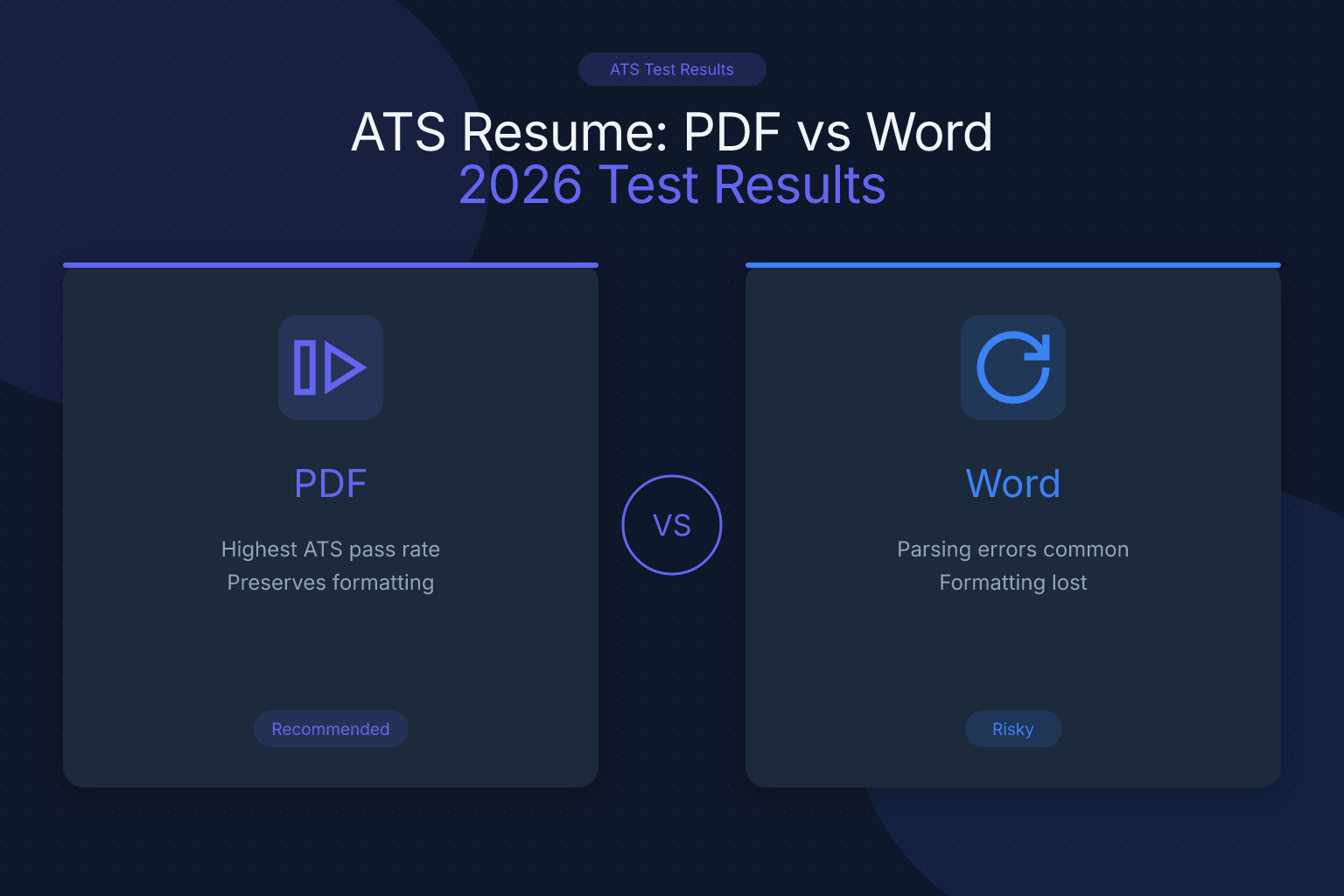
In 2026, knowing the right resume file format to submit is crucial. PDF vs DOCX resume ATS is a common question because outdated advice still circulates from the era when older systems struggled with PDFs. Here’s the current reality: every major modern ATS parses clean, text-based PDFs reliably. What breaks parsing isn’t the PDF format — it’s scanned images, tables, multi-column layouts, and content buried in headers.
| What to Do (Short Checklist) |
|---|
| Use a clean, text-based, single-column PDF as your default |
| Switch to DOCX only when a portal explicitly requests Word files |
| Avoid complex layouts, tables, images that ATS may misread |
| Test your resume parsing before you submit |
How ATS Parse Resumes Today
ATS extract text from resumes by reading the file’s underlying text layer. They then categorize content such as contact info, skills, work history, and education. Parsing challenges arise when:
- Text is embedded inside complex layouts or images
- PDFs are scanned images rather than selectable text
- Fonts or formatting confuse text extraction
- Required keywords or sections are hidden in headers or footers
ATS rely on clear, readable text rather than visual style. Notice what’s not on that list: the PDF format itself. A properly exported PDF has a fully selectable text layer that parsers read just as easily as a Word document.
PDF vs DOCX for Resumes — Core Principles
| Aspect | PDF Resume | DOCX Resume |
|---|---|---|
| ATS Compatibility | Parses reliably in modern ATS when text-based and single-column | Also parses well — but no advantage over a clean PDF |
| Visual Consistency | Preserves layout, fonts, and formatting exactly as designed | Formatting can shift between Word versions and viewers |
| Recruiter Reading | Looks identical on every device — what you designed is what they see | May render differently; tracked changes/metadata can leak through |
| Editability | Locked — nobody can accidentally (or deliberately) alter your content | Anyone can edit; easy for content to be changed downstream |
| When to Use | Default for ATS portals, email, LinkedIn, and direct submissions | Only when a portal explicitly requires .doc/.docx |
The old “DOCX is safer for ATS” rule dates from legacy systems like early Taleo. In 2026, a clean text-based PDF gives you the best of both worlds: reliable parsing and pixel-perfect presentation for the human who reads it after the ATS.
Common Mistakes to Avoid
- Submitting image-based PDFs (scanned or print-to-PDF): ATS cannot read text from images. This single mistake is responsible for most “PDF fails ATS” stories.
- Using tables, columns, or multi-column layouts that break text flow — in DOCX or PDF.
- Embedding fonts or special characters that do not render well or confuse ATS.
- Relying on headers or footers for important content, which many ATS skip.
- Password-protecting your PDF — parsers can’t open it at all.
Decision Aids
Resume File Format Decision Tree:
- Applying through an ATS or online job board? → Text-based, single-column PDF
- Emailing a recruiter directly? → PDF
- Job posting explicitly says “Word document only”? → DOCX (always follow explicit instructions)
- Unsure if your PDF is text-based? → Run the copy-paste test below before submitting
Checklist for Exporting Safely:
- Use “Save As” or “Export” to create a text-based PDF — never “Print to PDF” or a scan
- Keep a single-column layout with standard section headings
- Avoid password-protecting PDF files
- Run a parsing test after export
A resume built with the free ResumeMate resume builder exports as a clean, text-based PDF, so it passes these checks by construction — pick one of the single-column templates if you want the most conservative ATS-safe layout.
How to Test Your Resume (Parsing Checks)
- Run your resume through the free ResumeMate score checker to see how an ATS reads each section — contact info, experience, education, and skills.
- Verify that all content, especially keywords and section headings, is detected accurately.
- Check for any missing or garbled text due to formatting issues.
- Adjust formatting or export settings based on the feedback.
- Re-test until every section parses cleanly.
A quick manual test: open your PDF and try to highlight and copy all the text. If you can copy clean, readable text, it is a proper text-based PDF. If the copy comes out garbled, the PDF was likely exported as an image and will fail ATS parsing.
How Different ATS Platforms Handle File Formats
Not all ATS systems behave the same way. Understanding the most common platforms helps you make smarter format decisions:
- Workday: Handles text-based PDFs and DOCX equally well. Multi-column layouts in either format are what cause parsing errors — stick to single-column, clean formatting.
- Greenhouse: Solid PDF support for text-based resumes; no measurable advantage for DOCX.
- Lever: Parses clean PDFs reliably. Problems appear with heavy design elements, not with the format.
- iCIMS: Struggles with complex layouts in any format. A simple single-column PDF parses as reliably as DOCX.
- Taleo (Oracle): The one legacy holdout with stricter parsing. If you’re applying to a Taleo-based portal (common at older enterprises) and see upload warnings, a simple DOCX is a reasonable fallback.
When you apply through a company’s careers page and are unsure which ATS they use, a clean, text-based, single-column PDF is the safe default across all modern systems.
Formatting Rules That Apply to Both PDF and DOCX
Regardless of which format you use, these formatting principles protect you from ATS parsing failures:
- Use standard section headings like “Work Experience,” “Education,” and “Skills.” Creative headings like “My Journey” or “Where I’ve Been” confuse ATS section detection.
- Avoid text boxes. Content inside text boxes is often invisible to ATS parsers in both formats.
- Skip tables for core content. Use plain text with consistent indentation instead. Tables are acceptable for skills grids or comparison sections but not for job history or contact info.
- Use standard fonts. Arial, Calibri, Times New Roman, and Garamond are safe bets. Decorative or custom-downloaded fonts may not render correctly in all environments.
- Keep contact details in the body, not the header. Many ATS skip header/footer content entirely, which means your phone number and email may never be extracted.
- File size matters. Keep your resume under 1MB. Very large files can cause upload timeouts or parsing failures in some portals.
When DOCX Is Actually the Right Choice
PDF is the right default, but DOCX is the correct choice in a few specific situations:
- The job posting explicitly requests a Word document. Always follow explicit submission instructions — they override every general rule.
- A staffing agency asks for an editable file. Recruiters at agencies sometimes reformat resumes into their own template before forwarding to clients.
- A legacy portal warns that it can’t read your PDF. Rare in 2026, but if an upload preview shows garbled content, re-submit as DOCX.
Outside these cases, PDF wins: it parses just as well and guarantees the recruiter sees exactly the layout you designed.
FAQ
Q: Which file format is better for ATS?
A: In 2026, a clean, text-based, single-column PDF parses reliably in every major ATS — Workday, Greenhouse, Lever, and iCIMS included. The old “DOCX is safer” advice applied to legacy systems; today the format matters far less than the layout inside it.
Q: Can I just send a PDF resume?
A: Yes, as long as it’s a properly exported, text-based PDF. Open the PDF and try to select and copy all the text — if it copies cleanly, ATS can read it. Avoid scanned or image-based PDFs entirely.
Q: How do I know if a PDF is ATS-friendly?
A: Upload it to the free ResumeMate score checker, or do the manual copy-paste test. If you can select and copy clean, readable text from the PDF, it is ATS-compatible.
Q: Should I keep a DOCX version too?
A: It can’t hurt. Keep your PDF as the default for applications, and export a DOCX copy for the rare portal that explicitly requests Word files or an agency recruiter who asks for an editable version.
Q: Does the file name matter?
A: Yes. Name your file professionally — for example, “Jane_Smith_Resume.pdf” rather than “final_v3_updated_REAL.pdf.” Some ATS parse the file name and display it to recruiters, so a clean name creates a better first impression.
Q: What about Google Docs format (.gdoc)?
A: Never submit a native Google Docs link or .gdoc file as your resume. Always export as PDF (File → Download → PDF) before submitting. Google Docs links are not supported by ATS upload systems.
Build, Score & Track Your Job Search with ResumeMate
Resume Builder → — Create an ATS-ready resume in minutes.
Resume Score Checker → — See how your resume scores against ATS systems instantly.
Job Board → — Browse jobs matched to your resume.
Job Tracker Chrome Extension → — Track every application, deadline, and follow-up in one place — free.
