
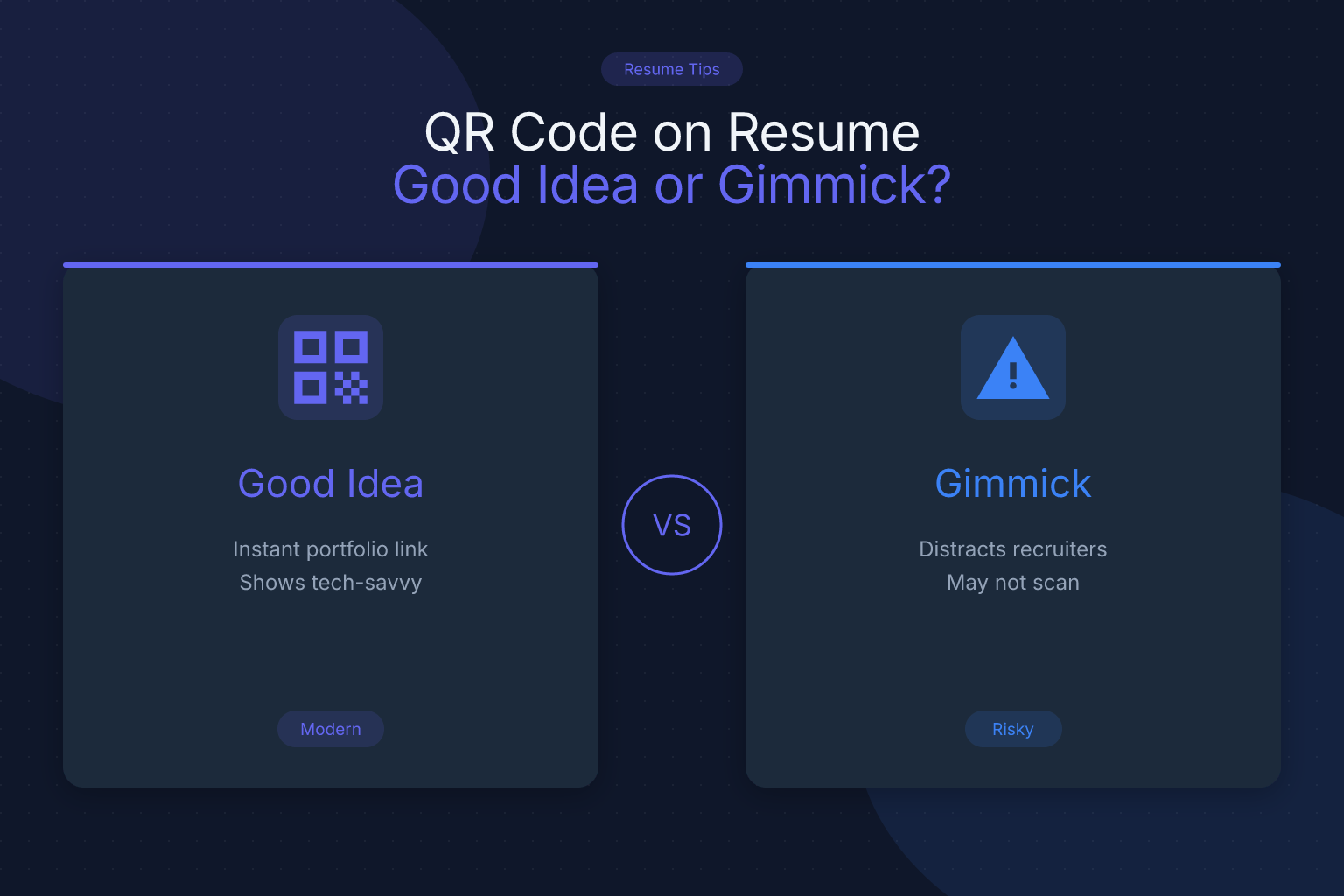
QR Code on Resume: Good Idea or Gimmick?
Adding a QR code on resume documents has become a popular way to link recruiters to your portfolio, LinkedIn profile, or personal website. But is it a smart differentiator or a gimmick that could hurt your chances? The short answer: for most job seekers applying online, a QR code is more gimmick than asset. Here is what you need to know before you add one.
Key Takeaways
- A QR code on a resume is usually a gimmick for online applications because recruiters review resumes on screens and rarely scan codes; a plain clickable URL is faster and safer.
- If you do include a QR code, place it in the header or contact section, link only to a mobile-optimized, relevant destination, and always show the full URL in plain text next to it.
- QR codes are images, so they can cause ATS parsing issues or be ignored entirely; a text-based PDF with a written link is the safer choice.
- For creative, design, or portfolio-driven roles, a QR code may be acceptable if it complements a written link rather than replacing it.
- Test the code on multiple devices and never rely on it as the only way to access your portfolio or contact information.
| What to Do | Why It Matters | Time |
|---|---|---|
| Skip the QR code for most corporate and online applications | Avoids ATS parsing errors and recruiter friction | 0 min |
| If you use one, place it in the header with a plain URL | Recruiters can click or type the link without scanning | 5 min |
| Link to a mobile-optimized portfolio or LinkedIn | A poor mobile experience wastes the scan | 10 min |
| Test the QR code on iPhone and Android | Broken or unscannable codes look unprofessional | 5 min |
| Use a single-column, text-based PDF template | Clean PDFs parse reliably in modern ATS | 10 min |
Is a QR Code on a Resume a Good Idea or a Gimmick?
For most job seekers, a QR code on a resume is a gimmick. Recruiters and hiring managers typically review resumes on a laptop or desktop screen inside an applicant tracking system (ATS). They do not pull out their phone to scan a code. A plain hyperlink in your contact section is clickable, takes one second, and works on any device. A QR code requires an extra step and a second device, which most reviewers will not bother with.
That said, there are narrow cases where a QR code can be useful, such as printed resumes at career fairs or creative roles where a visual portfolio is central. But even then, the QR code should never replace a written URL. The core question is whether the code adds convenience or just decoration. In most online applications, it adds decoration and risk.
How Recruiters Actually Review Resumes (and Why QR Codes Often Fail)
When you submit a resume online, it usually goes through an ATS before a human sees it. The ATS parses the text of your resume into structured fields. Images, including QR codes, are often ignored or stripped out. If the QR code is the only place your portfolio link appears, the ATS may not capture it, and the recruiter will never see it.
Even when a human reviews your resume, they are likely skimming on a desktop. Many recruiters spend under 10 seconds on a first pass. They scan for job titles, companies, dates, and key skills. A QR code does not help with that skim. In fact, it can distract from the content that matters. If a recruiter wants to see your portfolio, a clickable text link is far easier than scanning a code with a phone.
There is also a workflow problem. A recruiter reviewing 50 resumes in an hour is not going to stop, pick up a phone, open the camera, scan a code, and wait for a page to load. They will simply move on. A plain URL, on the other hand, can be clicked or copied in seconds.
When a QR Code Might Make Sense
A QR code is not always a bad idea. It can work in a few specific situations:
- Printed resumes at career fairs or networking events. If you hand someone a paper resume, a QR code lets them quickly open your portfolio or LinkedIn on their phone. This is the most practical use case.
- Creative and visual roles. Graphic designers, photographers, UX/UI designers, and illustrators often need to show a portfolio. A QR code on a printed resume or business card can be a convenient shortcut.
- Physical portfolios or leave-behinds. If you bring a printed portfolio to an interview, a QR code on the cover can link to the digital version.
- Resumes distributed in person at conferences. When you meet someone and they ask for your resume, a QR code can save them from typing a long URL.
In all of these cases, the QR code should be small, high-contrast, and accompanied by the full URL in plain text. It should link to a mobile-optimized page, not a desktop-only site. If you are applying online through a portal, the QR code adds little value because the recruiter is already on a screen.
If you are building a portfolio to link from your resume, make sure the projects you list are relevant and well-documented. Our guide on projects on a resume for students and career changers can help you choose the right work to showcase.
When a QR Code Is a Bad Idea
There are several situations where a QR code on a resume is clearly a bad idea:
- Corporate, finance, legal, healthcare, or government roles. These industries value clean, traditional resumes. A QR code can look gimmicky and out of place.
- Online applications through an ATS. The code will likely be ignored or cause parsing issues. The recruiter will not scan it.
- When the QR code links to a generic homepage or a LinkedIn profile already listed in your header. That is redundant and wastes space.
- When the code is large, colorful, or placed in a table or text box. This can break ATS parsing and make your resume look cluttered.
- When the destination is not mobile-optimized. If the page loads slowly or looks broken on a phone, the scan is a negative experience.
If your contact information is already clear and complete, a QR code adds nothing. Make sure your header includes your name, phone number, email, and a clickable link to your LinkedIn or portfolio. For a full breakdown of what to include, see our guide on what contact information to include on a resume.
How to Add a QR Code to Your Resume Without Hurting Your Chances
If you decide a QR code is right for your situation, follow these steps to minimize risk:
- Choose the right destination. Link to a mobile-optimized portfolio, personal website, or LinkedIn profile. Do not link to a PDF of your resume or a generic homepage.
- Generate a simple, high-contrast code. Use a black QR code on a white background. Avoid colors, gradients, or logos inside the code, which can make it harder to scan.
- Place it in the header or contact section. Keep it small, around 0.5 to 0.75 inches. Do not place it in a table, text box, or graphic element that could confuse an ATS.
- Always include the full URL in plain text next to the code. This ensures the link is accessible even if the code is not scanned or is stripped by an ATS.
- Test on multiple devices. Scan the code with an iPhone and an Android phone in different lighting conditions. Make sure the destination loads quickly and looks good on mobile.
- Use a clean, single-column PDF template. A text-based PDF parses reliably in modern ATS. Avoid multi-column layouts with the QR code embedded in a graphic. ResumeMate’s free resume builder exports clean, ATS-safe PDFs with single-column templates.
Before you submit, run your resume through a free resume score checker to see if the QR code or any other formatting is hurting your ATS readability.
ATS Considerations: Do QR Codes Break Parsing?
A QR code is an image, and ATS software is designed to read text. When an ATS encounters an image, it typically ignores it. In some cases, an image in the header or body can cause the parser to skip nearby text or flag the file as having unsupported elements. This is especially true if the QR code is placed inside a table, text box, or header/footer object.
Modern ATS platforms like Workday, Greenhouse, Lever, and iCIMS parse clean, text-based PDFs reliably. The problem is not the PDF format itself; it is images, tables, and graphics that can interfere. A QR code is one more image that adds no text value to the ATS.
If you want your portfolio link to be captured, include it as plain text in your contact section. For example:
- Portfolio: yourname.com
- LinkedIn: linkedin.com/in/yourname
This is clickable in most PDF viewers and easily parsed by ATS. If you also include a QR code, make sure the text link is present and the code is not the only source of that information.
Better Alternatives to a QR Code on Your Resume
Instead of a QR code, consider these more effective options:
- A plain hyperlink in your contact section. A text URL is clickable, copyable, and ATS-friendly. It works on desktop and mobile without any extra steps.
- A short, custom domain. If your portfolio URL is long, use a URL shortener or a custom domain like yourname.com/portfolio. This is easier to type and looks cleaner.
- A dedicated projects section with links. List 2-4 relevant projects with a one-line description and a clickable link. This gives recruiters context and a reason to click. See our guide on projects on a resume for examples.
- A clean, scannable resume layout. Clear headings, bullet points, and consistent formatting do more to impress a recruiter than any QR code. Use a single-column template and keep the focus on your experience and skills.
The goal of a resume is to get you an interview, not to show off technology. A well-organized resume with a plain link will outperform a cluttered resume with a QR code in almost every case.
Final Verdict: Good Idea or Gimmick?
For the vast majority of job seekers applying online, a QR code on a resume is a gimmick. It adds an unnecessary step for recruiters, can cause ATS parsing issues, and takes up space that could be used for more important content. A plain text URL is faster, safer, and works everywhere.
The only time a QR code makes sense is when you are handing someone a printed resume in person, such as at a career fair or networking event, or when you are in a creative field where a visual portfolio is central. Even then, the code should be small, high-contrast, and always accompanied by the full URL in plain text.
If you are unsure, skip the QR code. Focus on writing a clear, ATS-friendly resume with strong content. You can build one for free with ResumeMate’s AI resume builder and check its ATS score with the resume score checker.
FAQ
Q: Is a QR code on a resume unprofessional?
A: In most corporate and online application contexts, yes, it can come across as a gimmick. Recruiters expect a clean, text-based resume, and a QR code may look like unnecessary decoration. If you work in a creative field or are handing out printed resumes, a small, well-placed QR code is more acceptable.
Q: Do recruiters actually scan QR codes on resumes?
A: Rarely. Recruiters typically review resumes on a desktop or laptop inside an ATS and do not stop to scan a code with their phone. A plain clickable link is far more likely to be used.
Q: Can a QR code hurt my resume’s ATS score?
A: Yes, it can. A QR code is an image, and ATS software may ignore it or, in some cases, have trouble parsing text near it. If the code is placed in a table or text box, it can cause more significant parsing issues. Always include the URL as plain text.
Q: Where should I put a QR code on my resume if I use one?
A: Place it in the header or contact section, small and high-contrast, with the full URL in plain text next to it. Avoid placing it in a table, graphic, or footer object that could confuse an ATS.
Q: What should a QR code on a resume link to?
A: Link to a mobile-optimized, relevant destination such as your portfolio, personal website, or LinkedIn profile. Do not link to a PDF of your resume or a generic homepage. The page should load quickly and look good on a phone.
Q: Are QR codes on resumes outdated in 2026?
A: They are not necessarily outdated, but they are rarely necessary. The rise of clickable links in digital resumes has made QR codes redundant for online applications. They still have a niche use for printed resumes and in-person networking.
Q: Should I put a QR code on my resume for a creative job?
A: It can be acceptable for creative roles like graphic design or photography, especially if you are sharing a printed resume or portfolio. However, even for creative jobs, a plain link to your portfolio is usually sufficient and safer for ATS parsing.
Track Every Application While You Job Hunt
Stop losing track of where you’ve applied. The ResumeMate Job Tracker is a free Chrome extension that tracks every application, deadline, and follow-up in one place — right from your browser.
