
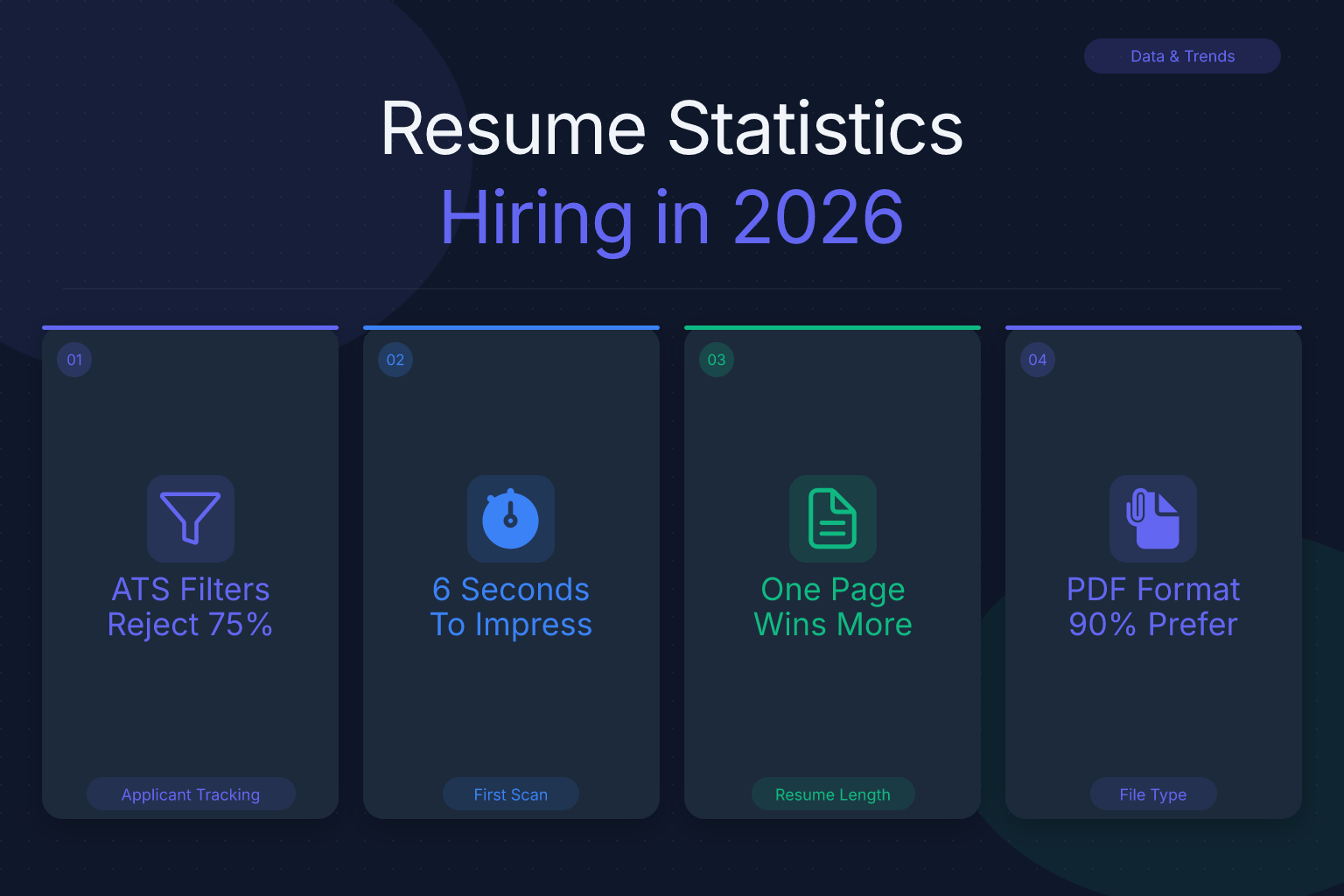
Resume statistics show exactly how recruiters read, screen, and shortlist applications — and the numbers reveal a few uncomfortable truths. Most hiring managers spend less than 10 seconds on a first pass. Many resumes never make it past automated filters because of formatting or missing keywords. And yet, a few simple changes — adding numbers, tailoring your content, and using a clean layout — can dramatically improve your odds. In this guide, we break down the most important resume statistics for 2026, explain what they mean for your job search, and show you how to apply them with free tools from ResumeMate.
Key Takeaways
- Recruiters spend an average of 7.4 seconds on an initial resume scan, so your top third must instantly communicate your value.
- Resumes with quantified achievements (numbers, percentages, dollar amounts) consistently outperform those without, because they prove impact rather than just list duties.
- Modern ATS software parses clean, text-based PDFs reliably; formatting problems come from tables, graphics, and scanned images — not from the PDF format itself.
- Tailoring your resume to each job description with relevant keywords is the single most effective way to get past automated screening.
- Tracking your own application statistics (response rate, interview rate) helps you identify what’s working and adjust your approach.
Key Takeaways:
- Recruiters spend an average of 7.4 seconds on an initial resume scan, so your top third must instantly communicate your value.
- Resumes with quantified achievements (numbers, percentages, dollar amounts) consistently outperform those without, because they prove impact rather than just list duties.
- Modern ATS software parses clean, text-based PDFs reliably; formatting problems come from tables, graphics, and scanned images — not from the PDF format itself.
- Tailoring your resume to each job description with relevant keywords is the single most effective way to get past automated screening.
- Tracking your own application statistics (response rate, interview rate) helps you identify what’s working and adjust your approach.
| What to Do | Why It Matters | Time |
|---|---|---|
| Put your most relevant experience in the top third | Recruiters skim quickly; the first screen decides if they read on | 10 minutes |
| Add numbers to every bullet point | Quantified results stand out and prove impact | 15 minutes per resume |
| Use a single-column, text-based PDF | Avoids ATS parsing errors and formatting glitches | 5 minutes |
| Tailor keywords from the job description | Matches automated screening filters | 20 minutes per application |
| Track every application with a tool | You can measure response rate and follow up on time | 2 minutes per application |
Key Resume Statistics: Time, ATS, and Impact
Let’s start with the numbers that matter most. According to a widely cited eye-tracking study by The Ladders, recruiters spend an average of 7.4 seconds on an initial resume scan. That’s not a typo — less than eight seconds to decide whether to keep reading or move on. Other industry surveys report similar findings: many recruiters admit they spend under a minute on a first pass, and some screen hundreds of resumes per day. For example, a recruiter at a large tech company might review 200 applications in a single morning, giving each one only a quick glance before deciding.
What does this mean for you? Your resume’s top third — the area above the fold, so to speak — must do the heavy lifting. If your name, headline, and first few bullet points don’t immediately communicate your value, the rest of the document won’t get read. This is why a strong resume summary or objective matters, and why you should lead with your most impressive, relevant achievement rather than burying it on page two.
Another key statistic: according to Jobscan, over 98% of Fortune 500 companies use applicant tracking systems (ATS) to filter resumes before a human ever sees them. That means your resume is often read by software first. If the ATS can’t parse your formatting or find the right keywords, you’re out of the running before you even start. For instance, a resume with a two-column layout might look great to a human, but an ATS like Workday could scramble the text and miss your key skills entirely.
The 7.4-second figure is often quoted, but it’s worth understanding what that number really means. It’s the average time spent on the initial scan — the first look to decide if a resume is worth a deeper read. After that initial scan, recruiters who are interested will spend more time, often 30 seconds to a minute, reviewing the details. So your goal is twofold: survive the initial scan, then reward the deeper read. To survive the scan, use clear section headings, a clean single-column layout, and a professional font. Avoid dense paragraphs, tables, and graphics that slow down the eye. To reward the deeper read, make every bullet point count with specific, quantified achievements. For example, instead of writing “Responsible for managing social media accounts,” write “Grew Instagram following from 2,000 to 15,000 in six months, increasing engagement by 40%.” The second version gives the recruiter a concrete reason to keep reading.
The Power of Quantified Achievements
Resume statistics consistently show that numbers make a difference. While precise percentages vary by industry and study, the pattern is clear: resumes that include metrics — dollar amounts, percentages, time saved, team sizes, revenue generated — get more attention and more interview callbacks than those that only list duties. For example, a sales resume that says “Increased annual revenue by $1.2M” is far more compelling than one that says “Responsible for sales growth.”
Why? Because numbers provide evidence. Anyone can claim they’re a “results-driven professional,” but a bullet point that says “Reduced customer churn by 18% in one quarter” proves it. Recruiters are trained to look for impact, and metrics are the fastest way to demonstrate it.
If you’re not sure how to quantify your work, start by asking yourself: How many? How much? How often? What was the result? Even non-revenue roles can be quantified: “Processed 50+ invoices per week with 99% accuracy” or “Onboarded 12 new clients in Q3, reducing average setup time by 3 days.” For more examples, see our guide on customer success manager resume examples with metrics.
ATS and Resume Formatting: What the Numbers Show
As mentioned, most large companies use ATS software. The good news is that modern ATS platforms — Workday, Greenhouse, Lever, iCIMS, and others — parse clean, text-based PDFs reliably. The problems arise from scanned or image-based PDFs, complex tables, text boxes, and graphics that confuse the parser. For example, a resume that uses a table to align dates and job titles might look neat to a human, but an ATS could read the columns out of order and produce gibberish like “Manager 2019 Marketing 2021.” Similarly, a graphic-heavy resume with a headshot or infographic-style skills chart may be completely ignored by the ATS, causing your application to be auto-rejected.
So what should you do? Use a single-column layout (the safest choice for ATS), avoid tables and columns for critical information, and export your resume as a text-based PDF. If you’re using Google Docs or another word processor, make sure to export correctly — our guide on Google Docs resume to PDF with zero formatting errors walks you through it.
You can also check your resume’s ATS readiness for free with the ResumeMate score checker. Upload your resume and get a section-by-section breakdown of what’s working and what might trip up an ATS.
Resume Length: One Page vs. Two Pages (and CV vs. Resume)
One of the most common questions job seekers ask is how long a resume should be. The short answer: for most professionals, one page is ideal if you have less than 10 years of experience; two pages are acceptable for senior roles or those with extensive relevant experience. But the real rule is: make it as long as it needs to be, and no longer. Every line must earn its place. For example, a marketing coordinator with three years of experience should stick to one page, while a senior engineering manager with 15 years and multiple leadership roles can justify two pages.
This brings up a related question: is a CV longer than a resume? Yes. In the United States and Canada, a resume is a concise, tailored document (usually 1-2 pages) focused on relevant work experience and skills. A CV (curriculum vitae) is a comprehensive, often multi-page document used primarily in academia, research, and international applications. It includes full publication lists, presentations, grants, and teaching experience. So if you’re applying for a faculty position or a research role in Europe, you’ll likely need a CV, not a resume. For most corporate jobs in the U.S., a resume is what employers expect.
Are Resumes Still Relevant in 2026?
With LinkedIn profiles, online portfolios, and video introductions, some job seekers wonder if the traditional resume is still necessary. The answer, based on current hiring practices, is a resounding yes. Resumes remain the standard currency of job applications. Nearly every online application portal requires one, and recruiters still use them as the primary screening tool. For example, even at tech startups that emphasize GitHub profiles or personal projects, the application form still asks for a resume upload, and recruiters use it to quickly compare candidates.
What has changed is how resumes are used. They’re no longer the only thing employers look at — your LinkedIn profile, portfolio, and even your GitHub or personal website matter too. But the resume is still the document that gets you in the door. It’s the first thing a recruiter sees, and it’s what the ATS scans for keywords. So while you should maintain a strong online presence, don’t neglect your resume. In fact, a well-crafted resume can complement your LinkedIn profile by providing a tailored, focused version of your experience for each specific job.
How to Use Resume Statistics to Improve Your Own Resume
Now that you know the numbers, here’s how to apply them:
- Rewrite your top third. Put your most relevant job title, a strong summary, and your best achievement in the first few lines. If a recruiter only reads the top third, what do you want them to know?
- Add metrics to every bullet point. Go through your experience and replace vague statements with specific numbers. If you don’t have exact figures, estimate conservatively and be ready to explain.
- Tailor your resume for each application. Use keywords from the job description in your skills section and bullet points. This is especially important for contract vs permanent roles — see our guide on tailoring your resume for contract vs permanent positions.
- Use a clean, single-column PDF. Avoid tables, graphics, and multiple columns. Export as a text-based PDF. If you’re building from scratch, the ResumeMate resume builder offers free, ATS-safe templates.
- Track your own statistics. You can’t improve what you don’t measure. Keep a record of every application, the date, the role, and whether you got a response. Over time, you’ll see patterns: which resume versions get more callbacks, which job boards yield better results, and where you need to adjust.
Tracking Your Own Application Statistics
The resume statistics we’ve discussed are averages, but your personal numbers matter more. If you send out 50 applications and get zero responses, something is wrong — either your resume isn’t passing ATS filters, or you’re applying to the wrong roles. If you get a 20% response rate, you’re doing well.
The problem is that most job seekers don’t track their applications at all. They apply, forget, and have no idea what’s working. That’s where the ResumeMate Job Tracker comes in. It’s a free Chrome extension that automatically tracks every application you submit, along with deadlines and follow-ups. You can see at a glance how many applications you’ve sent, how many responses you’ve received, and which roles are still pending. This data helps you refine your resume and job search strategy based on real results, not guesswork.
FAQ
Q: Are resumes still relevant in 2026?
A: Yes, resumes remain the standard document for job applications. Nearly every online portal requires one, and recruiters use them as the primary screening tool. While LinkedIn and portfolios matter, the resume is still what gets you past the ATS and into a recruiter’s hands.
Q: Is a CV longer than a resume?
A: Yes. In the U.S. and Canada, a resume is a concise 1-2 page document tailored to a specific job, while a CV is a comprehensive, multi-page document used in academia and research. A CV includes full publication lists, presentations, and grants, so it’s typically much longer.
Q: How many seconds do recruiters spend on a resume?
A: According to an eye-tracking study by The Ladders, recruiters spend an average of 7.4 seconds on an initial resume scan. That’s why your top third must immediately communicate your value.
Q: What percentage of resumes are rejected by ATS?
A: While exact percentages vary, most large companies use ATS software, and a significant portion of resumes are filtered out before a human sees them. Formatting errors, missing keywords, and non-standard layouts are common reasons for rejection.
Q: How long should my resume be?
A: For most professionals with less than 10 years of experience, one page is ideal. Senior roles or those with extensive relevant experience can justify two pages. The key is to include only information that directly supports your candidacy.
Q: Do I need a different resume for every job?
A: Yes, you should tailor your resume for each application. Use keywords from the job description and adjust your summary and bullet points to highlight the most relevant experience. This significantly improves your chances of passing ATS filters and catching a recruiter’s attention.
Related articles:
Track Every Application While You Job Hunt
Stop losing track of where you’ve applied. The ResumeMate Job Tracker is a free Chrome extension that tracks every application, deadline, and follow-up in one place — right from your browser.
