
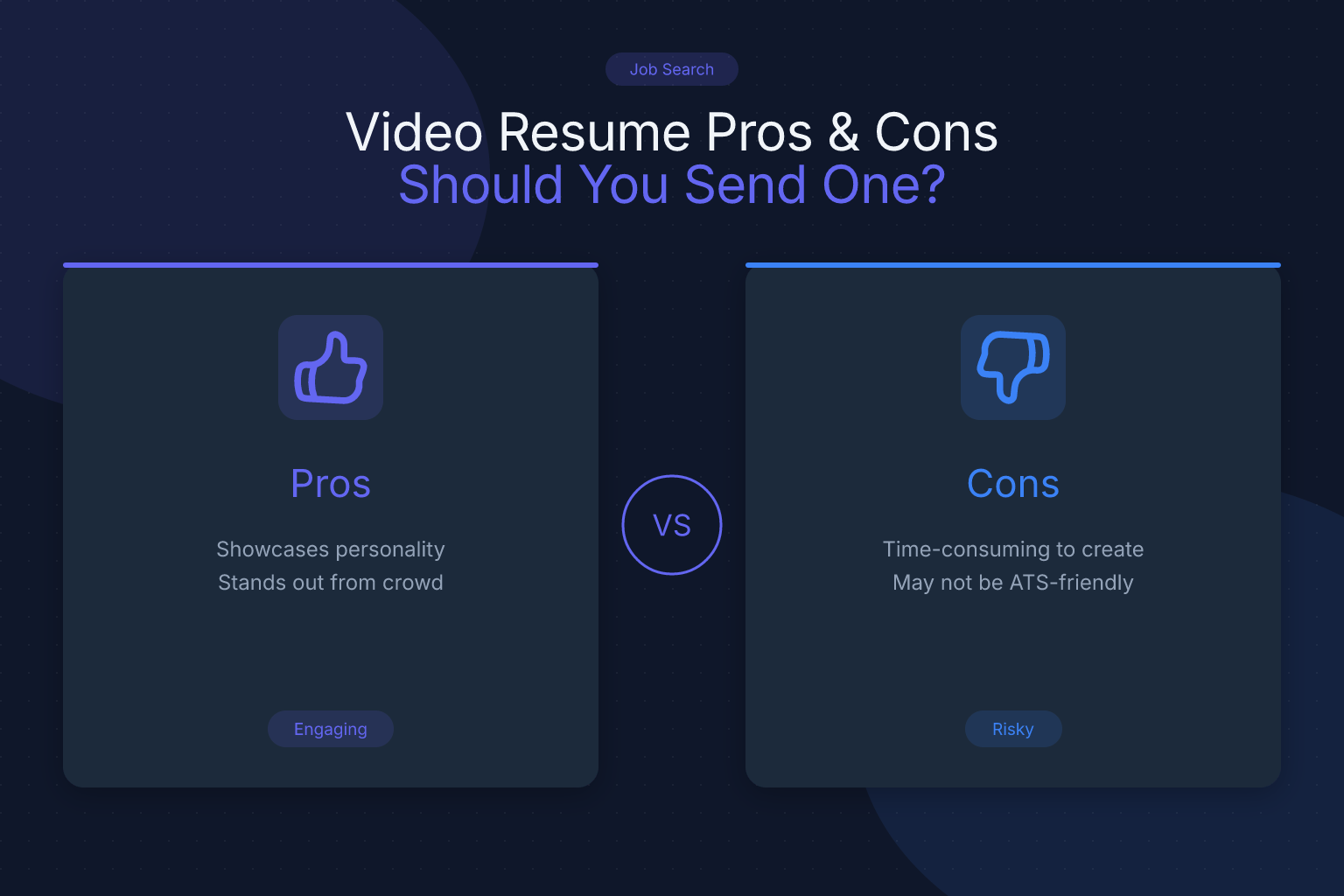
Video Resume Pros and Cons: Should You Send One?
A video resume pros and cons analysis helps you decide whether to hit record or stick with a traditional PDF. A video resume is a short, self-recorded clip where you introduce yourself, highlight your skills, and explain why you’re the right fit. It’s a supplement—not a replacement—for your written resume. This guide breaks down when a video helps, when it hurts, and how to create one that strengthens your candidacy.
Key Takeaways
- A video resume is a supplement, not a replacement for a traditional resume, and cannot be parsed by applicant tracking systems, so always submit a keyword-optimized PDF alongside it.
- Use a video resume only in creative, sales, or startup roles where personality and communication skills are valued; avoid it in conservative industries like finance or law where it may introduce bias or appear unprofessional.
- Keep the video under 90 seconds, start with a hook, highlight two to three specific achievements with numbers, and end with a clear call to action.
- Ensure professional production quality by using good lighting, a clean background, an external microphone, and host the video privately on YouTube (unlisted) or Vimeo rather than attaching the file.
- Tailor each video to the specific role and company, and integrate the link into your resume header, cover letter, or portfolio rather than sending it unsolicited.
What Is a Video Resume?
A video resume is a 30- to 90-second self-produced video where you pitch yourself to an employer. It’s not a recorded interview or a video cover letter, though the lines blur. A video cover letter addresses a specific job, while a video resume is a personal elevator pitch summarizing your background, key strengths, and career goals. You’ll see them in creative fields, sales roles, or on platforms like LinkedIn. In most traditional hiring processes, a video resume is optional—never a requirement.
Pros and Cons of Video Resumes
The Pros
Show personality and soft skills instantly. A written resume lists achievements; a video shows how you communicate. Recruiters hear your tone, see your enthusiasm, and gauge your presence—critical for client-facing or collaborative roles.
Stand out in a sea of text. Most applications look identical. A well-crafted video can make a recruiter pause. LinkedIn reports video content is shared 20 times more often than other formats, and that engagement extends to hiring.
Control the narrative. A video lets you connect the dots: why you switched careers, what drives you, or how a project shaped your skills. You can address an employment gap naturally, not defensively.
Demonstrate tech savviness and initiative. Recording and editing a clean video shows you’re comfortable with basic technology and willing to go the extra mile—a subtle signal for digital or remote roles.
The Cons
Unconscious bias becomes a factor. When a recruiter sees your face, hears your accent, or notices your age, gender, or ethnicity, bias—conscious or not—can creep in. A traditional resume strips away those identifiers, which is why many companies use blind screening.
ATS systems can’t process video. Applicant tracking systems scan text for keywords. A video file is invisible. If you send only a video, you’ll likely be rejected before a human sees it. Your written resume must still do the heavy lifting. Before you submit, use a free ATS resume score checker to ensure your document passes the initial screen.
Recruiters may not watch it. Hiring managers spend an average of six to ten seconds on a resume. Asking them to watch a 90-second video is a big ask. If it’s too long, poorly lit, or slow to start, they’ll click away—and that negative impression can spill over.
Technical and quality issues can sink you. Bad audio, shaky footage, or a cluttered background make you look unprofessional. Even a perfect video on your phone might not play on a recruiter’s corporate laptop. A broken link or large file creates a barrier, not a bridge.
It can come across as gimmicky. In conservative industries—finance, law, government, engineering—a video resume may be seen as unprofessional. If the company culture values formality, a video can work against you.
When to Use (and When to Skip) a Video Resume
When a Video Resume Makes Sense
- Creative and media roles: Designers, video editors, and content creators can use a video to demonstrate skills directly.
- Sales and customer-facing positions: If the job requires pitching or building rapport, a video proves you can do it.
- Startups and small companies: Smaller teams often value culture fit and personality as much as skills.
- When the job posting specifically requests it: Not sending one is a missed opportunity.
- As part of a portfolio or personal website: Embedding a video introduction on a portfolio website for resume links makes the site more dynamic.
When to Avoid a Video Resume
- Large corporations with formal ATS processes: Your application will be screened by software. Focus on a keyword-optimized PDF.
- Traditional or highly regulated industries: Banking, law, healthcare administration, and government expect a conservative approach.
- You’re not confident in your video production skills: A poorly made video is worse than none.
- The job description doesn’t mention or hint at video: Unsolicited videos can annoy recruiters.
- You’re concerned about bias: A video may expose you to unfair judgment before your qualifications are considered.
How to Create a Video Resume That Helps, Not Hurts
If you decide a video resume fits your target role, follow these steps.
1. Plan Your Script (But Don’t Read It)
Write a tight outline, not a word-for-word script. Structure it as:
- Hook (5–10 seconds): Your name, the role, and one compelling reason you’re excited.
- Body (30–50 seconds): Two or three specific achievements with numbers (“I increased social media engagement by 40% in six months”).
- Close (10–15 seconds): A call to action—invite them to view your portfolio, read your resume, or schedule a call.
2. Set Up Your Recording Space
- Lighting: Face a window or use a ring light. Light should be in front of you.
- Background: A plain wall or tidy, professional setting. No clutter or glitchy virtual backgrounds.
- Audio: Use an external microphone if possible. Test for echo and background noise.
- Camera: Position at eye level with a tripod or stack of books.
3. Dress the Part
Wear what you’d wear to an in-person interview. Solid colors work best; avoid busy patterns. Even for casual roles, err on the side of polished.
4. Record Multiple Takes
Record three to five versions and watch them back. Cut filler words (“um,” “like”) and awkward pauses. Pick the best take—authenticity beats over-rehearsed.
5. Edit Lightly
Trim the beginning and end. Add a simple title card with your name and the role. No flashy transitions, background music, or special effects.
6. Host It Privately
Upload to YouTube (unlisted) or Vimeo (password-protected). Never attach a video file to an email. Add the link to your resume header, cover letter, or portfolio.
7. Pair It with a Strong Traditional Resume
Your video is the hook; your resume is the proof. Use a free AI resume builder to create a clean, ATS-friendly PDF. When you tailor your resume to the job description, align the keywords and metrics with what you say on camera. For font choices that keep your resume scannable, see our guide on the best resume fonts for ATS readability.
How to integrate the video:
- In your resume header, add a subtle line: “Video introduction: [link].”
- In your cover letter, mention it in the opening paragraph.
- On LinkedIn, use the featured section to add a video introduction.
- On your portfolio site, embed the video on your about page.
Common Video Resume Mistakes to Avoid
- Going too long: Anything over 90 seconds tests patience. Aim for 60 seconds.
- Reading from a script: It kills connection. Use bullet points, not sentences.
- Poor audio quality: Bad audio makes you seem unprofessional. Invest in a basic microphone.
- Oversharing personal details: Keep it professional. Skip family, hobbies, or unrelated topics.
- Using a generic video for every application: Tailor each video to the specific role and company.
- Forgetting a call to action: Always end with a clear next step.
FAQ
Q: Do employers actually watch video resumes?
A: Some do, especially in creative fields or when requested. Many recruiters skip them due to time constraints. Make it short and compelling.
Q: Can a video resume replace a traditional resume?
A: No. It’s a supplement. Most companies require a text-based resume for their ATS and hiring workflows.
Q: What should I include in a video resume?
A: Your name, the role, two or three key achievements, and a call to action. Keep it under 90 seconds.
Q: How long should a video resume be?
A: 60 to 90 seconds is the sweet spot. Shorter is better.
Q: Are video resumes ATS-friendly?
A: No. ATS can’t parse video. You must submit a traditional, keyword-optimized resume.
Q: What industries accept video resumes?
A: Creative fields, sales, customer service, and startups are most receptive. Traditional industries often view them as unprofessional.
Q: How do I send a video resume?
A: Upload to a private platform (YouTube unlisted or Vimeo) and include the link in your resume header, cover letter, or email. Never attach a video file.
Related articles:
- CDL Driver Resume: Safety Records and Routes
- Company Website vs Job Board: Pros, Cons & Strategy
- Gmail vs Outlook for Resume Email: Which Should You Use?
Track Every Application While You Job Hunt
Stop losing track of where you’ve applied. The ResumeMate Job Tracker is a free Chrome extension that tracks every application, deadline, and follow-up in one place — right from your browser.
