
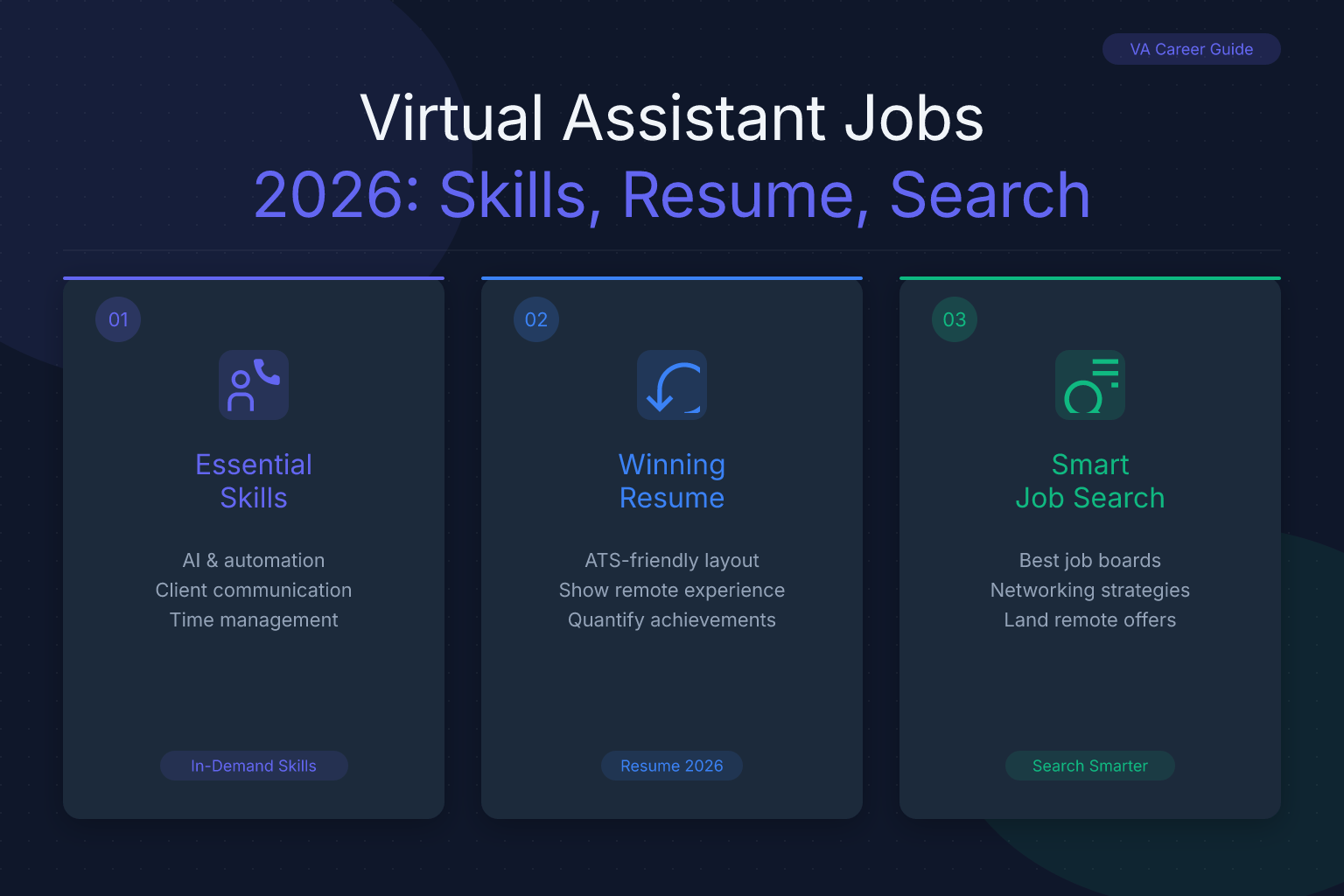
How to Land Virtual Assistant Jobs in 2026: Skills, Resume, and Search Guide
Virtual assistant jobs are one of the fastest-growing remote work categories, with companies of all sizes hiring VAs to handle administrative tasks, customer support, social media, and more. Whether you’re looking for a full-time remote position or a flexible side gig, the demand for skilled virtual assistants has never been higher. This guide walks you through the exact skills you need, where to find legitimate VA openings, how to build a resume that gets noticed, and how to ace the interview — so you can start landing virtual assistant jobs in 2026.
| What to Do | Why It Matters | Time |
|---|---|---|
| Identify your VA niche and core skills | Specialized VAs earn 30–50% more than generalists | 1–2 hours |
| Build an ATS-friendly resume with measurable results | Most VA job postings use applicant tracking systems that filter out vague resumes | 2–3 hours |
| Set up profiles on the right job platforms | Different platforms serve different VA niches; choosing the right ones cuts your search time in half | 1 hour |
| Prepare for common VA interview questions and test tasks | Many VA interviews include live skill assessments; practice prevents costly mistakes | 2–3 hours |
| Track every application and follow-up | Organized follow-ups increase your callback rate by up to 40% | Ongoing |
What Virtual Assistant Jobs Actually Look Like in 2026
Virtual assistant roles have evolved far beyond basic calendar management. Today’s VAs handle everything from executive support to specialized technical tasks. The most common categories include:
- Administrative VAs — email management, scheduling, data entry, travel booking, document preparation
- Executive VAs — high-level support for C-suite leaders, including project coordination, presentation creation, and stakeholder communication
- Social Media VAs — content creation, scheduling, community engagement, basic analytics across Instagram, LinkedIn, TikTok, and other platforms
- E-commerce VAs — product listing management, customer service, order processing, inventory tracking on platforms like Shopify and Amazon
- Real Estate VAs — lead management, MLS listing coordination, transaction paperwork, client follow-up
- Technical VAs — CRM setup and maintenance, email automation, basic website updates, data analysis
Pay varies widely by niche and experience. General administrative VAs typically earn $15–$25 per hour, while specialized VAs (e.g., those with HubSpot certification or advanced Excel skills) can command $35–$60+ per hour. Executive VAs supporting C-suite leaders often earn $50,000–$80,000 annually as full-time remote employees.
Skills That Make You Competitive for Virtual Assistant Jobs
Most VA job postings list a mix of hard and soft skills. You don’t need all of them, but the more you can demonstrate, the stronger your application.
Hard Skills Employers Look For
- Software proficiency: Microsoft 365 (especially Outlook, Excel, Teams), Google Workspace, Slack, Zoom, Asana, Trello, Notion, Salesforce, HubSpot
- Communication tools: Professional email writing, live chat support, phone etiquette
- Data management: Basic spreadsheet analysis, CRM data entry, file organization
- Social media tools: Canva, Hootsuite, Buffer, Meta Business Suite
- Bookkeeping basics: Invoicing, expense tracking, QuickBooks or FreshBooks familiarity
Soft Skills That Set You Apart
- Proactive communication — anticipating needs before being asked
- Time management — juggling multiple clients or tasks without dropping deadlines
- Discretion — handling confidential information professionally
- Adaptability — learning new tools quickly as client needs change
- Problem-solving — finding solutions independently rather than escalating every issue
If you’re missing a few hard skills, don’t let that stop you. Many successful VAs learned tools on the job. What matters most is showing you can learn fast and communicate clearly.
Where to Find Legitimate Virtual Assistant Jobs
Scams are common in the VA job market, so knowing where to look is critical. Here are the most reliable sources:
General Remote Job Boards
- FlexJobs (paid, but vets listings for legitimacy)
- We Work Remotely — large volume of VA and admin roles
- Remote.co — curated remote positions, many in support/admin
- Indeed and LinkedIn — use filters for “Remote” and search “Virtual Assistant”
VA-Specific Platforms
- Belay — hires US-based VAs for executive support, bookkeeping, web maintenance
- Time Etc — matches experienced VAs with entrepreneurs; requires 5+ years experience
- Fancy Hands — micro-task VA work; good for beginners building a portfolio
- Upwork and Fiverr — freelance marketplaces where you can create a VA profile and bid on projects
Niche Job Boards
- Real estate VAs: Real Estate Virtual Assistants (REVA), MyOutDesk
- E-commerce VAs: FreeeUp, OnlineJobs.ph (global talent, but many US/UK clients)
- Tech VAs: AngelList, We Work Remotely tech categories
Pro tip: Use the ResumeMate Job Tracker to save every VA job posting you find, log your application date, and set follow-up reminders. It’s free and works right from your browser — no more losing track of where you applied.
How to Write a Virtual Assistant Resume That Gets Interviews
Most VA job postings receive 100+ applications. Your resume needs to pass both the ATS scan and a busy hiring manager’s 6-second glance. Here’s how to build one that does both.
1. Choose a Clean, Single-Column Layout
Modern ATS systems parse single-column resumes most reliably. Avoid tables, graphics, and multi-column layouts that can scramble your information. ResumeMate’s free resume builder offers ATS-safe templates you can customize in minutes.
2. Write a Targeted Resume Summary
Your summary should state your VA niche, years of experience, and 2–3 measurable wins. For example:
“Detail-oriented virtual assistant with 4+ years supporting C-suite executives. Reduced scheduling conflicts by 40% through centralized calendar management. Proficient in Asana, Salesforce, and Google Workspace.”
If you’re new to VA work, focus on transferable skills:
“Organized administrative professional transitioning to virtual assistant roles. Managed office operations for a 15-person team, coordinated travel for 3 executives, and implemented a digital filing system that cut document retrieval time by 60%.”
For more examples across different roles, check out our resume summary examples for 20 roles.
3. Use Keywords from the Job Description
Most VA job postings are filtered through applicant tracking systems (ATS). If your resume doesn’t contain the right keywords, it may never reach a human. Pull phrases directly from the job description — tools, platforms, and specific skills mentioned. For a comprehensive list of ATS keywords across 50 job types, see our ATS resume keywords guide.
4. Quantify Your Achievements
Instead of “Handled email inbox,” write “Managed inbox of 200+ daily emails, reducing response time from 24 hours to under 4 hours.” Numbers make your impact concrete.
5. Include a Skills Section
List your hard skills in a dedicated section. Group them by category (e.g., “Software,” “Communication Tools,” “Project Management”) so the ATS and the hiring manager can scan them quickly.
Once your resume is ready, run it through the ResumeMate Score Checker to see how ATS-friendly it is and get section-by-section feedback — all free.
How to Tailor Your Resume for Different VA Niches
A generic resume won’t cut it when you’re applying to specialized VA roles. Here’s how to adjust your resume for three common niches:
Executive Virtual Assistant
- Emphasize confidentiality, calendar management across time zones, and travel coordination
- Highlight experience with board meeting prep, presentation creation, and stakeholder communication
- Mention tools like Microsoft Outlook, Zoom, and expense reporting software
E-commerce Virtual Assistant
- Focus on Shopify/Amazon seller central experience, order processing, and customer service metrics
- Include familiarity with inventory management tools, shipping platforms, and basic photo editing (Canva)
- Quantify results: “Processed 500+ monthly orders with 99% accuracy”
Social Media Virtual Assistant
- Showcase content creation, scheduling, and engagement metrics
- List platforms you’ve managed and tools like Hootsuite, Canva, and Meta Business Suite
- Include growth numbers: “Grew Instagram following from 2K to 15K in 6 months through consistent posting and community engagement”
For a deeper dive on tailoring resumes to job descriptions, read our ATS resume tailoring strategy guide.
Where to Build a Portfolio When You’re Just Starting
If you have no paid VA experience, a portfolio proves you can do the work. Here’s how to build one quickly:
- Offer free or discounted work to a small business owner — a local real estate agent, a friend’s e-commerce store, or a nonprofit. Do 10–15 hours of real tasks and document the results.
- Create sample work products — a mock social media content calendar, a sample travel itinerary, a cleaned-up spreadsheet, or a sample email automation sequence.
- Take on micro-tasks through Fancy Hands or Upwork — even $10 tasks give you a track record and a review.
- Document everything — save screenshots, metrics, and testimonials. Compile them into a simple PDF portfolio or a Notion page you can link in your resume.
How to Ace the Virtual Assistant Interview
VA interviews often include a practical test — a mock task like scheduling a meeting across time zones, drafting a professional email, or organizing a spreadsheet. Here’s how to prepare:
Common VA Interview Questions
- “How do you prioritize tasks when multiple clients need something urgently?”
- “Tell me about a time you made a mistake and how you handled it.”
- “What tools do you use for task management and communication?”
- “How do you handle confidential information?”
- “Describe your home office setup and internet reliability.”
How to Handle the Test Task
- Read the instructions twice before starting
- Ask clarifying questions if anything is ambiguous — this shows you’re thorough, not confused
- Double-check your work for typos, formatting errors, and missed details
- Submit your task with a brief note explaining your approach
Questions You Should Ask the Employer
- “What does a typical day look like for the VA in this role?”
- “How do you prefer to communicate — Slack, email, weekly video calls?”
- “What’s the biggest challenge your previous VA faced, and how could the next person overcome it?”
Asking smart questions signals that you’re thinking like a partner, not just an applicant.
Common Mistakes That Keep You from Landing Virtual Assistant Jobs
Even strong candidates sabotage their applications with avoidable errors. Here are the most frequent ones:
- Using a generic resume for every application — hiring managers can spot a one-size-fits-all resume instantly. Tailor it every time.
- Ignoring the job description’s specific tools — if the posting asks for Asana experience and your resume only mentions Trello, you’ll get filtered out.
- Applying without a portfolio or work samples — especially for social media and e-commerce VAs, showing beats telling.
- Poor communication during the interview process — slow email responses, typos, or missing a scheduled call signals you’ll be unreliable on the job.
- Not tracking your applications — you apply to 20 VA jobs, get 3 interview requests, and can’t remember which company is which. Use the ResumeMate Job Tracker to log every application, deadline, and follow-up so you never miss an opportunity.
How to Stand Out Once You Land the Job
Getting hired is step one. Building a reputation that leads to referrals and higher rates is step two. Here’s what top-performing VAs do differently:
- Overcommunicate in the first 30 days — send daily or weekly summaries of what you accomplished, what’s pending, and any questions. This builds trust fast.
- Create standard operating procedures (SOPs) — document your processes so the client can see your systems and you can hand off tasks if needed.
- Suggest improvements proactively — after you’ve settled in, identify one inefficiency and propose a solution. This shifts you from task-doer to strategic partner.
- Track your wins — keep a running list of problems you solved, time you saved, and positive feedback. Use these to negotiate rate increases or land your next client.
FAQ
Q: What exactly does a virtual assistant do?
A: A virtual assistant provides remote administrative, technical, or creative support to businesses and entrepreneurs. Tasks range from email management and scheduling to social media content creation, customer service, data entry, and bookkeeping. The specific duties depend on the client’s needs and the VA’s niche.
Q: Do I need experience to get virtual assistant jobs?
A: Not necessarily. Many entry-level VA roles require only strong organizational skills, reliable internet, and proficiency with common tools like Google Workspace. You can build experience through micro-task platforms, volunteer work, or by creating sample projects that demonstrate your abilities.
Q: How much can I earn as a virtual assistant?
A: General administrative VAs typically earn $15–$25 per hour. Specialized VAs (e-commerce, executive support, technical) can earn $35–$60+ per hour. Full-time executive VAs often earn $50,000–$80,000 annually. Your rate depends on your niche, experience, and the client’s budget.
Q: Where can I find legitimate virtual assistant jobs without getting scammed?
A: Stick to reputable platforms like FlexJobs, We Work Remotely, Belay, Time Etc, and Upwork (with verified clients). Avoid any posting that asks for upfront fees, promises unrealistic earnings, or refuses to provide clear job details. Research the company before applying.
Q: What should I put on my resume if I’ve never been a VA before?
A: Highlight transferable skills from previous roles — administrative support, customer service, project coordination, data entry, or social media management. Use a resume summary that connects your past experience to VA tasks, and include a skills section listing relevant tools you know. A portfolio of sample work can also compensate for lack of direct VA experience.
Q: How do I handle multiple VA clients without burning out?
A: Use a task management tool (Asana, Trello, Notion) to track deadlines across clients. Set clear boundaries around your working hours and communicate them upfront. Batch similar tasks (e.g., all email management in one block) to reduce context-switching. If you’re overloaded, raise your rates or drop your lowest-paying client.
Q: Is a virtual assistant job the same as a remote administrative assistant?
A: They overlap significantly, but “virtual assistant” often implies a freelance or contract relationship with multiple clients, while “remote administrative assistant” typically refers to a full-time employee supporting one company. The skills are largely the same, and many people move between the two.
Related articles:
- Warehouse Associate Resume: Picking, Packing & Safety Skills
- Accountant Resume Examples with CPA and GAAP Skills
- Architect Resume: Showcasing Design & Technical Skills
- Video Editor Resume Example: Reel, Skills & Projects
- Business Analyst Jobs: 2026 Guide to Roles, Skills, Landing
Track Every Application While You Job Hunt
Stop losing track of where you’ve applied. The ResumeMate Job Tracker is a free Chrome extension that tracks every application, deadline, and follow-up in one place — right from your browser.
