
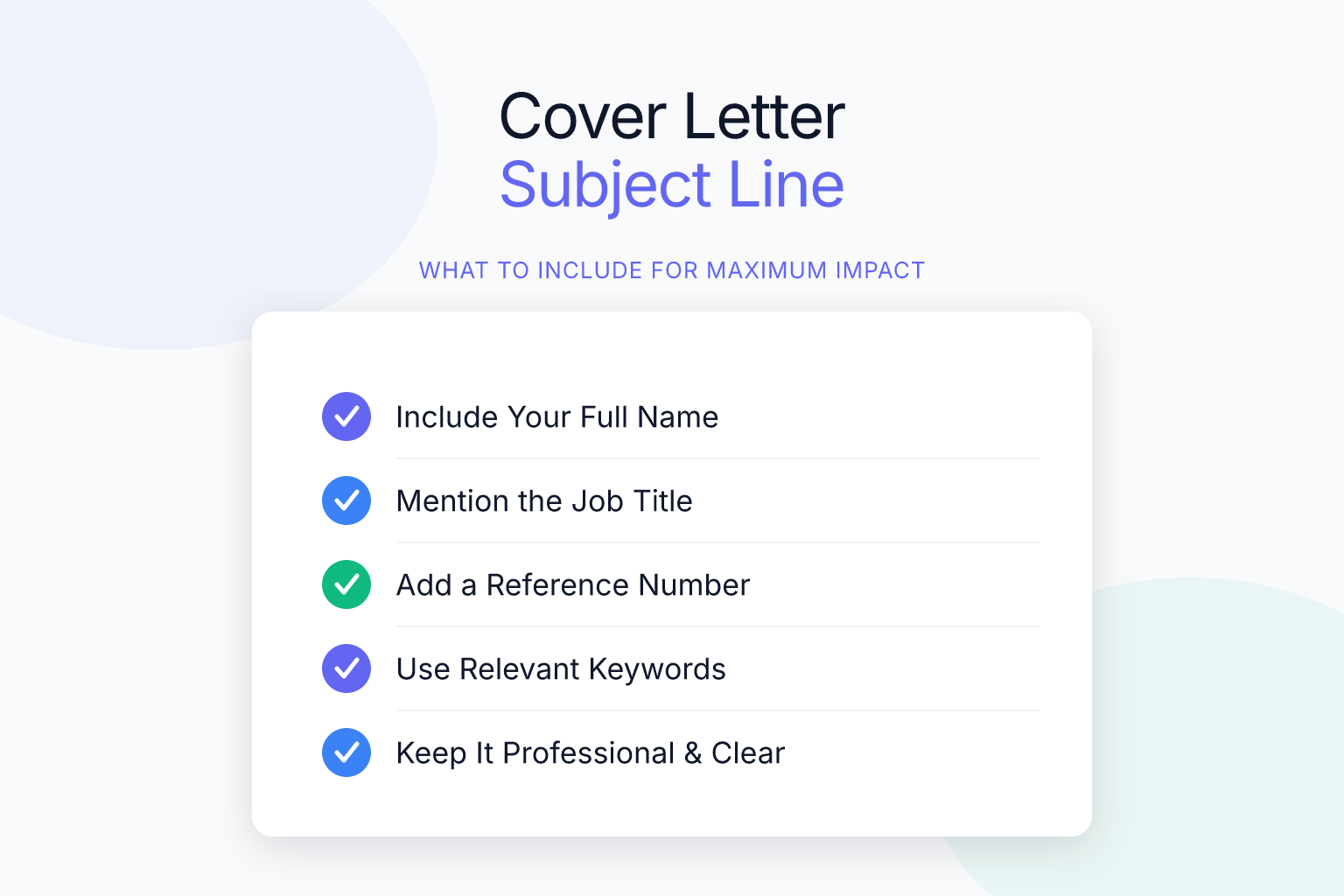
Your cover letter subject line is the first thing a hiring manager sees — and often the deciding factor in whether your email gets opened. What to put in a cover letter subject line can mean the difference between landing an interview and getting lost in a crowded inbox. A clear, specific subject line signals professionalism and makes it easy for a recruiter to find your application later. This guide breaks down exactly what to include, what to avoid, and how to tailor your subject line for different situations.
Key Takeaways
- A cover letter subject line should include the job title, your full name, and a reference to the application (e.g., ‘Job Title – Your Name – Cover Letter’) to ensure it gets opened and is easily searchable.
- Avoid vague subject lines like ‘Job Application’ because recruiters handle multiple roles and need specifics to prioritize your email.
- If you have a referral, put the referrer’s name at the beginning of the subject line (e.g., ‘Referred by [Name]: Job Title – Your Name – Cover Letter’) to increase the chance of being opened.
- Keep the subject line under 50 characters to prevent truncation on mobile devices, and place the most important information (job title) first.
- Always proofread the subject line for typos, as errors can make you appear careless before the email is even opened.
Key Takeaways:
- A cover letter subject line should include the job title, your name, and a reference to the application to ensure it gets opened.
- Avoid vague phrases like “Job Application” — recruiters receive hundreds of emails and need specifics to prioritize yours.
- For referrals, mention the referrer’s name in the subject line to boost open rates.
- Keep the subject line under 50 characters to prevent truncation on mobile devices.
- Always proofread the subject line; a typo can make you look careless before the email is even opened.
What to Put in a Cover Letter Subject Line: The Basics
A strong cover letter subject line does three things: it identifies the job you’re applying for, it includes your name, and it makes the purpose of the email obvious. Recruiters often manage dozens of open roles and receive hundreds of emails a day. If your subject line is vague, your application may never get opened — or worse, it could be mistaken for spam.
The most reliable format is:
Job Title – Your Name – Cover Letter
For example:
- Senior Product Manager – Alex Chen – Cover Letter
- Data Analyst Application – Jordan Taylor
- Marketing Coordinator Role – Priya Patel – Cover Letter
This structure works because it puts the most important information first. The job title tells the recruiter which role you’re targeting. Your name makes the email searchable later. And the word “Cover Letter” or “Application” confirms the email’s purpose at a glance.
If the job posting asks for a specific subject line format, follow those instructions exactly. Some companies use applicant tracking systems (ATS) that parse subject lines to route emails. Ignoring a requested format can get your application filtered out before a human ever sees it.
Here are additional real-world examples you can adapt:
- Standard application: Customer Success Manager – Sam Williams – Cover Letter
- Application with a referral: Referred by Maria Gonzalez: UX Designer – David Kim – Cover Letter
- Application for a role without a specific job title: Marketing Internship Application – Taylor Brooks
- Application to a generic careers@ email: Social Media Coordinator Position – Alex Rivera – Cover Letter
- Application with a requisition number: Financial Analyst (Req #7823) – Priya Mehta – Cover Letter
- Creative industry (slightly more personal, still professional): Graphic Designer Role – Jordan Lee – Portfolio & Cover Letter
Notice that every example includes the role and the applicant’s name. That’s the non-negotiable core. Everything else is context that helps the recruiter prioritize your email.
The Anatomy of a Strong Cover Letter Subject Line
Beyond the basic formula, a few small tweaks can make your subject line even more effective. Here’s what to consider:
1. Lead with the job title
Put the role you’re applying for at the very beginning. Many recruiters scan subject lines on their phone, where only the first 30–40 characters appear. If you start with your name, they may not see the job title at all.
Do: Software Engineer – Taylor Reed – Cover Letter
Don’t: Taylor Reed – Software Engineer Application
2. Use your full name
Avoid nicknames or just a first name. Your full name makes it easy for the hiring manager to search their inbox later. If you go by a preferred name, you can use it in the body of the email, but the subject line should match your resume and application form.
3. Add a reference number if provided
Some job postings include a requisition ID or reference number. Including it shows attention to detail and helps large HR departments sort applications.
Example: Project Manager (Req #4521) – Jamie Rivera – Cover Letter
4. Keep punctuation clean
Avoid exclamation points, all caps, or special characters. They can trigger spam filters and look unprofessional. A simple dash or colon is enough to separate elements.
Common Subject Line Mistakes That Get Your Email Ignored
Even a great cover letter won’t get read if the subject line turns the recruiter off. Here are the most common mistakes and how to fix them:
- Vague subject lines: “Job Application” or “Resume” tells the recruiter nothing. They may have 15 open roles. Be specific.
- Leaving the subject line blank: This is the fastest way to get deleted or marked as spam. Always fill it in.
- Using all caps or excessive punctuation: “URGENT!!! JOB APPLICATION!!!” looks desperate and unprofessional.
- Making it too long: Subject lines over 50–60 characters get cut off on mobile. Put the key info first.
- Including the wrong job title: Double-check that you’re referencing the correct role. A copy-paste error can instantly disqualify you.
- Using a generic greeting as the subject: “Dear Hiring Manager” belongs in the body, not the subject line.
- Forgetting to update the subject line when repurposing an old email thread: If you’re replying to a previous conversation, start a new email with a fresh subject line instead of hijacking an old thread.
Subject Line Tips for Different Application Scenarios
Not every job application looks the same. Here’s how to adjust your subject line for a few common situations.
When you have a referral
A referral can dramatically increase your chances of an interview, but only if the recruiter knows about it. Your subject line should make the connection immediately clear.
Use this format:
Referred by [Name]: [Job Title] – [Your Name] – Cover Letter
Example: Referred by Sarah Chen: Operations Manager – Michael Torres – Cover Letter
If the referrer is well-known in the company, their name alone can prompt an open. Even if the recruiter doesn’t recognize the name, the word “Referred” signals that someone inside the organization vouched for you. When you have a referral, also mention the person’s name in the first sentence of the email body. But the subject line is what gets the email opened, so lead with it there.
Applying via a job portal
Many companies now use online application portals (Workday, Greenhouse, Lever, etc.) where you upload your cover letter and resume directly. In those cases, you don’t send an email — so there’s no subject line to worry about.
However, some portals ask you to paste your cover letter into a text box or include a “notes” field. If there’s a subject line field, treat it the same way: job title, your name, and the word “Application.” If the portal doesn’t have a subject line field, you can skip this step entirely.
When you do need to email your application — for example, to a small company or a hiring manager directly — the subject line rules still apply. Even if the job posting says “email your resume to careers@company.com,” a clear subject line helps the person on the other end sort your message.
Applying to a job you found on LinkedIn
If the posting says “Easy Apply” and you’re sending a message through LinkedIn, the subject line is often auto-generated. If you’re emailing, use the standard format. You can also add “LinkedIn” if you want to reference where you saw the role: Content Strategist (via LinkedIn) – Avery Morgan – Cover Letter.
Applying to a company that isn’t actively hiring
When you’re sending a cold application or a letter of interest, the subject line should still be specific. Use the department or role type you’re targeting: Graphic Design Opportunities – Riley Thompson – Portfolio & Cover Letter. For more on this, see our guide on what to put in a cover letter when there is no job posting.
Applying for a remote position
You can add “Remote” to the subject line if it’s not obvious from the job title. Example: Remote Customer Support Specialist – Jordan Lee – Cover Letter. This helps the recruiter immediately know you’re applying for the remote version of the role. For more on remote applications, read our article on how to write a remote job cover letter with examples.
Applying as a career changer
If you’re pivoting industries, the subject line doesn’t need to explain your career change — that’s what the cover letter body is for. Stick to the standard format. But make sure your cover letter addresses the transition clearly. Our guide on how to write a career change cover letter walks you through it.
What Should You Cover in a Cover Letter? (And How the Subject Line Connects)
Your subject line sets the expectation for what’s inside. If the subject line promises a cover letter for a specific role, the body of the email needs to deliver. Here’s a quick overview of what every cover letter should include:
- A professional greeting: Address the hiring manager by name if possible.
- An opening hook: Mention the role and why you’re excited about it.
- Your relevant experience: Connect your skills to the job requirements with specific examples.
- Why you want to work at this company: Show you’ve done your research.
- A call to action: Invite them to review your resume and express interest in an interview.
- A polite closing: Thank them for their time and include your contact information.
If your subject line says “Marketing Manager – Alex Rivera – Cover Letter,” the email body should immediately reference the Marketing Manager role and Alex’s qualifications. Consistency between the subject line and the content builds trust.
A great subject line gets your email opened. A strong cover letter keeps the reader engaged. But your resume is what ultimately determines whether you get an interview. After you send that email, make sure your resume is ready to pass through an applicant tracking system. Use ResumeMate’s free AI resume builder to create a clean, single-column resume that exports as a text-based PDF — the format modern ATS platforms parse reliably. Then run it through the resume score checker to see exactly how an ATS reads your experience, skills, and education. You’ll get a section-by-section breakdown and actionable tips to improve your score before a recruiter ever sees it.
FAQ
Q: What is the best subject line for a cover letter email?
A: The best subject line includes the job title, your full name, and a clear reference to the application. A format like “Job Title – Your Name – Cover Letter” works in almost every situation. If you have a referral, add “Referred by [Name]” at the beginning.
Q: Should I put the job title in the subject line?
A: Yes, always. The job title is the most important piece of information because it tells the recruiter which role you’re applying for. Without it, your email may be overlooked or misfiled.
Q: How long should a cover letter subject line be?
A: Aim for under 50 characters. Mobile email clients often truncate subject lines around 35–40 characters, so put the job title first. If you need to include a referral or requisition number, keep the total under 60 characters.
Q: Can I use the same subject line for every application?
A: You can use the same structure, but you must customize the job title and your name for each role. Never send an application with a subject line that references a different job — it’s a common mistake that can cost you the opportunity.
Q: What if the job posting doesn’t specify a subject line format?
A: Use the standard format: “Job Title – Your Name – Cover Letter.” If the posting includes a requisition number, add it. When in doubt, clarity and professionalism are always safe.
Q: Should I include my name in the subject line?
A: Yes. Your full name makes the email searchable and helps the recruiter connect your application to your resume and other materials. Use the same name that appears on your resume.
Q: What should I avoid in a cover letter subject line?
A: Avoid vague phrases like “Job Application,” all caps, excessive punctuation, emojis, and overly casual language. Also avoid leaving the subject line blank or using a generic greeting like “Dear Hiring Manager” as the subject.
Q: Does the subject line matter if I’m applying through a job portal?
A: If the portal doesn’t have a subject line field, you don’t need to worry about it. But if you’re emailing your application directly, the subject line is critical. Some portals that ask you to email your application will still benefit from a clear subject line.
Related articles:
- What Questions Do Employers Ask in Reference Checks? (Tips)
- Resume Statistics: What Data Says About Hiring in 2026
Track Every Application While You Job Hunt
Stop losing track of where you’ve applied. The ResumeMate Job Tracker is a free Chrome extension that tracks every application, deadline, and follow-up in one place — right from your browser.
